ANSER CODING INC. 17 A1 User Interface
Item Icon Description
6
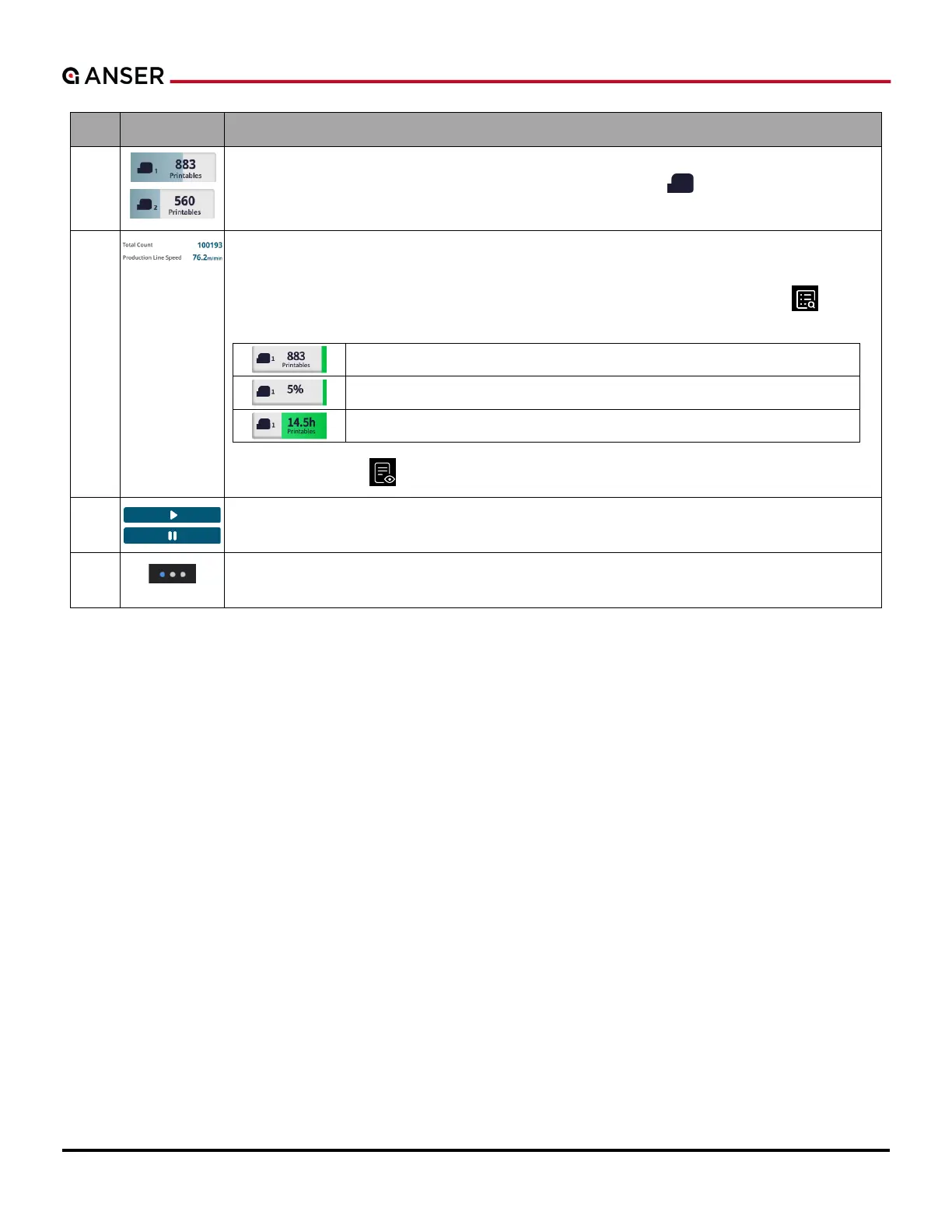
Ink Cartridge Information: Shows cartridge statuses. The icon is colored if a printhead is
connected, otherwise it grays out. The color of cartridge icon “ ” changes accordingly.
Press to enter Printhead Settings page and set Pre-Purge and Cartridge Idle Alert.
7
Information Display Area: It shows information about printing statistics such as Total Count,
Printables, Time Elapsed, etc.
Press to enter Production Line Information page, and hit Information Display “ ” to see
more parameters to be shown. Select up to 3 parameters.
Remaining printable counts.
The percentage of remaining ink levels.
Printable time left.
Use Print Preview “ ” to change message unit: mm, inch, or pixel.
8
Print Start/Stop Button: To start or stop printing. If no ink cartridge is installed, the button
grays out.
9
Production Line Page Select: Show the total number of production line and the current page
is highlighted in blue. Press the dot to go to a particular production line page.



 To Next Page