Commissioning • Connection of USB peripheral devices
Section 3
Commissioning
261Automation PC 620 with 945GME N270 CPU board User's Manual V 1.10
6. Connection of USB peripheral devices
6.1 Local on the APC620
Many different peripheral USB devices can be connected to the 2 or 4 (APC embedded) USB
interfaces. The maximum current load values and transfer speeds can be found in Sections
"USB port", on page 114 and "USB connection (only APC620 embedded)", on page 115.
Warning!
Peripheral USB devices can be connected to the USB interfaces. Due to the vast
number of USB devices available on the market, B&R cannot guarantee their
performance. B&R does ensure the performance of all USB devices that they
provide.
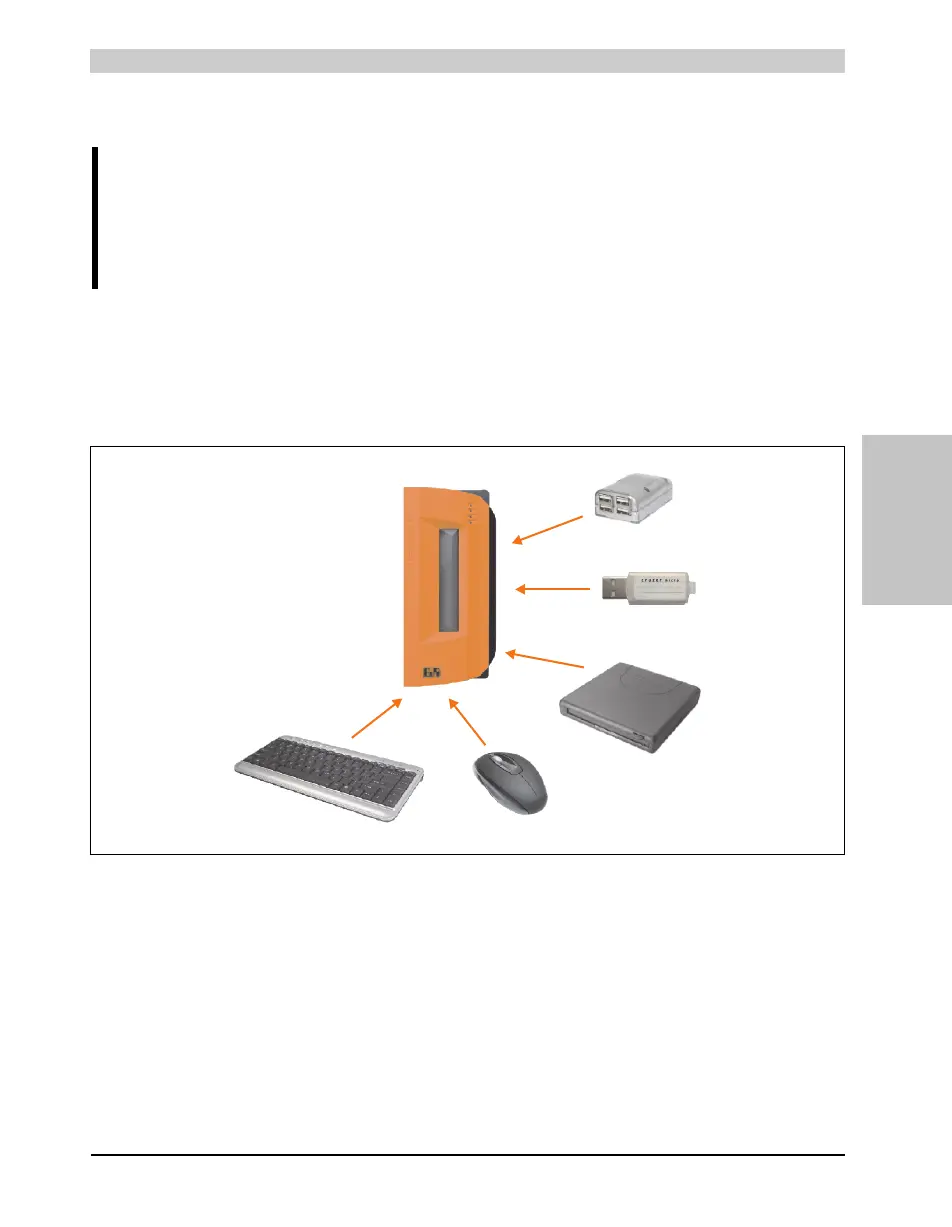
Figure 114: Local connection of USB peripheral devices on the APC620
USB 2.0
USB 2.0
USB memory media
e.g. flash drive
USB drives
e.g. CD ROM drive
USB display devices
e.g. mouse
USB input devices
e.g. keyboard
USB 1.1
USB 1.1
USB 2.0
USB port expansion
e.g. Hub



 To Next Page
 Loading...