General Explanation Repair
Messages
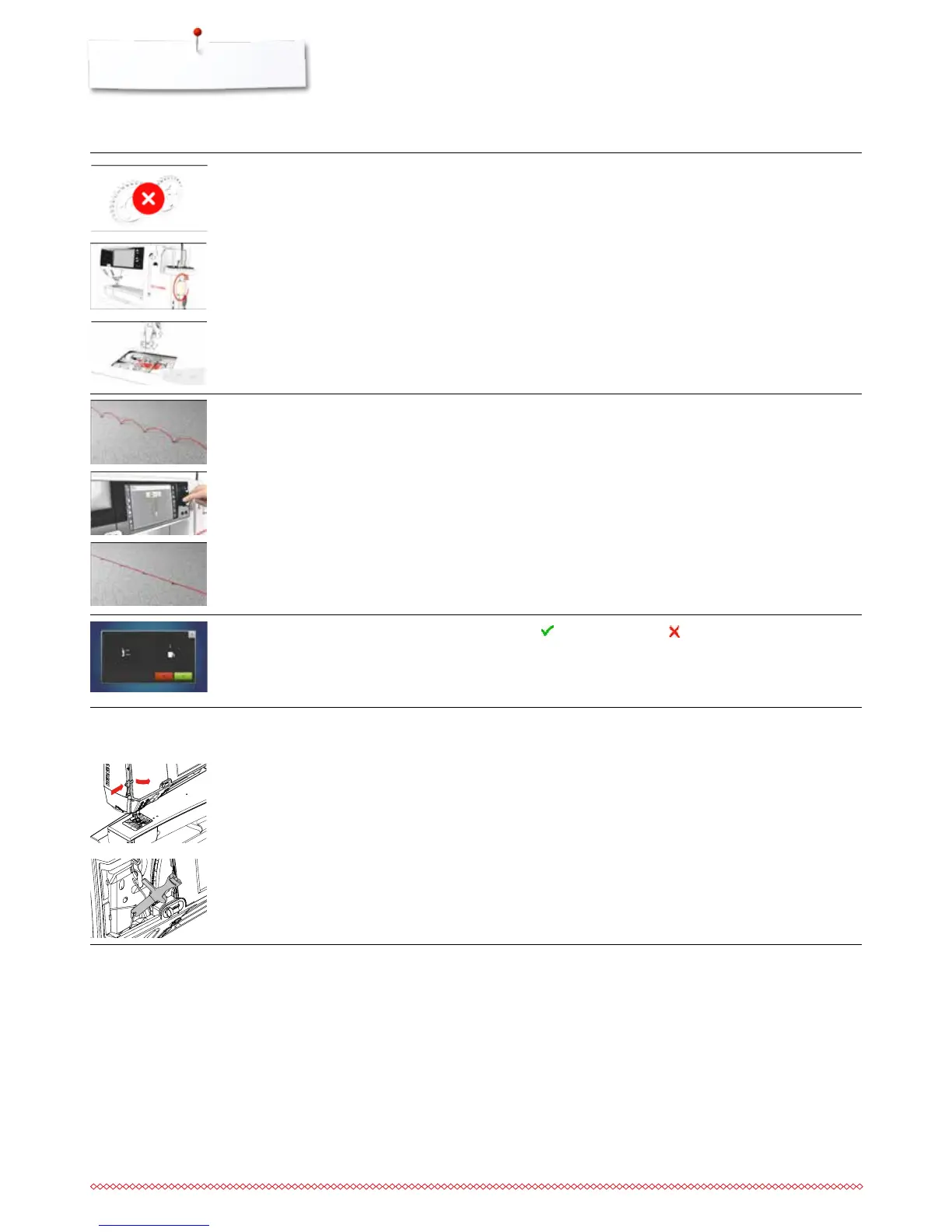
the button of the automatic thread
cutter has been pressed and the
needle is blocked at the bottom
loop formation while sewing
deleting or overwriting data
⦁
turn the sewing-/embroidery computer off
⦁
turn the handwheel clockwise until the needle is at highest
position
⦁
remove the stitch plate
⦁
remove thread remnants
⦁
attach the stitch plate and turn the sewing-/embroidery
computer on
⦁
adjust the thread tension in the thread tension Display
⦁
touch to confirm or touch to cancel
the thread has been caught in the hook
area
Remove the cover on the left of the Display as follows:
⦁
using the left hand, insert the multifunctional tool into the slot
on the left side of the cover and press onto the latch
⦁
simultaneously remove the cover towards you with the right
hand
⦁
disengage the needle bar using the multifunctional tool
⦁
remove the needle
⦁
attach the cover and push backwards until it engages
⦁
for further proceeding please refer to «Hook jammed»
Thread jam in the hook
with the needle down



 To Next Page