General Explanation Repair
Messages
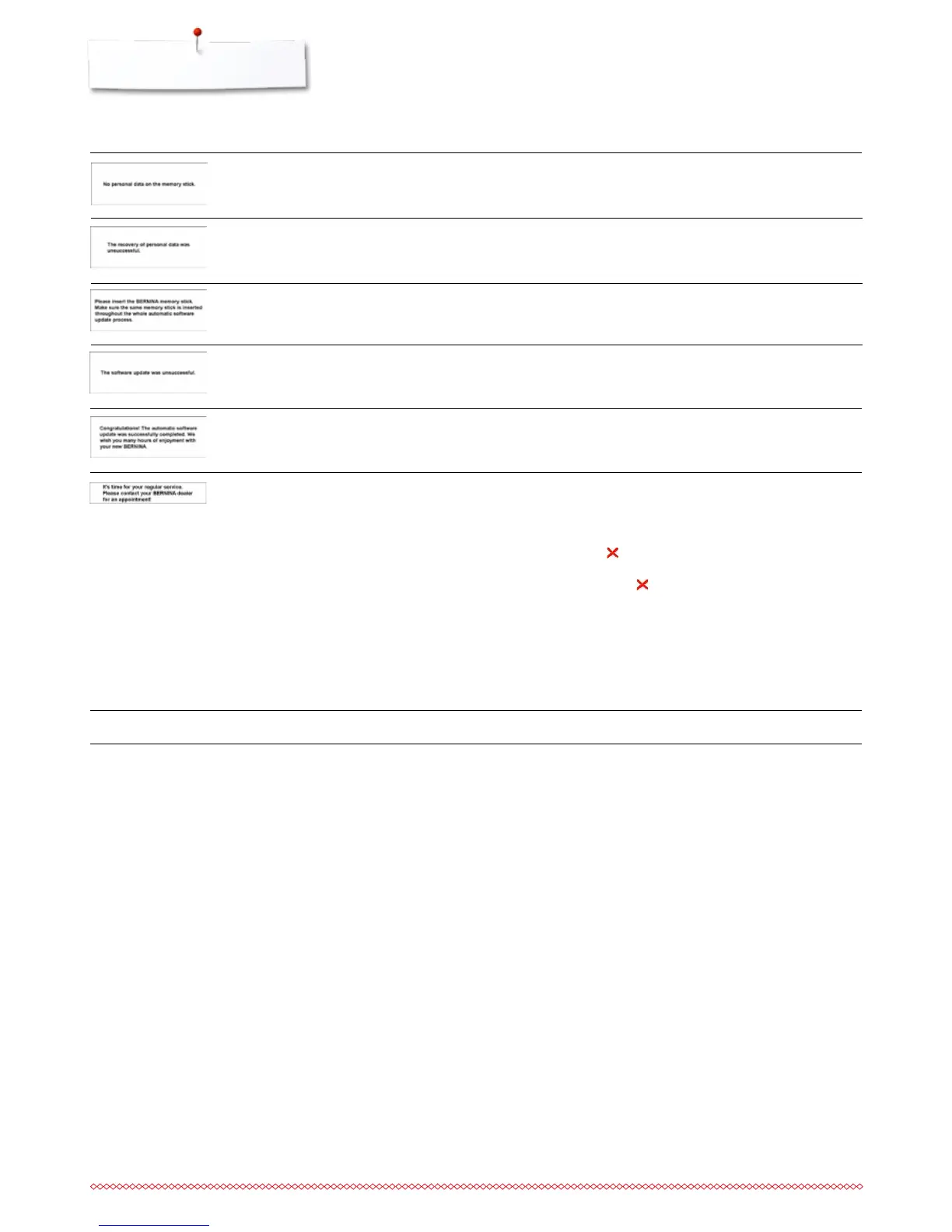
update successful
the new software version is not
available on the USB stick
it is time for the regular maintenance.
Please contact your BERNINA dealer
or your BERNINA service address
⦁
the sewing-/embroidery computer has been provided with the
latest software version
⦁
save the new software version on the BERNINA USB stick
and start the update again
⦁
the sewing-/embroidery computer must be taken to an
authorised BERNINA dealer/servicing shop. The
announcement appears after completing the programmed
service interval. The message can be deleted temporarily by
touching the field but will reappear when the sewing-/
embroidery computer is next restarted. Having cleared the
announcement via the
three times, the announcement will
appear as recently as the next service interval has been
completed. Having your sewing-/embroidery computer
cleaned and serviced properly at the appropriate times
ensures its proper functioning and long service life. Failure to
do so may adversely affect service life and limit the
guarantee. The charge for servicing is nationally regulated –
consult your dealer or servicing shop for details
during the update process personal
data was not saved on the USB stick
BERNINA USB stick is not inserted
⦁
the software was correctly updated. Personal data could not
be recovered
⦁
insert BERNINA USB stick and do not remove during the
update process
no personal data available on the USB
stick
⦁
check whether the correct USB stick is inserted and re-start
the sewing computer
the sewing computer keeps restarting
⦁
please contact your specialized BERNINA dealer
Fatal Error



 To Next Page