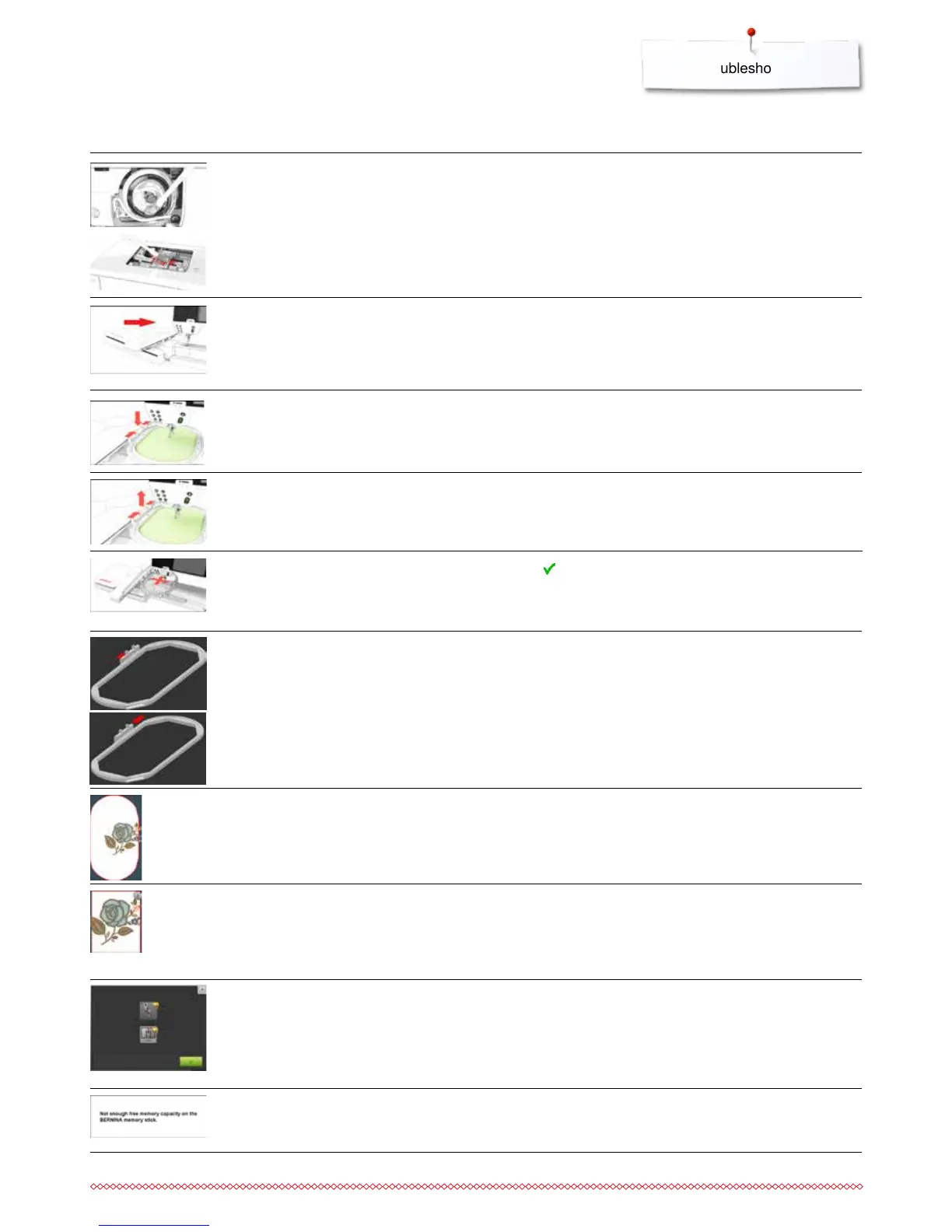
General Explanation Repair
Messages
the hoop moves
⦁
touch to confirm
embroidery hoop attached
⦁
remove the hoop
embroidery motif is partly outside the
hoop
embroidery motif is too large
less free space on the USB stick
⦁
reposition the motif. The area within the hoop can be
embroidered
⦁
reduce the motif size or attach a bigger hoop. The area within
the hoop can be embroidered
⦁
delete data from USB stick
the embroidery process cannot
proceed
⦁
move Mega-Hoop to center position and resume
embroidering
no embroidery hoop attached
embroidery module has not been
attached yet
embroidery module has not been
correctly attached
⦁
attach the hoop
⦁
connect the embroidery module to the sewing computer
⦁
check the embroidery module connection
maintaining the sewing-/embroidery
computer
⦁
open the bobbin cover and remove the bobbin
⦁
turn sewing-/embroidery computer off
⦁
remove presser foot, needle and stitch plate
⦁
clean the sewing-/embroidery computer as instructed
embroidering cannot be started
⦁
the recommended foot/the recommended stitch plate or an
adequate alternative has to be selected


 To Next Page