!
140 ATOMLAB 500 DOSE CALIBRATOR
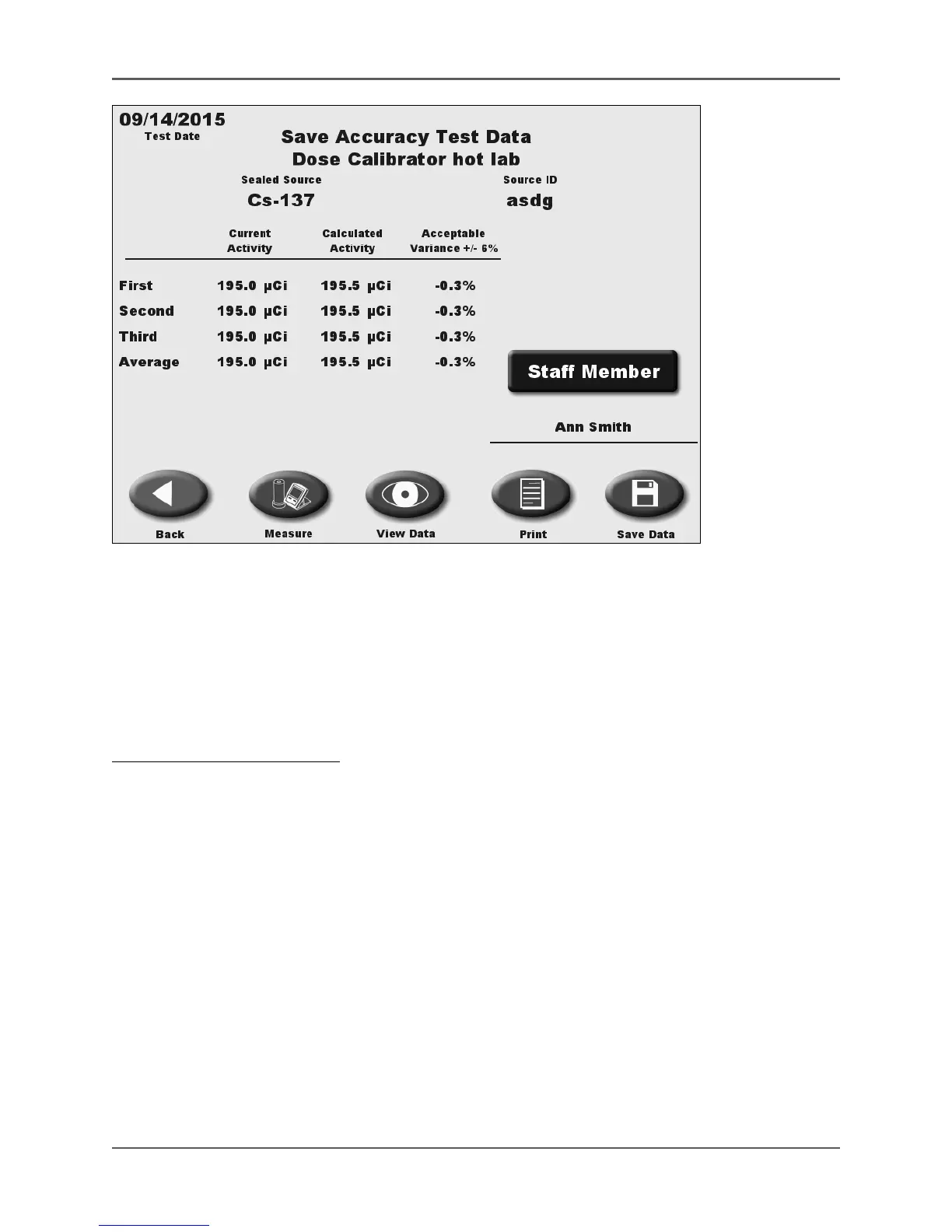
Figure 6.11. The Save Accuracy Test data screen.
The Accuracy Test is similar to the Geometry Test, except three readings are completed, then
averaged. Accuracy means a determination of the dose calibrator’s absolute error resulting
from a measurement of a suitable NIST - traceable radionuclide activity. Traceable sources are
available from NIST and from many radioisotope suppliers. At least two sources with different
principal photon energies (such as Co-57, Cs-137 or Co-60) should be used. One should have a
principal photon energy between 100 keV and 500 keV.
To Perform An Accuracy Test:
1. From the QA Dose Calibrator screen touch <Accuracy Test>. The Accuracy Test screen is
now displayed.
2. If only one detector is connected, skip to step 3. If more than one detector is connected,
touch <Select Detector> and select the detector to test. Zero Background if necessary.
3. Touch <Select Sealed Source> and then select the desired source as previously described.
NOTE: You must have previously entered the sealed source into memory.
NOTE: You can select your default sealed source, which will be the first source displayed
when you enter the Constancy screen. Set the default in Sealed Source Set Up. Otherwise,
the first source displayed will be the first source on your Sealed Source List.
4. Place the sealed source in the dipper and position it in the dose calibrator detector. When
the reading stabilizes, press <Record Reading>.
5. Remove the source from the dose calibrator. Insert the source into the detector again. Press
<Record Reading> after the reading has stabilized.



 To Next Page