!
158 ATOMLAB 500 DOSE CALIBRATOR
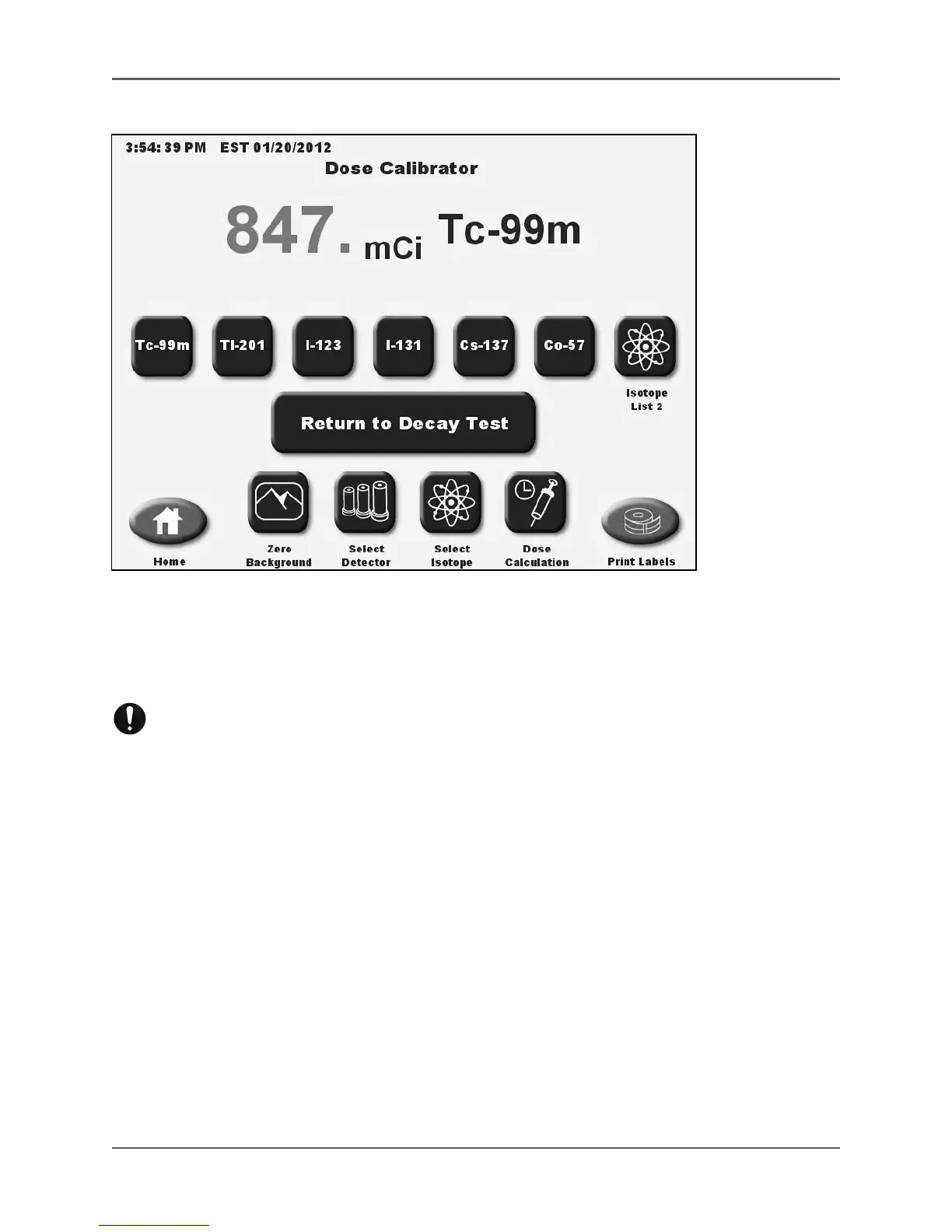
Figure 6.28. The Measuring screen during <Pause Test>.
13. Touch <Measure> to advance to the Measure screen and use the system as a standard dose
calibrator. Touch <Return to Decay Test> on the Measure screen to return to the automated
decay test. Then touch <Resume Test> to resume the Automated Decay Test.
NOTE: Remember to place the source back into the detector before you select
<Resume Test>.
NOTE: If the time for the reading has passed, the system will take a reading and record the
time once you have resumed the test. It does not skip a reading that was not taken at the
correct time.



 To Next Page