!
166 ATOMLAB 500 DOSE CALIBRATOR
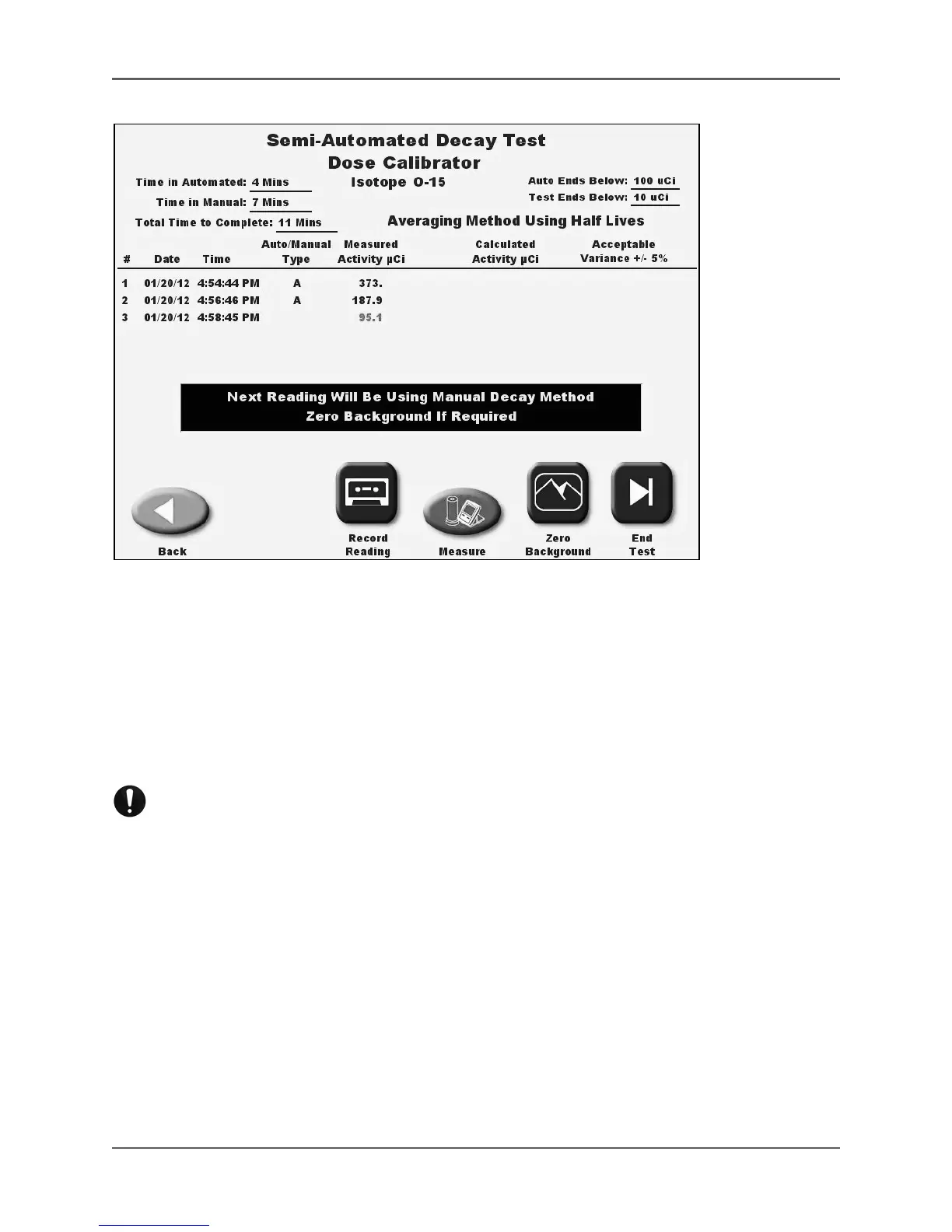
Figure 6.36. The Semi-Automated Switchover to Manual Mode screen.
10. Touch <Start Test> to record the first reading. The system will automatically show the
isotope activity as it is decaying and the clock time increasing from when the test began.
The system will automatically take the next reading, and the ones after that at the proper
elapsed time, until the activity set for automated Ends Below is reached.
11. When the activity level set for automated Ends Below is reached, the system will display a
message that it is changing to manual readings. From that point, any readings require the
user to touch <Record Reading> to take the reading.
NOTE: Once the system switches to manual mode, remove the source and dipper from the
detector and perform a Zero Background before putting the source and dipper back into the
detector and recording a reading.
12. Once the reading has stabilized after the source has been returned to the detector, touch
<Record Reading>. The reading is recorded and the next line for the manual Semi-Auto-
mated Decay Test is displayed. The system will continue to display a live reading until
<Record Reading> is selected.
13. Continue taking readings at the appropriate time intervals by touching <Record Reading>.
NOTE: Touch <Pause> at any time during the automated portion to pause the test and
allow use of the dose calibrator for counting and other functions, such as choosing
<Measure> to return to standard DOSE CALIBRATOR OPERATION.
NOTE: When in the manual portion of the test you can press <Measure> to go to the
Measure screen to use the system as a Dose Calibrator.



 To Next Page