!
Biodex Medical Systems, Inc. © 2016 173
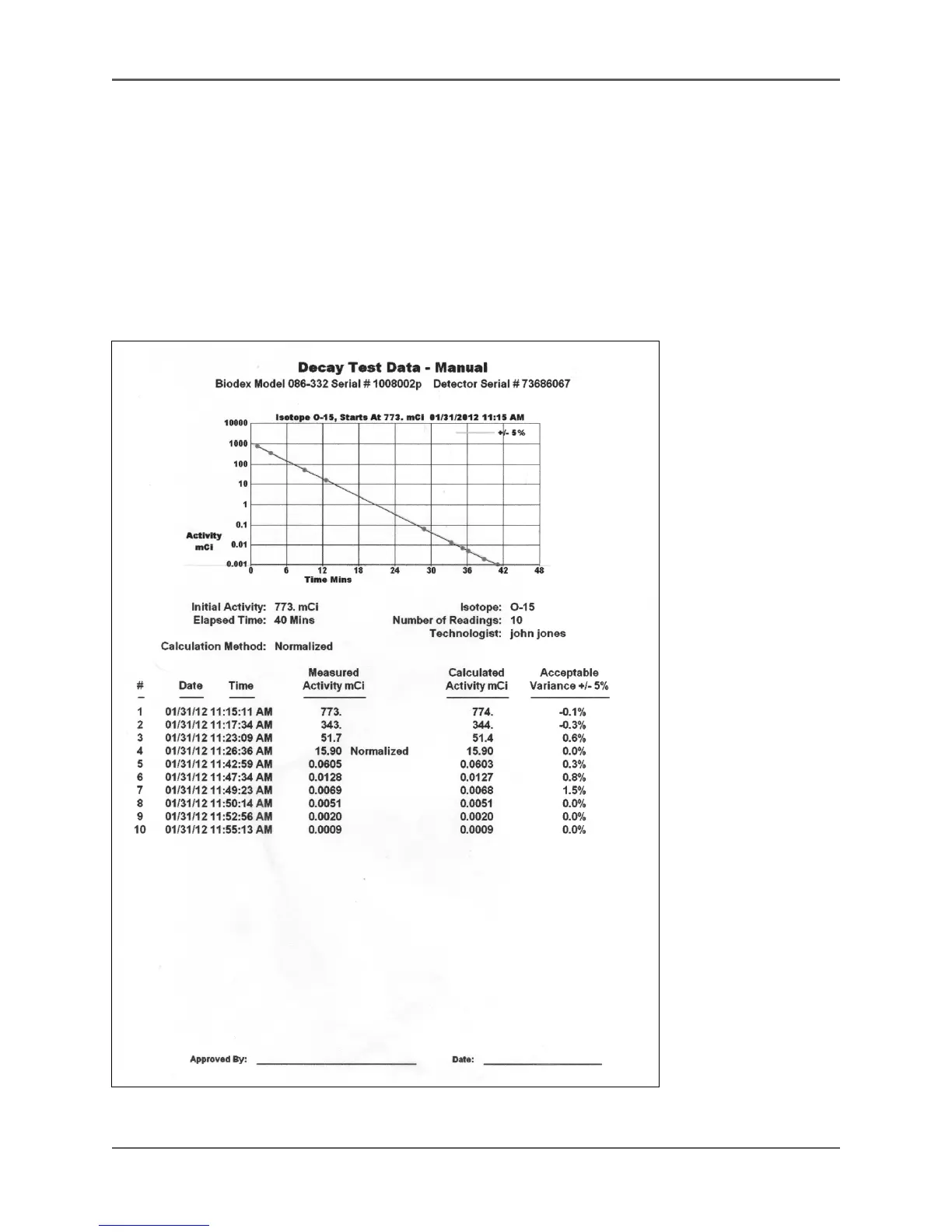
7. Touch <Select Normalized Reading>. The Select Normalized Reading screen is displayed.
The last reading taken is highlighted as the normalized reading. To select a different
normalized reading, touch to highlight the reading and then touch <OK>. The new reading
is selected and will serve as the normalized reading and the system returns to the manual
decay test screen.
NOTE: You can also select the normalized reading while the decay test is underway. If you
have not selected a normalized reading before selecting <End Test>, the system
automatically displays the Select Normalized Reading screen from which you can select
which reading to use as normalized.
Figure 6.44. The Decay Test data - Manual printout.



 To Next Page