!
60 ATOMLAB 500 DOSE CALIBRATOR
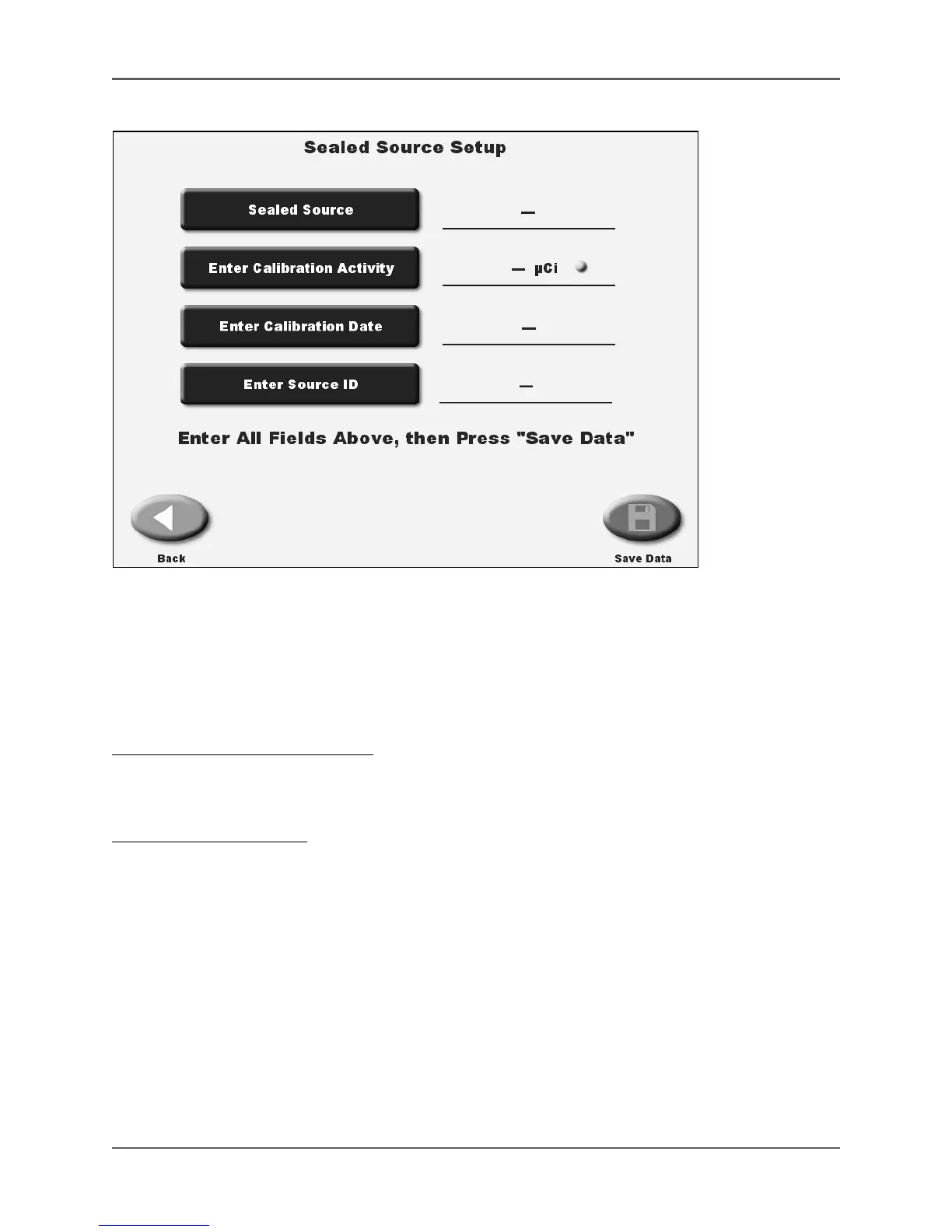
Figure 4.20. The Sealed Source Setup screen.
The Sealed Sources List screen is used to enter data to add to sealed sources. Up to eight
sealed sources, including multiple sources for the same isotope with different source ID #s can
be entered. You can also mark a selected sealed source as a default. This will be the first
source displayed when you enter the constancy and accuracy screens.
To Access The Sealed Source List:
1. From the <Dose Calibrator Configuration> screen, touch <Sealed Sources Setup>. The
Sealed Source List screen is now displayed.
To Enter A Sealed Source:
1. From the Sealed Sources List screen, touch <Add> to access the Sealed Source Setup screen.
2. Touch <Sealed Source>. The select current isotope screen is now displayed. Select the
desired isotope and touch <Enter>. The display returns to the Sealed Source Setup screen
with the new sealed source selected.
3. Touch <Enter Calibration Activity>. The Enter Calibration Activity screen is now displayed.
Key in the activity for the date of calibration for the source and touch <Enter> to return to
the Sealed Source Setup screen. The calibration activity is now displayed. If necessary,
touch the Activity Units to toggle between µCi and mCi (MBq and GBq for Becquerels.)
4. Touch <Enter Calibration Date>. The Enter Calibration Date screen is now displayed. Enter
the desired date and touch <Enter> to return to the Sealed Source Setup screen. The
Calibration Date is now displayed.
5. Touch <Enter Source ID>. The source ID keypad is now displayed. Key in the source ID and
touch <Enter> to return to the Sealed Source Setup screen.



 To Next Page