!
68 ATOMLAB 500 DOSE CALIBRATOR
5. Touch <Enter> to save the kit and return to the Setup Inventory Isotopes and Kits screen,
or <Cancel> to discard the kit type just created.
To Delete An Isotope Or Kit Type:
1. From the Dose Calibrator screen, touch Setup Isotope and Kit List>. The Setup Inventory
Isotopes and Kit screen is displayed.
2. Touch to highlight the isotope or kit to delete. Touch <Delete Kit/Isotope>. The system
prompts: “Are you sure you want to delete these items?”
3. Touch <Cancel> to cancel the deletion, or <OK> to delete the selected isotope or kit and
return to the Setup Inventory Isotopes and Kits screen.
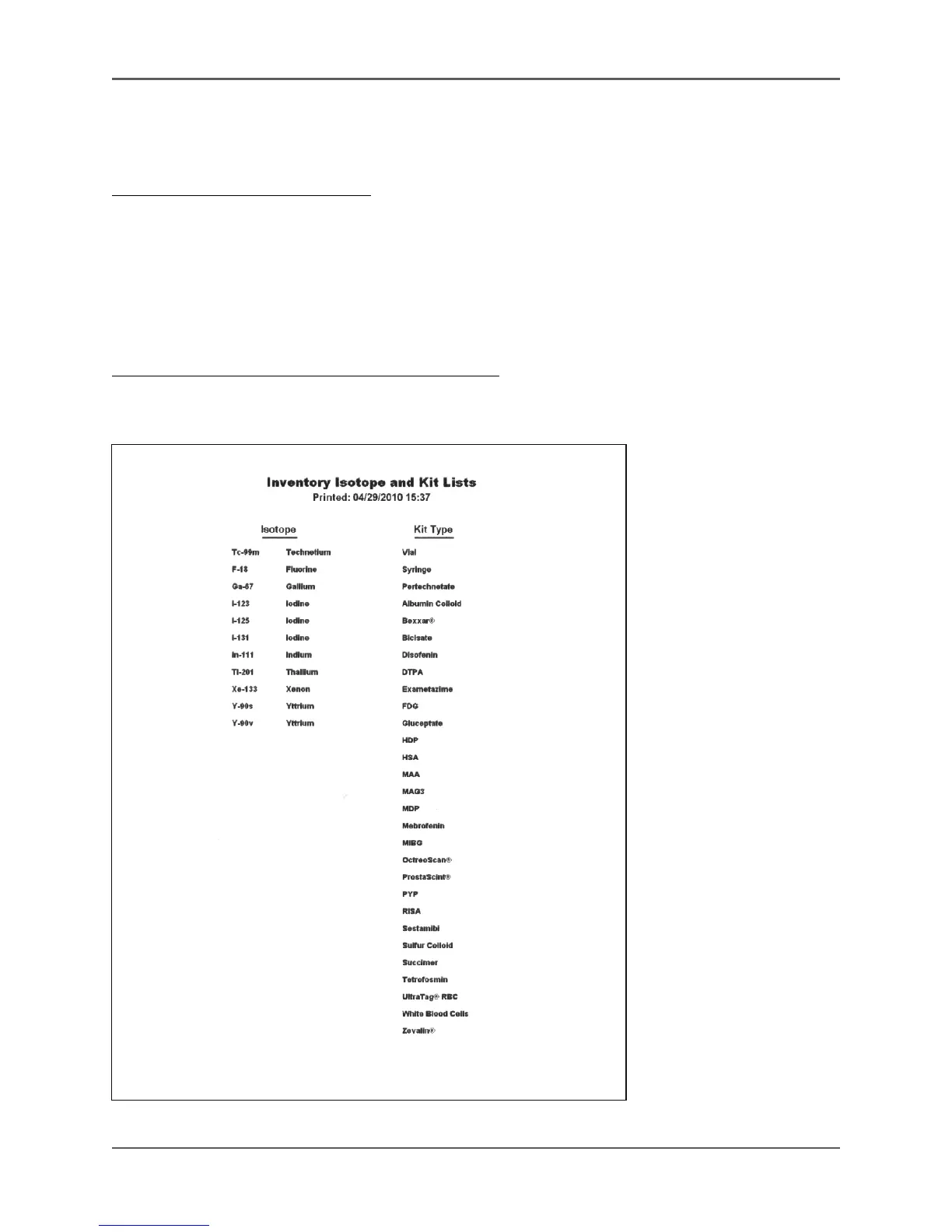
To Print The Setup Inventory Isotopes and Kits List:
1. To print the Setup Inventory Isotopes and Kits list at any time, touch <Print List>. The
complete list is printed.
Figure
4.27. An Inventory Isotope and Kit Lists printout.



 To Next Page