!
90 ATOMLAB 500 DOSE CALIBRATOR
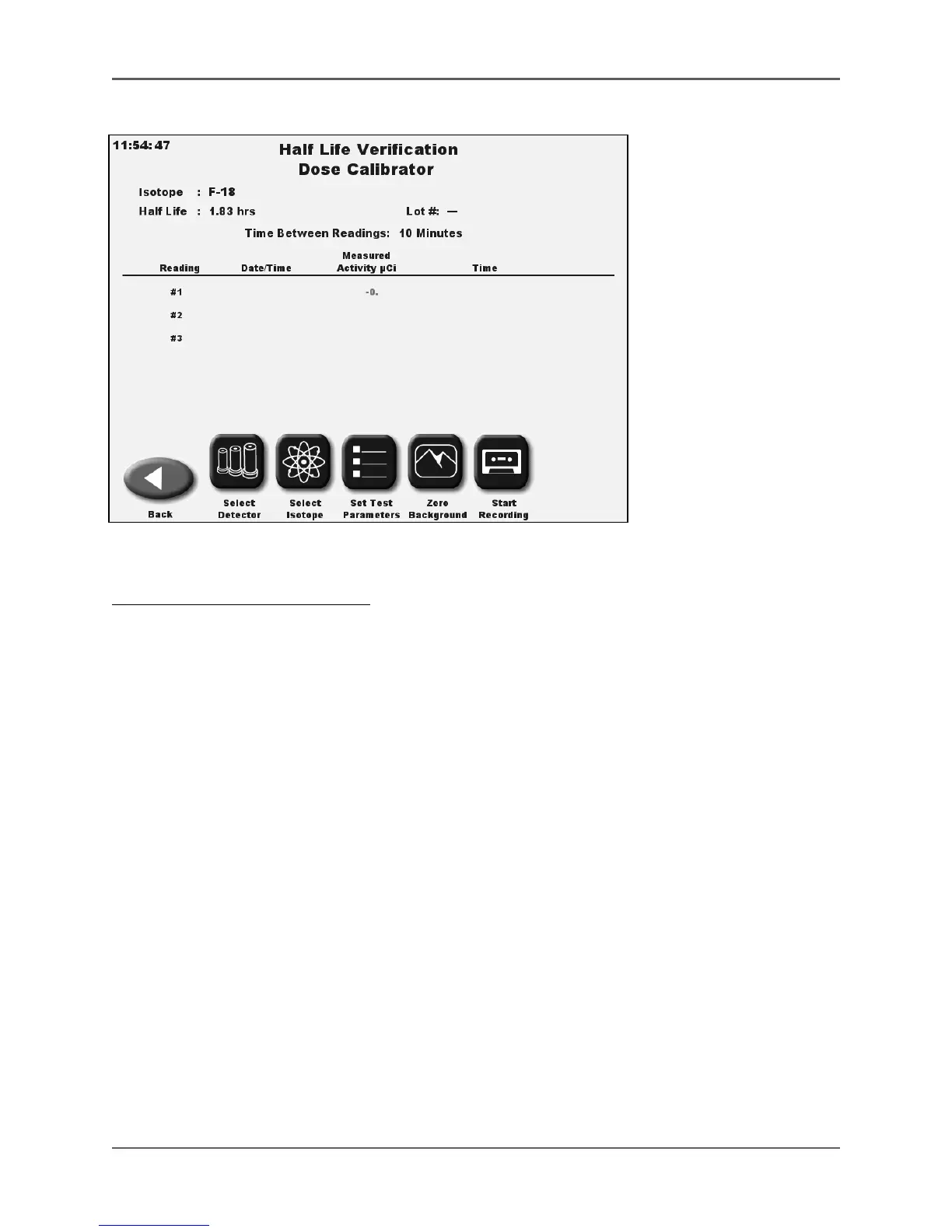
Figure 5.10. Half Life screen.
To Perform A Half Life Verification:
1. At the Home screen, select <Nuclear Pharmacy>. The Nuclear Pharmacy screen is now
displayed.
2. Select <Half Life Verification>. The Half Life Verification APP is now displayed.
3. Make sure there are no sources near the dose calibrator chamber.
4. Press <Select Isotope> to change the isotope from the isotope displayed at the top of the
screen. You can select any isotope from the isotope list that is in the dose calibrator.
5. To select the isotope use the scroll arrows to display the isotope you want, touch the
isotope name to highlight it and then select <Enter>. The isotope you have selected is now
displayed on the Half Life Verification screen, including the system defined Half Life.
6. Select <Set Test Parameters> to display the Half Life Verification parameters.
7. Select either <2> or <3> for the number of readings. If the number is already highlighted,
you do not need to select it.



 To Next Page