!
Biodex Medical Systems, Inc. © 2016 91
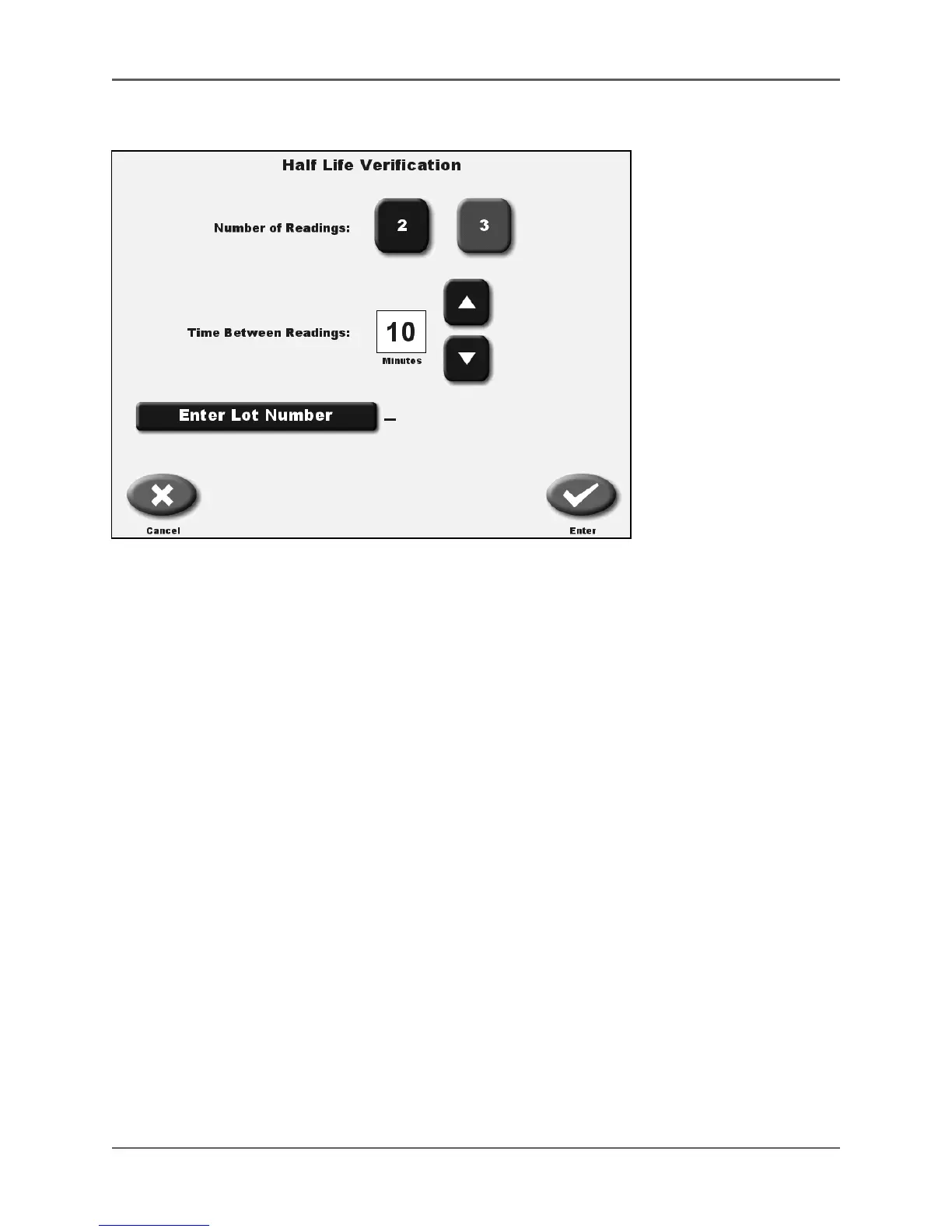
Figure 5.11. Half Life Verification Setting Parameters screen.
8. Use the <▲> or <▼> arrows to set the time between readings. If the number displayed is
what you desire for your test, you do not have to adjust it. The time can be adjusted
between 1 minute and 60 minutes. Select <Enter Lot Number> if you want to enter a lot
number for this test. When you select <Enter Lot Number>, the alpha numeric keyboard is
displayed. Once you have entered the desired lot number, select <Enter>.
9. The Half Life Verification screen is displayed with the parameters you have selected.
Select <Enter> to proceed to the screen to start the verification test.
10. If desired, select <Zero Background> along the bottom menu. This brings you to the Zero
Background screen. Select <Zero Background> and the background count will begin. If
there has been no activity in the chamber, it will immediately say “completed” and take
you back to the Half Life Verification screen.
11. Place the isotope sample into the dose calibrator chamber.
12. Select <Start Recording> to take the first reading. The program will automatically record
the first activity and record the next activity reading at the time you have programmed.
Leave the source in the chamber and the system will complete the test. The time
remaining is displayed for each reading.
13. If you select <Abort Recording> the test you have started counting will be aborted and
take you back to the Half Life Verification screen. You can restart the test by selecting
<Start Recording>. If you need to change your test parameters or isotope, you can do it at
this point.
14. When ready select <Start Recording>. The Half Life Verification APP will begin.
NOTE: If you select <End Recording>, the Half Life Verification APP will end and use the
elapsed time for the calculation. If the counting time is not long enough, it could affect the
results. It is recommended to have the count complete the preset time.



 To Next Page