P1 Patient Monitor User’s Manual
1-4
It is a LED that lights green and orange, the status of the LED is specified as follows:
Green: When the AC mains is connected.
Orange: When the AC mains is not connected and monitor is powered by
battery.
Off: When the mains is not connected.
5. Charging indicating lamp
Light up: When the battery is being charged.
Off: When the battery is fully charged or no battery in monitor.
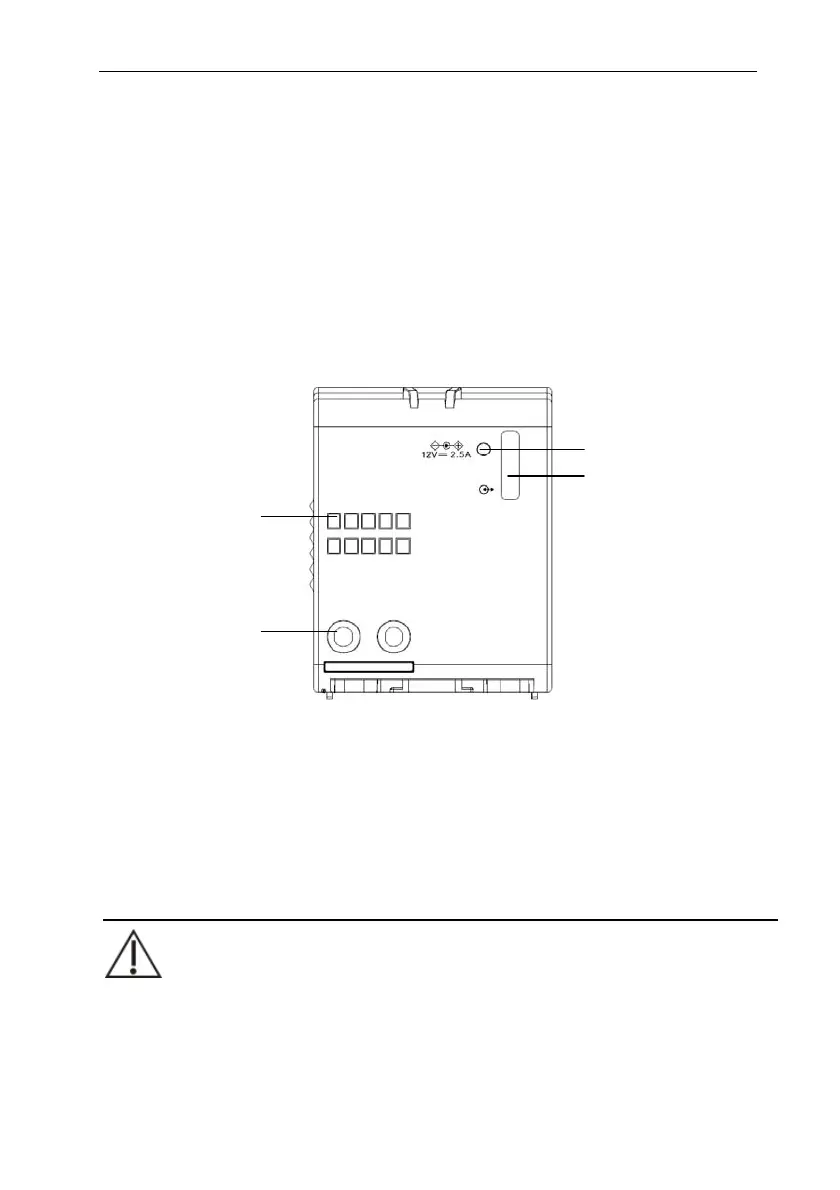
1.5.1.2. Left View
1. Communication interface: used for communication between the P1 and the
host (P series monitor).
2. Power contact: used for receiving power supply from the host monitor (P
series monitor).
3. DC power supply connector: connects the power adapter
4. Docking station connector: connects the Docking station.
CAUTION:
In the case of water spray, dry the Docking station connector of the P1 before
connecting the P1 to the Docking station.
In order to prevent poor contact due to dust accumulated, please regularly
1
2
3
4



 To Next Page