P1 Patient Monitor User’s Manual
1-6
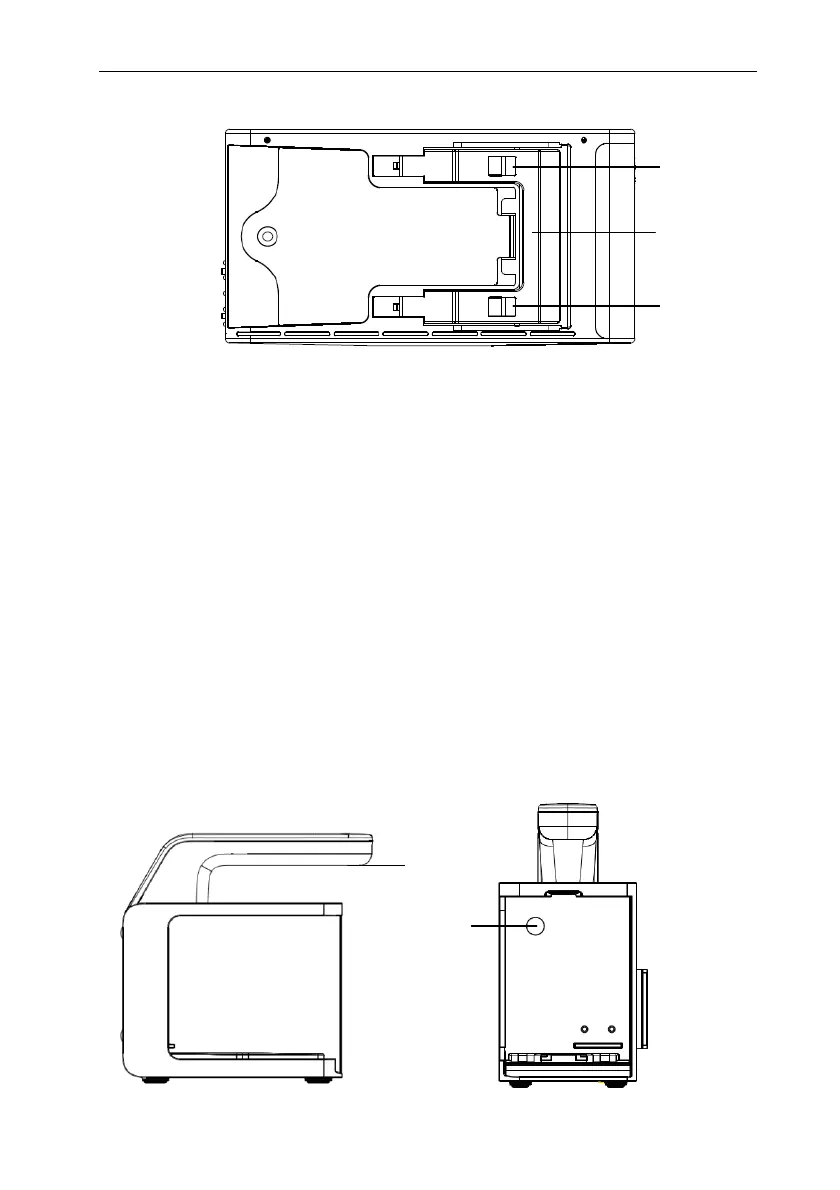
1.5.1.4. Bottom View
1. Clip: fastens the P1 when P1 is in use with the host monitor, Transfer Handle or
Docking Station.
2. Latch: locks the P1 when the P1 is in use with host monitor, Transfer Handle or
Docking Station. Pressing here releases the P1 so that the P1 can be removed from
the host, Transfer Handle or Docking Station.
1.5.2. Transfer Handle/Docking Station
The Transfer Handle is used to connect P1 for easy transport; The Docking Station is
used to connect the P1 to provide power, charge the installed battery, and support
connection to common input/output interface. And the docking station can also be used to
connect the P1 and a plug-in module.
1.5.2.1. Transfer Handle
Front View Left side
1
1
2
1
2



 To Next Page