P1 Patient Monitor User’s Manual
16-7
select 【Oxygenation】.
2. Enter the correct value for each parameter. For a patient who is being
monitored, the monitor takes the current measurements as input values for
some parameters, and the height and weight are derived from the patient
information entered.
3. Select 【Calculate】 to calculate the value of each output parameter. The
calculated value is greater than the normal upper limit is indicated by an up
arrow “”; the calculated value is lower than the normal lower limit is
indicated by a down arrow “”.
In the Oxygenation page, you can also perform the following operations:
Select 【Oxygen Unit】, 【Hb Unit】 and 【Pressure Unit】, then
corresponding parameter values will be automatically converted and
updated accordingly.
Select 【Range】 to show the normal range of each parameter.
Select 【Unit】 to show the unit of each parameter.
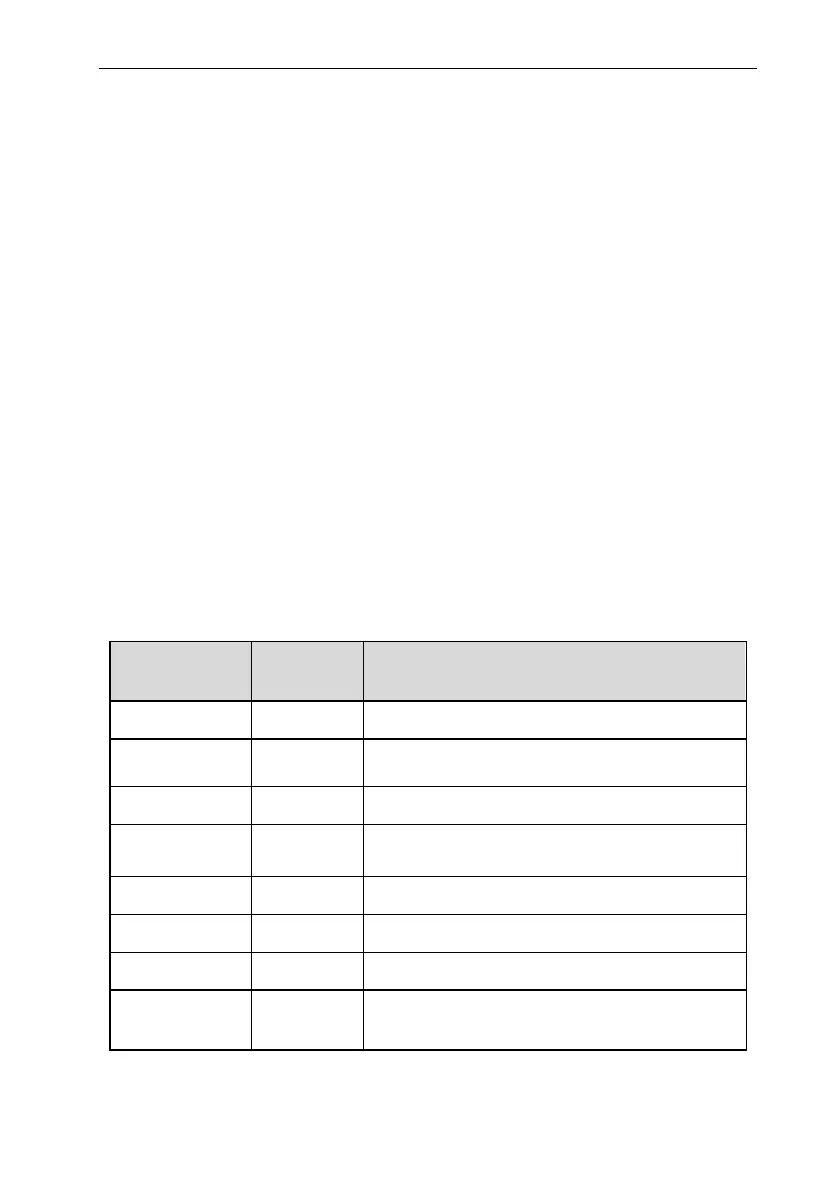
16.5.2. Input Parameters
Input Parameter Unit Full Name
C.O. L/min cardiac output
FiO
2
bpm percentage fraction of inspired oxygen
PaO
2
mmHg, kPa partial pressure of oxygen in the arteries
PaCO
2
mmHg, kPa partial pressure of carbon dioxide in the arteries
SaO
2
% arterial oxygen saturation
PvO
2
mmHg, kPa partial pressure of oxygen in venous blood
SvO
2
% venous oxygen saturation
Hb
g/L, g/dL,
mmol/L
hemoglobin



 To Next Page