Trigger 49
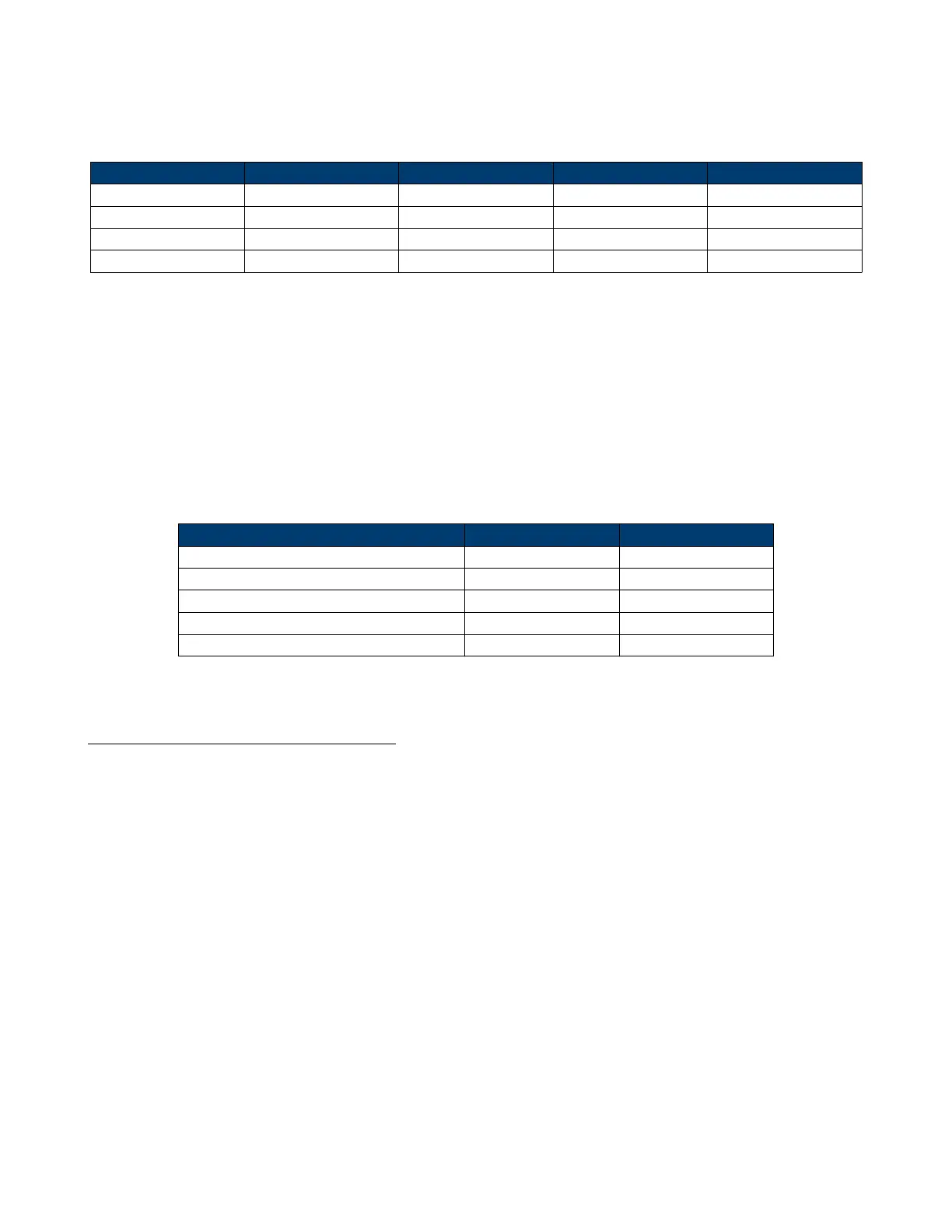
Table 6.3 explains the relation between Of Lines, Of Fields, Interlace, Trigger Line and Trigger Field using an
Of Lines value of 800.
Of Lines Of Fields Interlace Trigger Line Trigger Field
800 1 1:1 800 1
800 1, 2, 4 or 8 2:1 400 1, 12, 14, 18
800 1, 2, 4 or 8 4:1 200 1, 12, 14, 18
800 1, 2, 4 or 8 8:1 100 1, 12, 14, 18
Table 6.3 Parameters Relations
6. Press the Sync softkey to select Any or Select trigger mode.
• Any: Trigger on any of the horizontal sync pulses.
• Select: Trigger on the appointed line and eld you have set.
– Press the Line or Field softkey.
– Turn the Universal Knob to set the value.
Table 6.4 list the line numbers per eld for each video standard.
Standard Field 1 Filed 2
NTSC 1 to 262 1 to 263
PAL 1 to 312 1 to 313
HDTV 720P/50, HDTV 720P/60 1 to 750
HDTV 1080P/50, HDTV 1080P/60 1 to 1125
HDTV 1080iP/50, HDTV 1080i/60 1 to 562 1 to 563
Table 6.4 Line Numbers Per Field
Triggering on a Specic Line of Video
Video triggering requires greater than 1/2 division of sync amplitude with any analog channel as the trigger source.
The example below is set to trigger on eld 2, line 124 using the NTSC video standard.
1. Press the Setup key to enter the Trigger menu.
2. Press the Type softkey, then use the Universal Knob to select Video.
3. Press the Source softkey, then use the Universal Knob to select CH 1 as the trigger source.
4. Press the Standard softkey, then use the Universal Knob to select NTSC as the trigger source.
5. Press the Sync softkey and set the option to Select; press the Line softkey and then turn the universal to set 22.
6. Press the Line softkey, then use the Universal Knob to select 022 as the trigger source.
7. Press the Field softkey, then use the Universal Knob to select 1 as the trigger source.













 To Next Page