The name of a filter band is displayed in color whenever the mouse cursor is on top of its white dot, which improves
clarity.
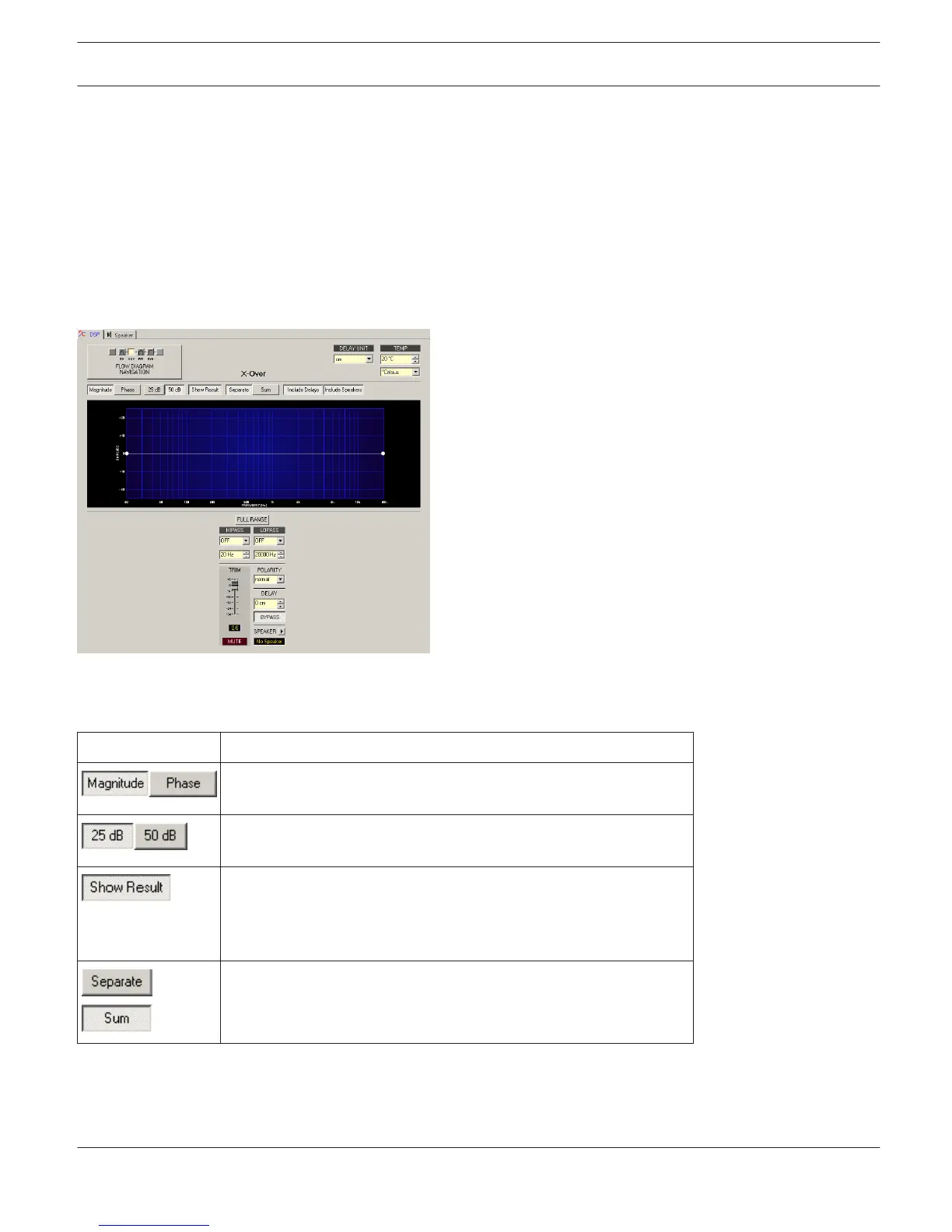
X-Over
The X-Over window provides a frequency crossover with Hi- and Lo-Pass filters, Delay, Gain-Trim and a polarity switch
for each band pass of the FIR Controller or FIR-Drive Controller block. These parameters are used to separate the
frequency bands of multi-way loudspeaker systems correctly, add delay to compensate for physical alignment of
components in the loudspeaker and match the levels for each way.
Click on the third block in the Flow Diagram Selector or double click on the X-OVER block in the large Signal Flow
Diagram to select the X-Over window.
Presentation in the Graphic Display
The following table summarizes the graphical controls shown in the display:
Element
Description
Switch to select whether amplitude frequency response (magnitude)
or phase response (phase) are being displayed.
Switch for scaling the amplitude axis to 25 dB (± 12.5 dB) or to 50
dB (± 25 dB).
Shows the resulting transmission function of all filter and level trim
settings, which represents the visible and audible result. The
resulting transmission function is indicated in light colors. The
electric graphs are shown in dark colors.
The Separate switch allows indicating the individual transmission
function of the controller ways. The Sum switch allows indication of
the summed signal of all ways.
IRIS-Net DIGITAL MATRIX | en 406
Bosch Security Systems B.V. User Manual 2017.05 | 3.20 | F.01U.119.956












 To Next Page