The text field allows naming the corresponding way.
IMPORT opens a dialog box that allows loading Speaker Settings. This function imports a
complete loudspeaker parameter set into the corresponding way.
CAUTION: A loaded Speaker Setting becomes immediately audible when in the on-line mode.
Always make sure that the speaker setting that you are about to load is the desired speaker
setting containing the correct parameter set. Otherwise, under most extreme circumstances,
loading the wrong speaker set can permanently damage the connected loudspeaker systems!
EXPORT opens a dialog box that allows saving speaker settings. This function stores the
complete settings of the corresponding way as parameter set in a file.
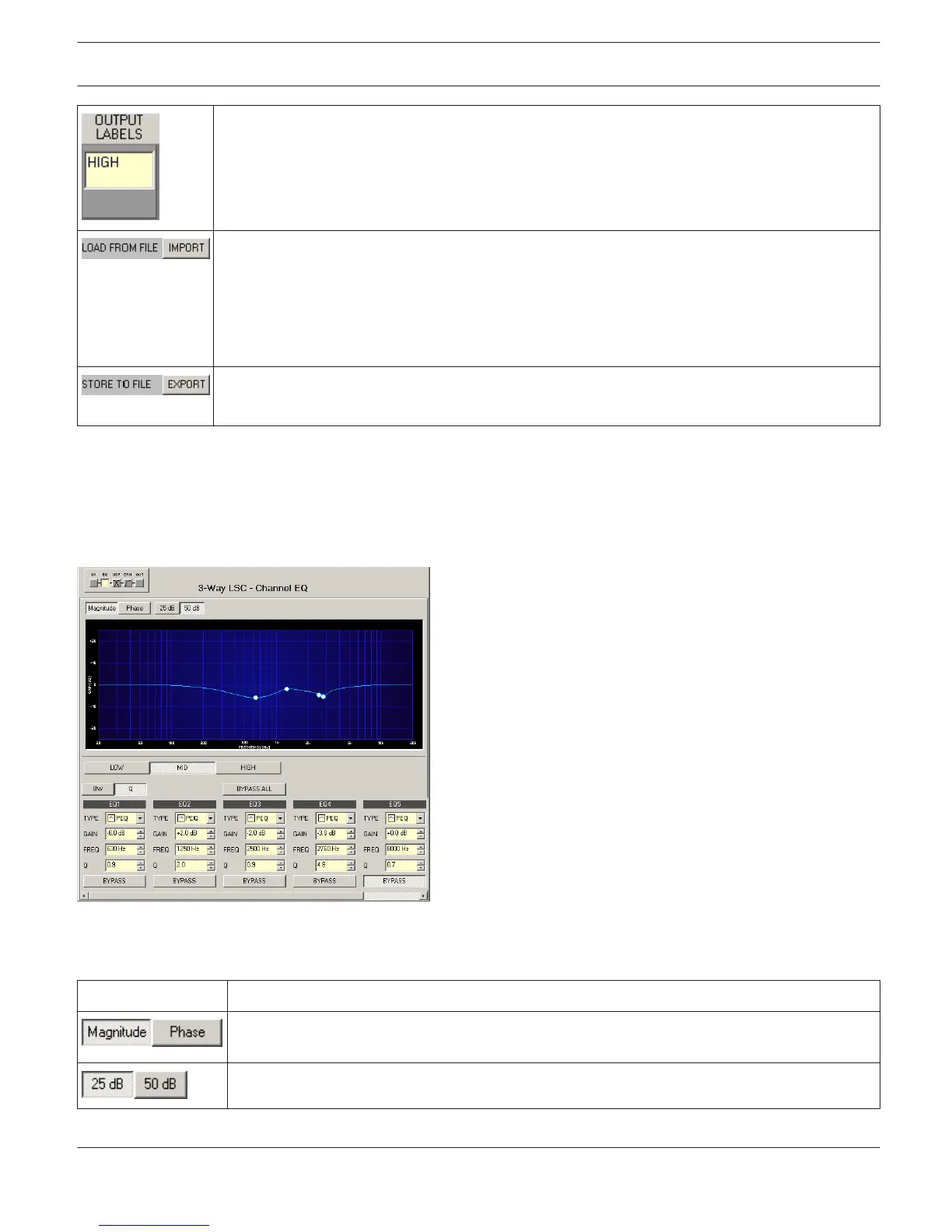
Channel EQ
The parametric 6-Band equalizer is meant for loudspeaker equalization. Select the Channel EQ by clicking onto the
second block in the Flow Diagram Selector or by double clicking onto the CHANNEL EQ block in the large Signal flow
Diagram.
Presentation in the Graphic Display
The following table lists the graphic displays different graphic renditions:
Element
Description
Switch for selecting amplitude frequency response (magnitude) or phase response (phase)
indication
Switch for scaling the amplitude axis to 25 dB (± 12.5 dB) or to 50 dB (± 25 dB)
IRIS-Net
DIGITAL MATRIX | en 424
Bosch Security Systems B.V. User Manual 2017.05 | 3.20 | F.01U.119.956












 To Next Page