first first, second ORDER (All-Pass filters only) sets the desired order of
an All-Pass filter. A 1st order All-Pass filter shifts the
phase by 180°. A 2nd order All-Pass filter shifts the
phase by 360°.
BYPASS activates (not engaged) or deactivates
(engaged) the corresponding filter, which allows for
quick A / B comparison between filtered and original
sound signal.
Editing filters via Mouse Dragging in the Graphic Display
If a filter has been activated (BYPASS is not engaged), a white dot in the frequency response graph represents the
selected filter. Click onto this dot with the left mouse button and keep the button pressed down to change the
corresponding filters frequency by dragging the mouse to the left or right. Moving the mouse up or down lets you set
the filters gain (depending on the type of filter).
The name of a filter band is displayed in color whenever the mouse cursor is on top of its white dot, which improves
clarity.
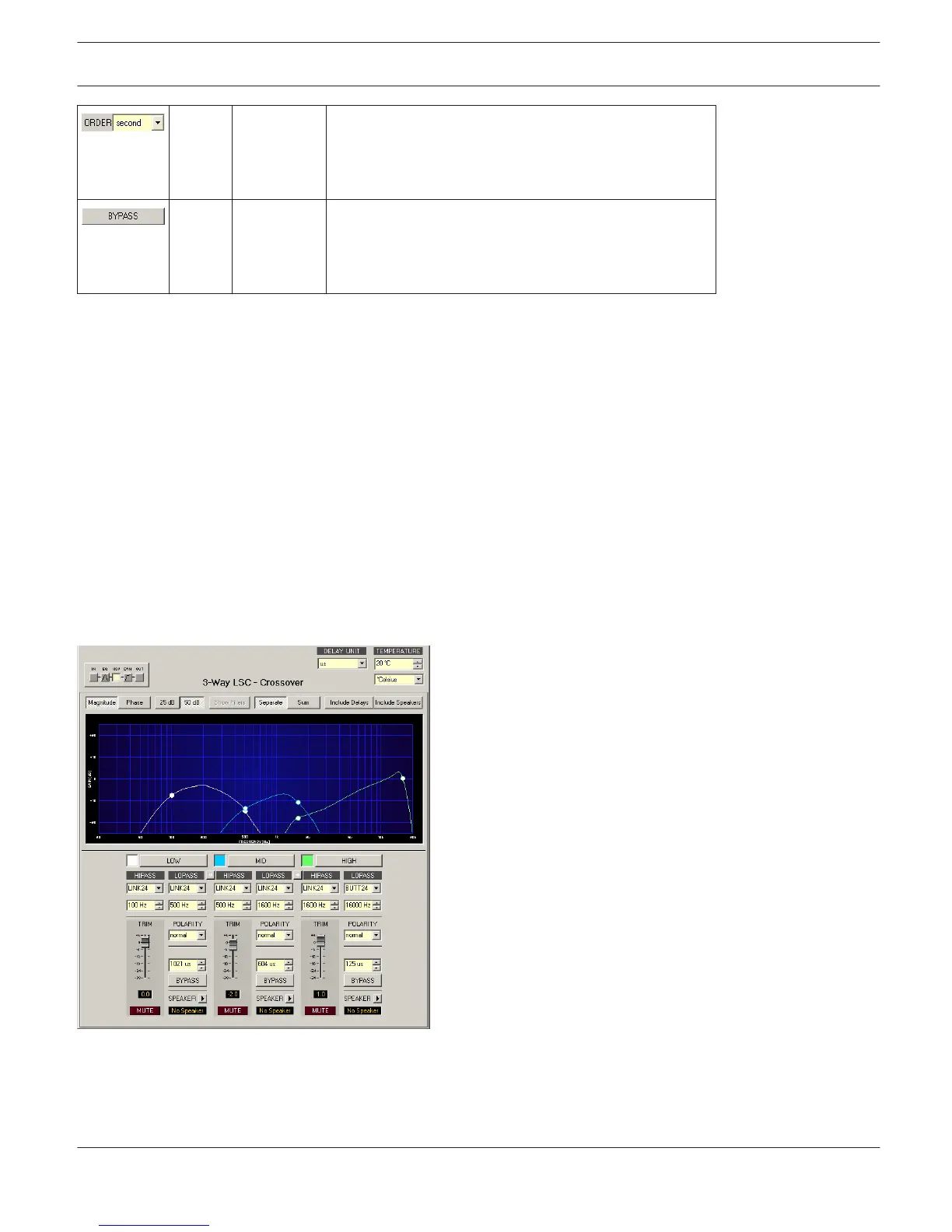
X-Over
The X-Over window provides a frequency crossover with Hi- and Lo-Pass filters, Delay, Gain-Trim and a polarity switch
for each Way of the Loudspeaker Controller block. These parameters allow separating the frequency bands of a multi-
way loudspeaker system correctly, compensate natural delays and match levels.
Click on the third block in the Flow Diagram Selector or double click on the X-OVER block in the large Signal Flow
Diagram to select the X-Over window.
Presentation in the Graphic Display
The following table lists the graphic displays different graphic renditions:
IRIS-Net
DIGITAL MATRIX | en 426
Bosch Security Systems B.V. User Manual 2017.05 | 3.20 | F.01U.119.956












 To Next Page