¡
5-1
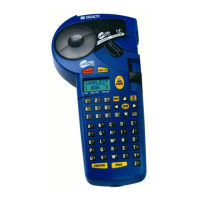
Your label printing system ships with pre-set settings called default
system settings. You can customize your system settings to reflect your
own preferences.
This chapter tells you how to change system settings. Topics include:
The way your system prints.
The language your system uses
The unit of measure your system applies
The grid display and behavior, and line width settings
The default font, type size, and justification layout for your labels
The volume of your system sounds
The calibration values for the cutter (if you have the Color & Cut
system)
The settings for connecting to a PC
CHAPTER 5
Setting Preferences



 To Next Page