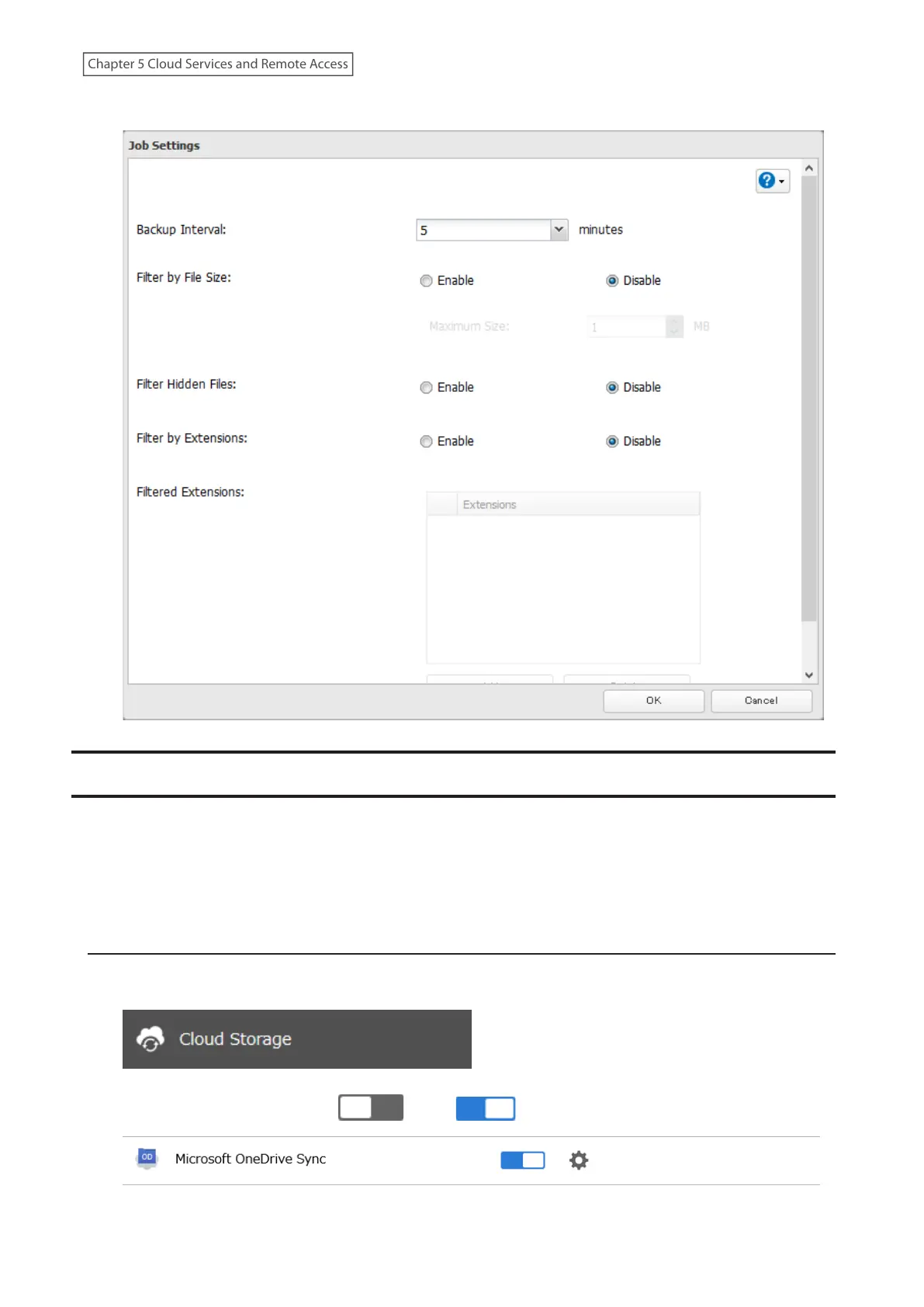
6 Configure the desired settings and click OK.
Synchronizing with Microsoft OneDrive
The LinkStation supports synchronizing with Microsoft OneDrive, the online cloud storage. Once linked, you can
share the LinkStation files via OneDrive (or OneDrive files via the LinkStation). To link your LinkStation with your
Microsoft account, follow the procedure below.
Note: To use Microsoft OneDrive Sync, you need a Microsoft account and an available empty OneDrive folder. If you
don’t have a Microsoft account, or if you need to create a OneDrive folder, refer to the Microsoft website.
Configuring a New Job
1 From Settings, click Cloud Storage.
2 Move the OneDrive Sync switch ( ) to the position to enable OneDrive Sync.
109
Chapter 5 Cloud Services and Remote Access











 To Next Page