For Android
WebAccess
WebAccess will allow you access files on the LinkStation from a mobile device. Follow the procedure below to install
the app.
1 Open App Store (iOS or iPadOS devices) or Google Play (Android devices).
2 Search for and install “WebAccess”.
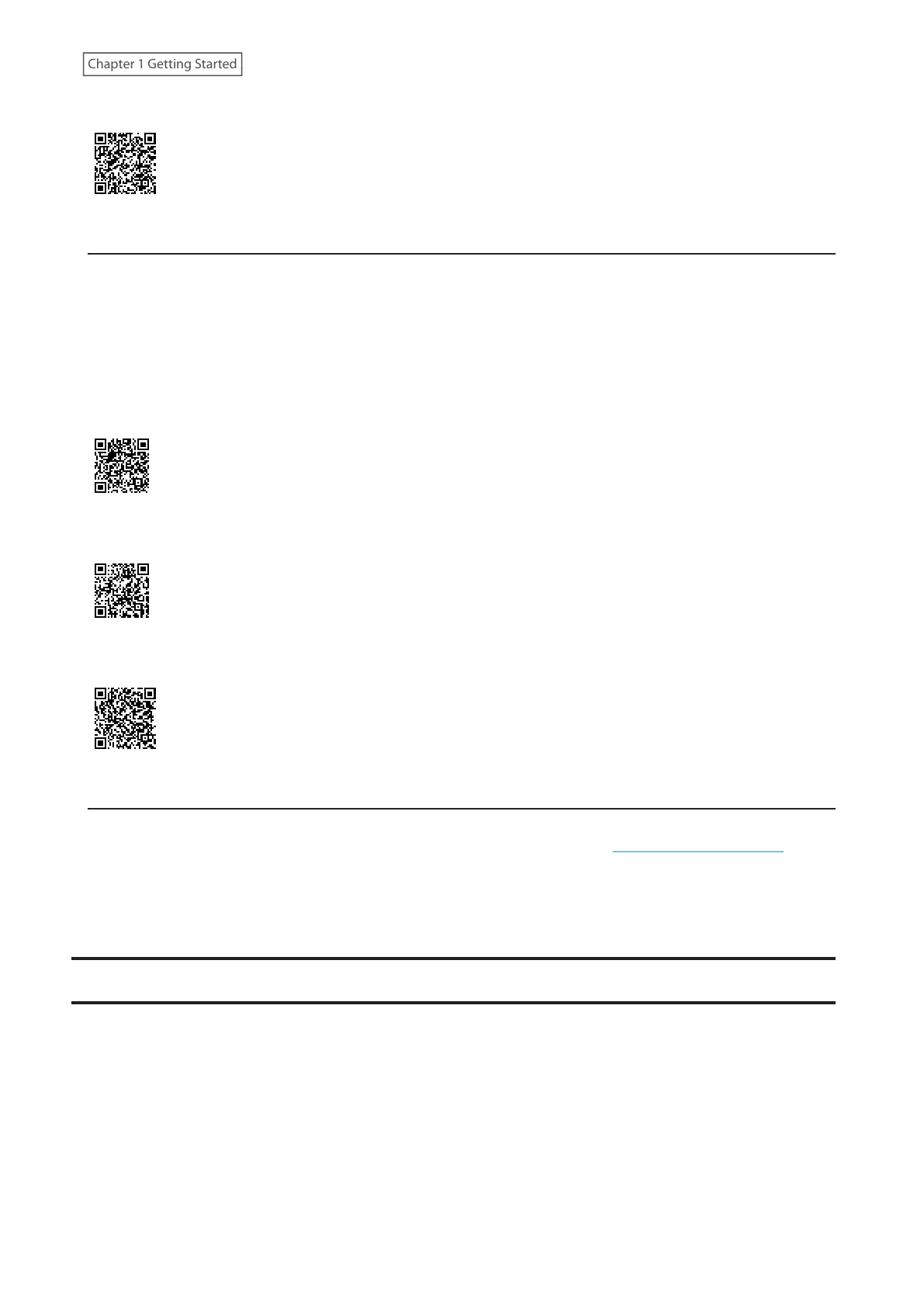
You can also install the apps from the QR codes below. Use the appropriate QR code for your mobile device.
For iOS
For iPadOS
For Android
NovaBACKUP
NovaBACKUP is a Windows utility that lets you back up data on your computer.
The NovaBACKUP installer is available from the d.buffalo website, accessible from https://d.buffalo.jp/LS700/. Select
the region and model to go to your specific model’s d.buffalo website. Download the NovaBACKUP installer and
install the utility onto your computer.
To download the installer, you will need the serial number of your LinkStation. The serial number is printed on the
label on the back of the unit.
Turning the LinkStation On and Off
Move the power switch to the “On” position to turn the device on.
To turn off the LinkStation, move the switch to the “Off” position and wait for the unit to fully shut down before
unplugging it. Don’t unplug the AC adapter without properly shutting down the LinkStation first.
When the power LED turns off, the shutdown process is finished.
12
Chapter 1 Getting Started











 To Next Page