• Files that are 900 MB or larger cannot be downloaded using Dropbox Sync. However, even if the file size is smaller
than 900 MB, downloading may fail when multiple processes are running at the same time.
Changing Job Settings
Follow the procedure below to change any job settings you have already configured.
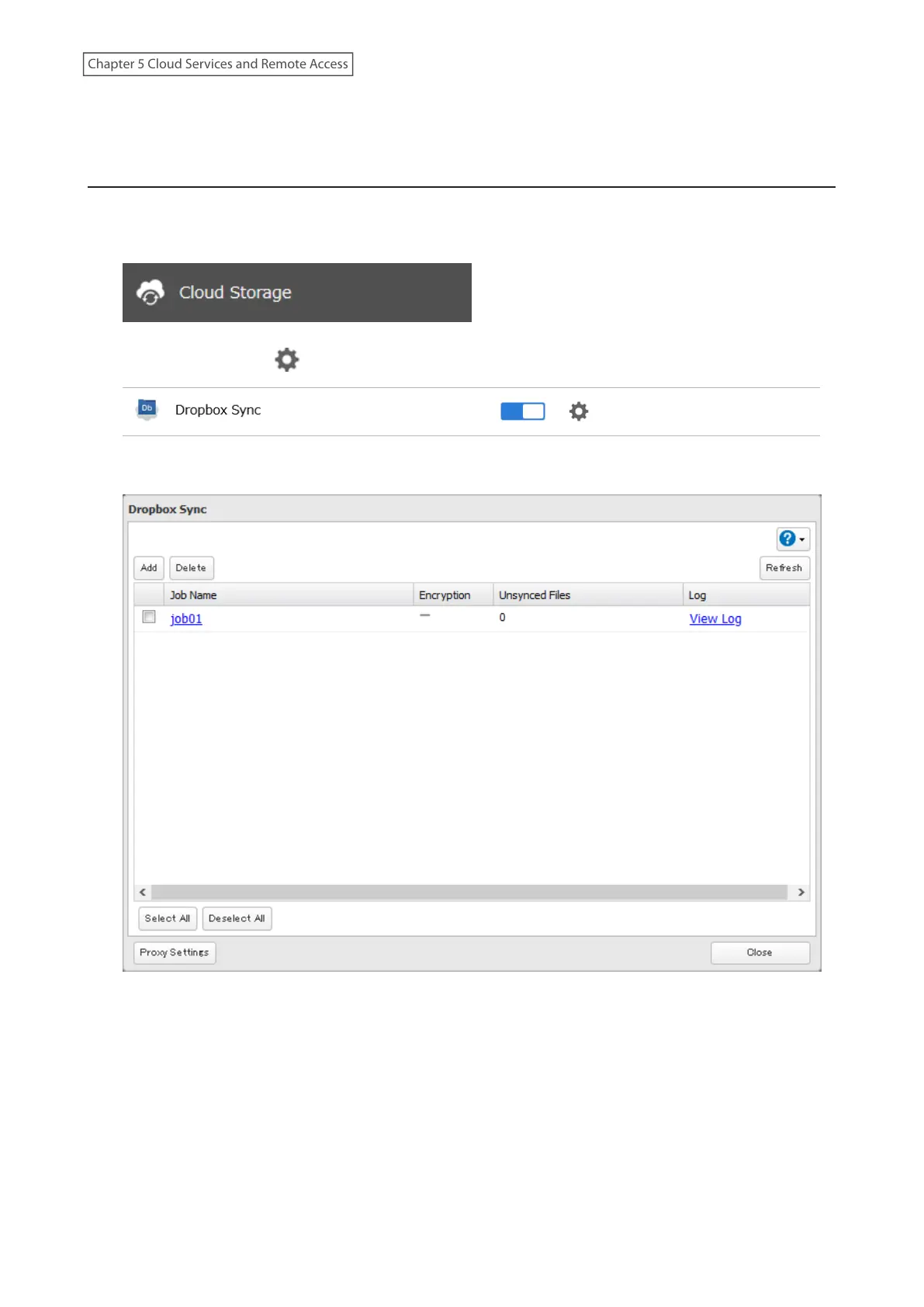
1 From Settings, click Cloud Storage.
2 Click the settings icon ( ) to the right of “Dropbox Sync”.
3 From the job list, click the job whose settings you want to change.
91
Chapter 5 Cloud Services and Remote Access











 To Next Page