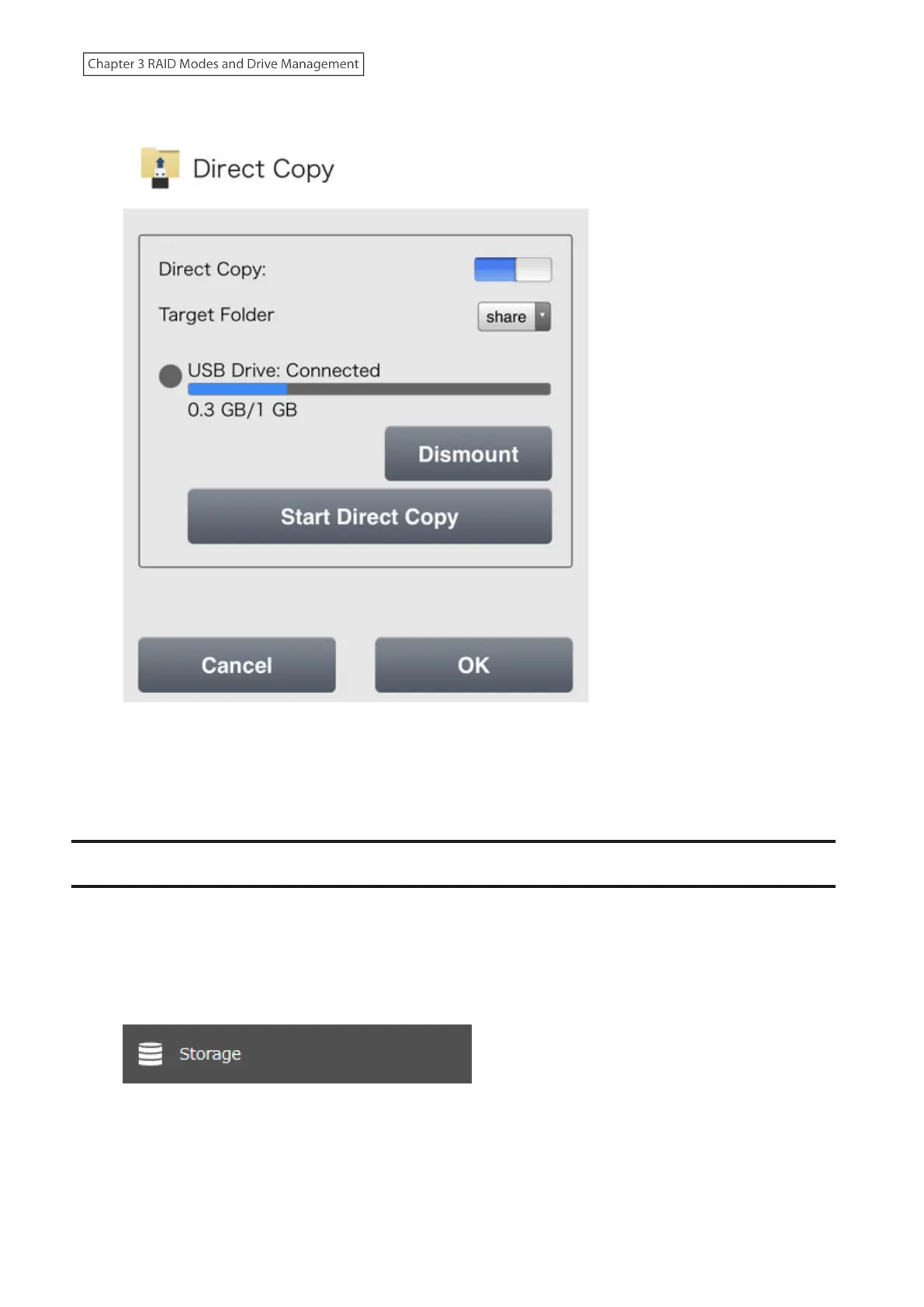
2 Tap Dismount.
3 When the dismounting process is finished, it is safe to unplug the drive. Disconnect the drive from the
LinkStation.
Note: To remount the drive, unplug it and then plug it back in.
Checking Drives
A drive check tests the data on a drive on the LinkStation or one that is connected via USB for integrity. Detected
errors are fixed automatically. With large drives, a drive check may run for many hours. Shared folders cannot be
accessed during a drive check. Do not turn off the LinkStation until the drive check is finished. Follow the procedure
below to run a drive check.
1 From Settings, click Storage.
54
Chapter 3 RAID Modes and Drive Management











 To Next Page