Using a Mobile Device
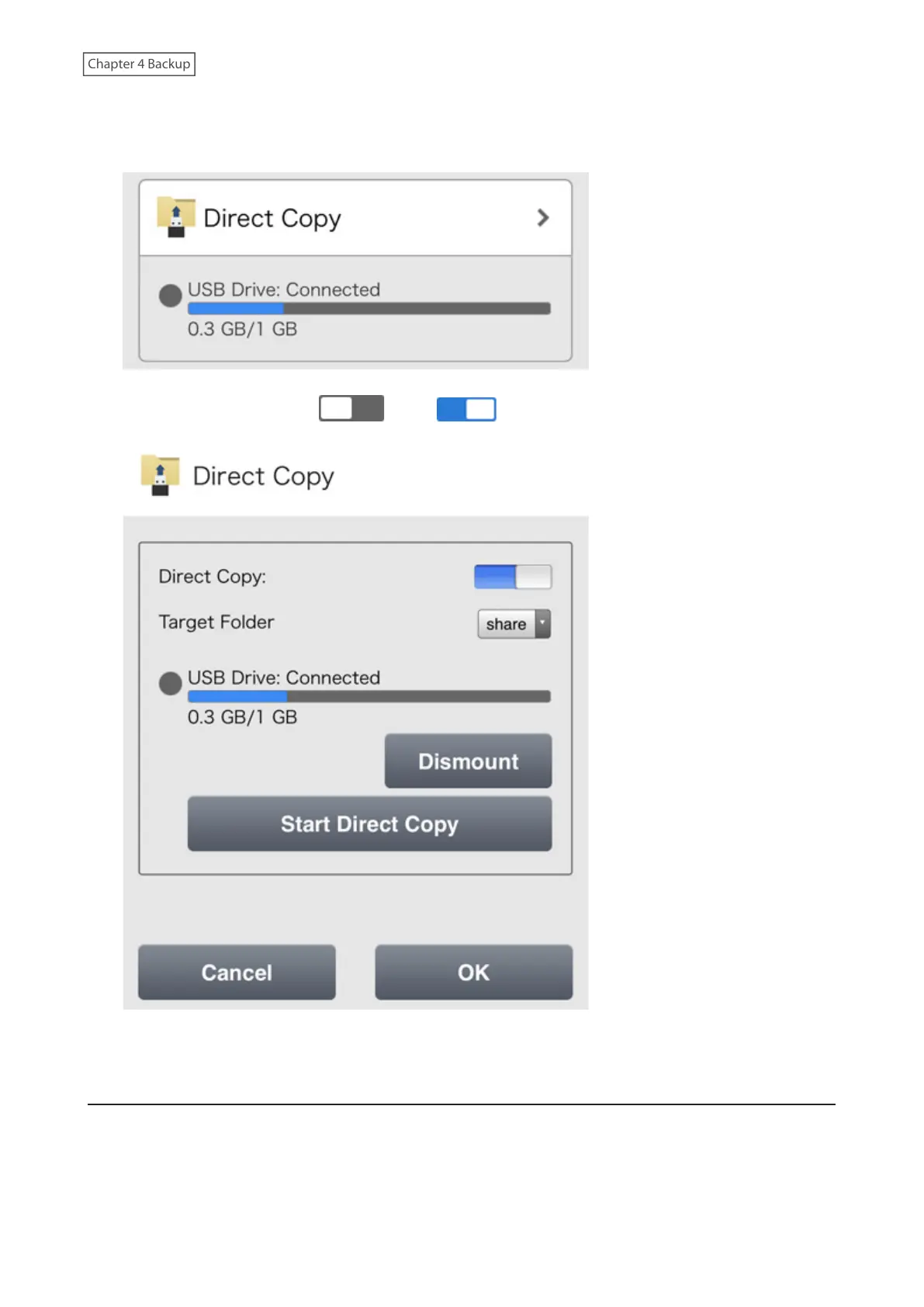
1 From Settings, tap Direct Copy.
2 Move the Direct Copy switch ( ) to the position to enable Direct Copy.
3 Select the Direct Copy target folder and tap OK.
Starting Direct Copy
Using the Function Button
1 Connect the USB device to the USB 3.2 Gen 1 port on the front. When it mounts (about 10 seconds), the
function LED will light up.
85











 To Next Page