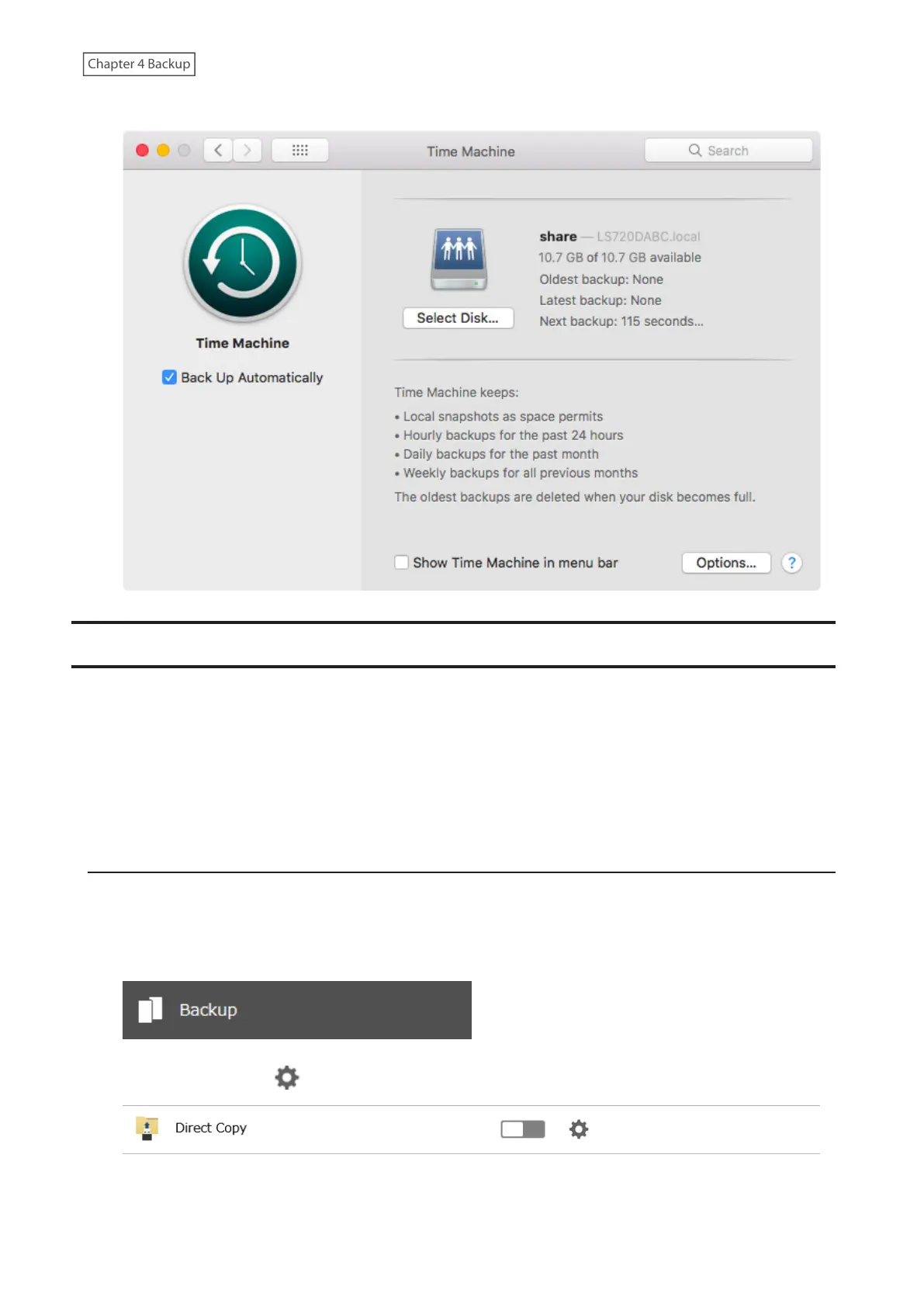
7 Time Machine will count down from 120 seconds, then backup will begin.
Copying from a USB Device
Use Direct Copy to copy data from a USB device directly to the LinkStation. You can configure or start Direct Copy
from a computer or a mobile device. Follow the appropriate procedure below to configure or start Direct Copy.
Supported Devices:
• USB mass storage devices
• Card readers (except for card readers that can recognize two or more memory cards)
• Digital cameras and other PTP devices
Configuring Direct Copy
Using a Computer
1 From Settings, click Backup.
2 Click the settings icon ( ) to the right of “Direct Copy”.
3 Click Edit.
83











 To Next Page