Chapter 2 File Sharing
You can create users and groups to access the shared folders on the LinkStation and configure access restrictions to
limit access to key data.
Configuring Shared Folders
Adding a Shared Folder
You can create a shared folder from a computer or a mobile device. Follow the appropriate procedure below to
create a shared folder.
Using a Computer
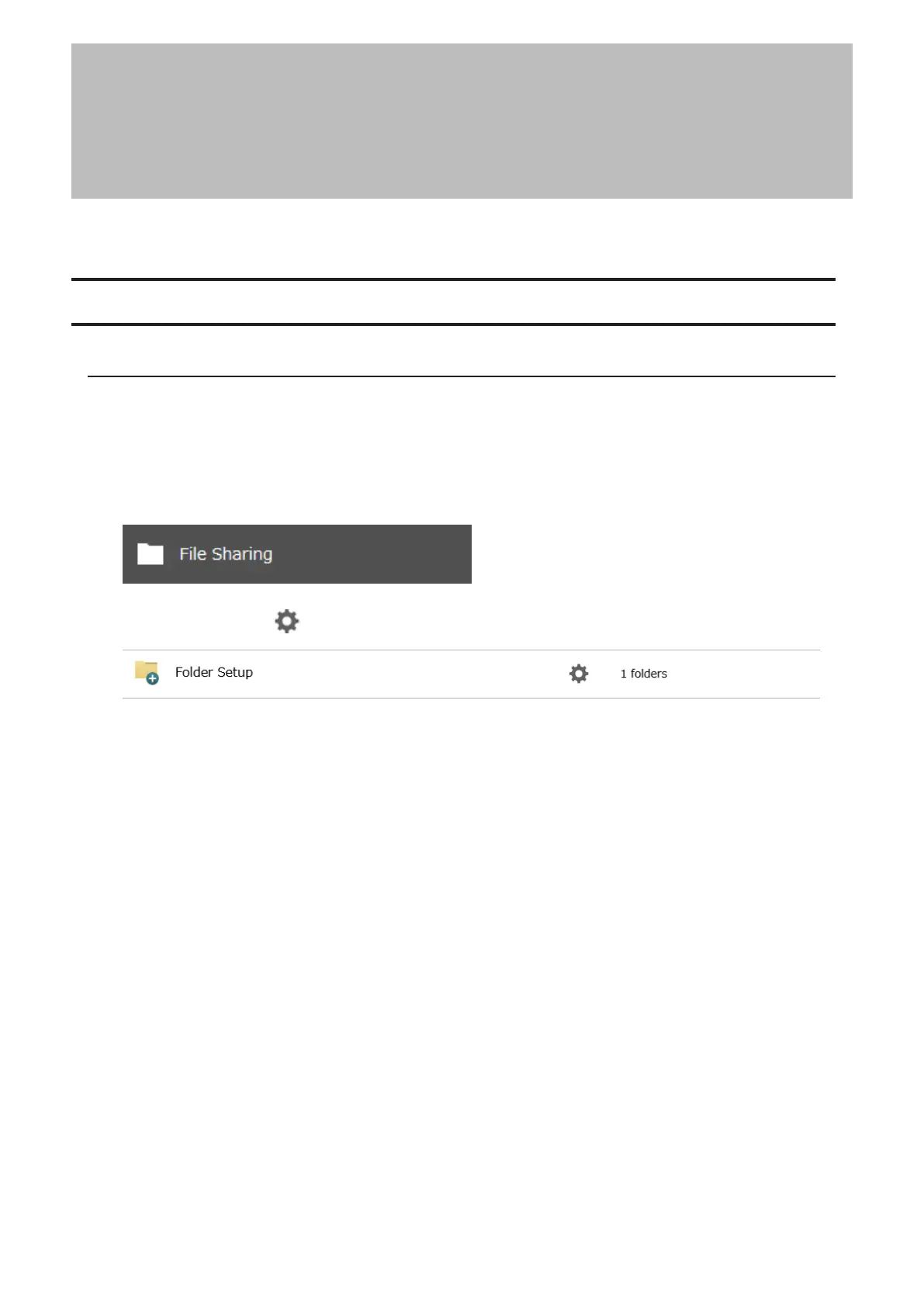
1 From Settings, click File Sharing.
2 Click the settings icon ( ) to the right of “Folder Setup”.
22











 To Next Page