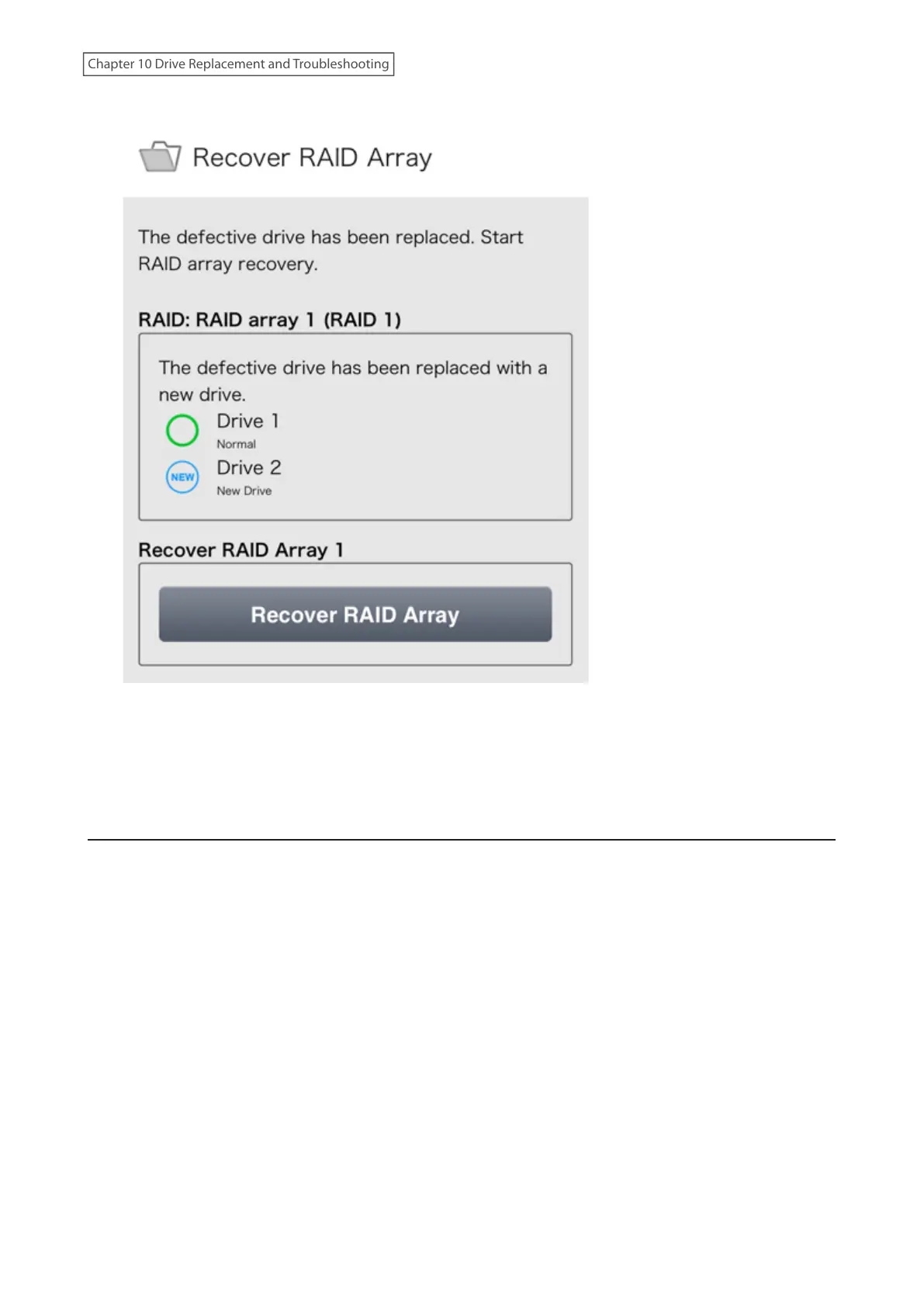
13 Tap Recover RAID Array again.
14 Tap Yes.
15 The “Confirm Operation” screen will open. Enter the confirmation number, then tap OK.
The LinkStation will start recovering the RAID array.
Drive Replacement for a RAID 0 Array
If a drive used in a RAID 0 array fails, you will need to delete the RAID array, format the replaced drive, then create a
RAID 0 array again after replacing the defective drive with a new drive.
Note: If a drive malfunctions in a RAID 0 array, all data on the RAID array will be lost. All of the settings for the shared
folders (such as access restrictions) are erased after replacing a drive in a RAID 0 array.
1 Turn the LinkStation off and remove all cables.
191
Chapter 10 Drive Replacement and Troubleshooting











 To Next Page