Logs
Displaying LinkStation’s Logs
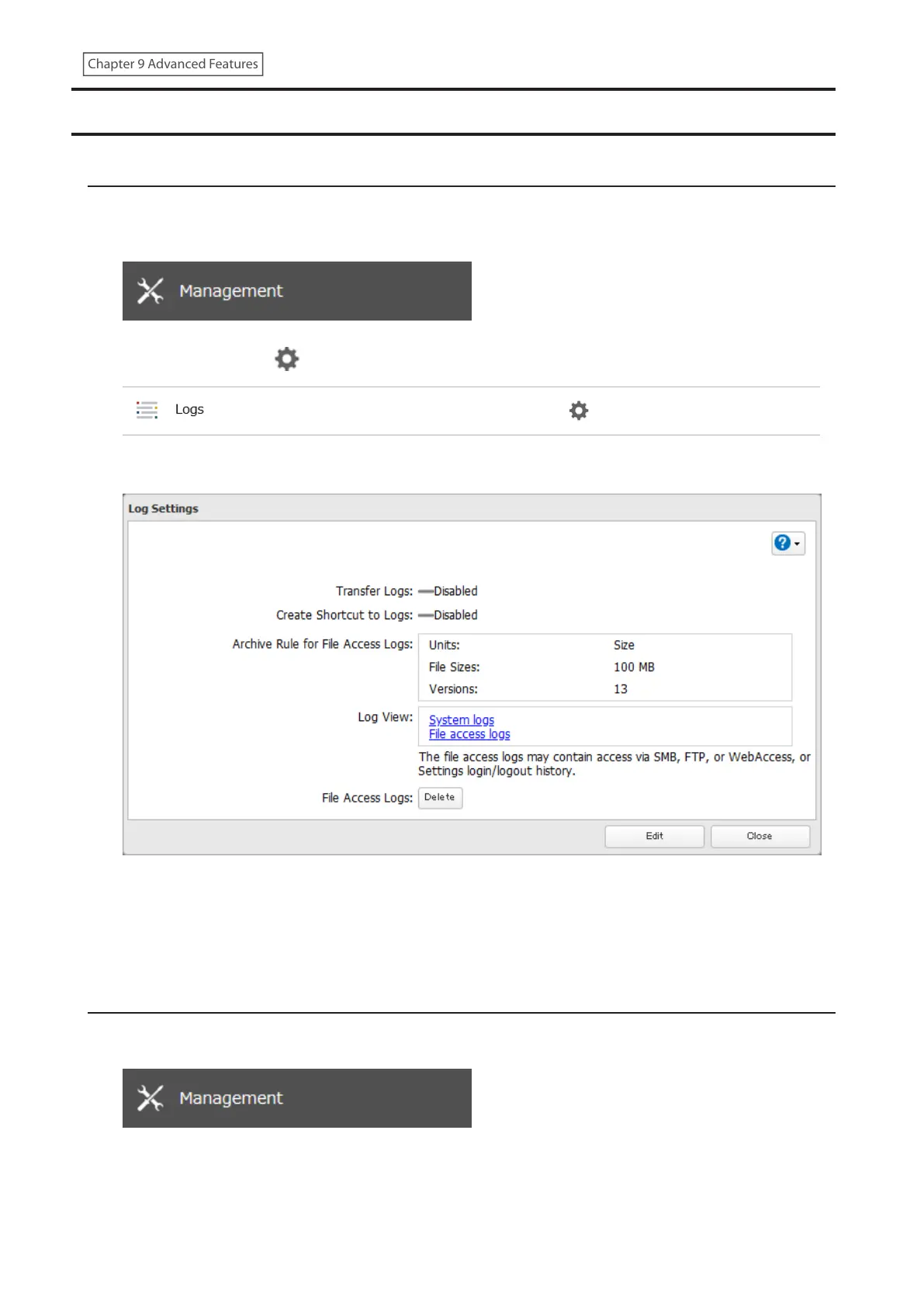
Follow the procedure to check the LinkStation’s logs.
1 From Settings, click Management.
2 Click the settings icon ( ) to the right of “Logs”.
3 Select a log to view.
The file access log stores file access events that occurred on the internal drives. File access on USB drives are
not logged.
Note: All logs are encoded in UTF-8 format. To make sure they display correctly, change the software encoding to
“UTF-8”.
Transferring Logs to the Syslog Server
1 From Settings, click Management.
173
Chapter 9 Advanced Features











 To Next Page