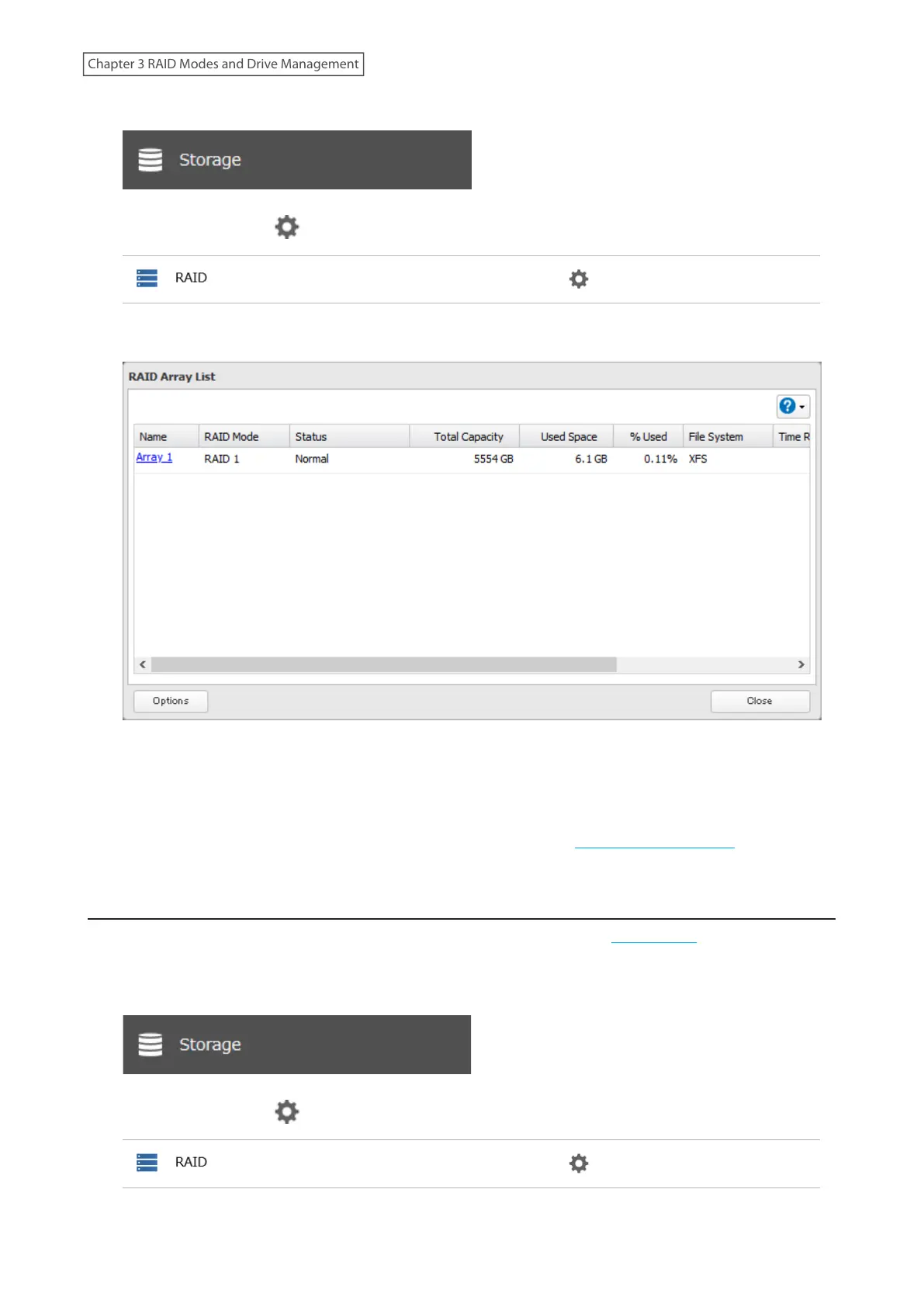
1 From Settings, click Storage.
2 Click the settings icon ( ) to the right of “RAID”.
3 Click Array 1.
4 Click Delete RAID Array.
5 The “Confirm Operation” screen will open. Enter the confirmation number, then click OK.
6 Click OK when finished. Next, create a shared folder by referring to the “Adding a Shared Folder” section in
chapter 2.
Creating a RAID Array
Before creating a new RAID array, first put the drives into JBOD by referring to the “Using JBOD” section above. Then,
follow the procedure below.
1 From Settings, click Storage.
2 Click the settings icon ( ) to the right of “RAID”.
45
Chapter 3 RAID Modes and Drive Management











 To Next Page