• If FTP is enabled, local and domain group access restrictions from the AD network will not work. Use user access
restrictions instead.
• If you allow read and write or read-only access for most users, group access restrictions are recommended.
• Depending on the domain controller’s policy settings, the domain controller may force the LinkStation to leave
the Active Directory domain. If this occurs, the LinkStation will lose the domain users and groups so if you have
configured access restrictions using domain accounts, these users will no longer be able to access shared folders.
In such a case, change the policy settings on the domain controller or let the LinkStation join the Active Directory
domain again.
Restoring Owner and Permission Settings
If you changed the owner to an unexpected user or accidentally lost permissions to a specific folder, you can follow
the procedure below to restore them.
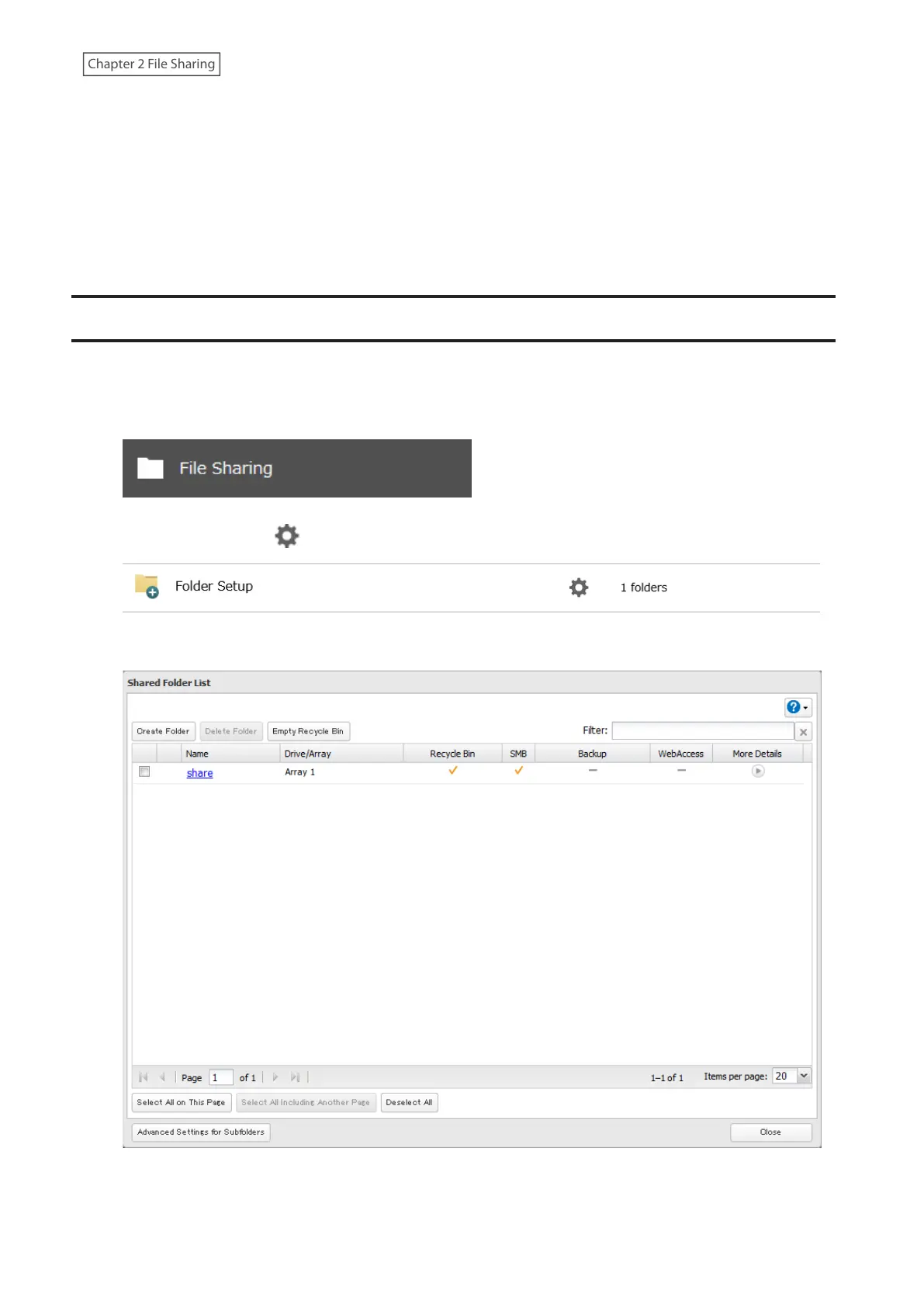
1 From Settings, click File Sharing.
2 Click the settings icon ( ) to the right of “Folder Setup”.
3 Click Advanced Settings for Subfolders.
41











 To Next Page