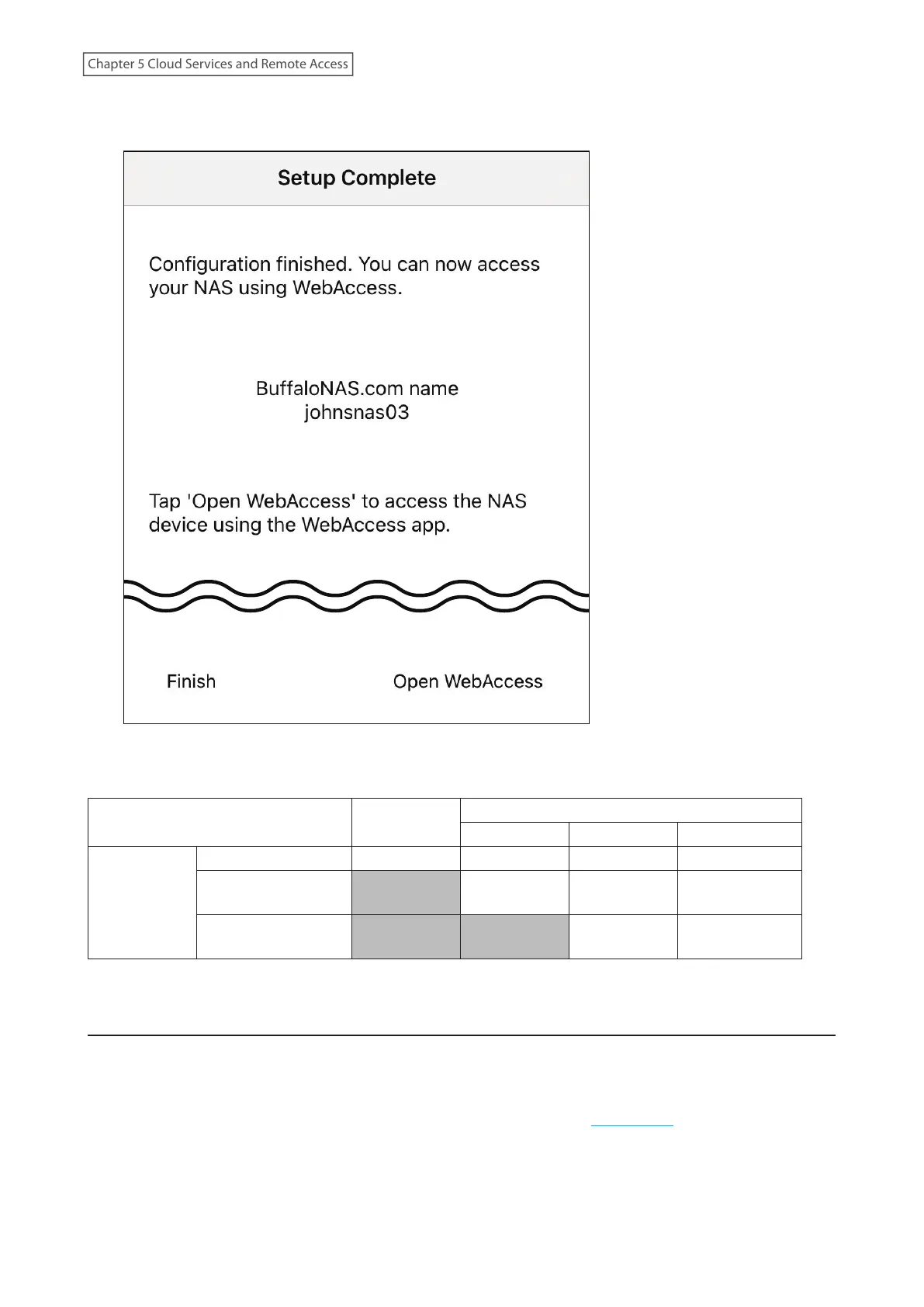
6 Tap Finish to exist the app. Alternatively, tap Open WebAccess to launch the WebAccess app and have a shortcut
to your NAS device created.
Note: Whether a user or group can access a folder through WebAccess depends on a combination of WebAccess
settings and the shared folder’s settings.
Not logged in
Access restrictions for the logged-in users
No access Read-only Read and write
WebAccess
permissions
Allow everyone R R/W R/W R/W
Allow registered
groups and users
- R/W R/W R/W
Use folder
permissions
- - R R/W
R/W: Read and write, R: Read-only, -: No access
Accessing via WebAccess
There are many ways to access WebAccess folders depending on your device:
For Mobile Devices
To access from a mobile device, install the “WebAccess” app by referring to the “WebAccess” section in chapter 1.
Refer to the help guide for the app for more detailed information on using the app.
130
Chapter 5 Cloud Services and Remote Access











 To Next Page