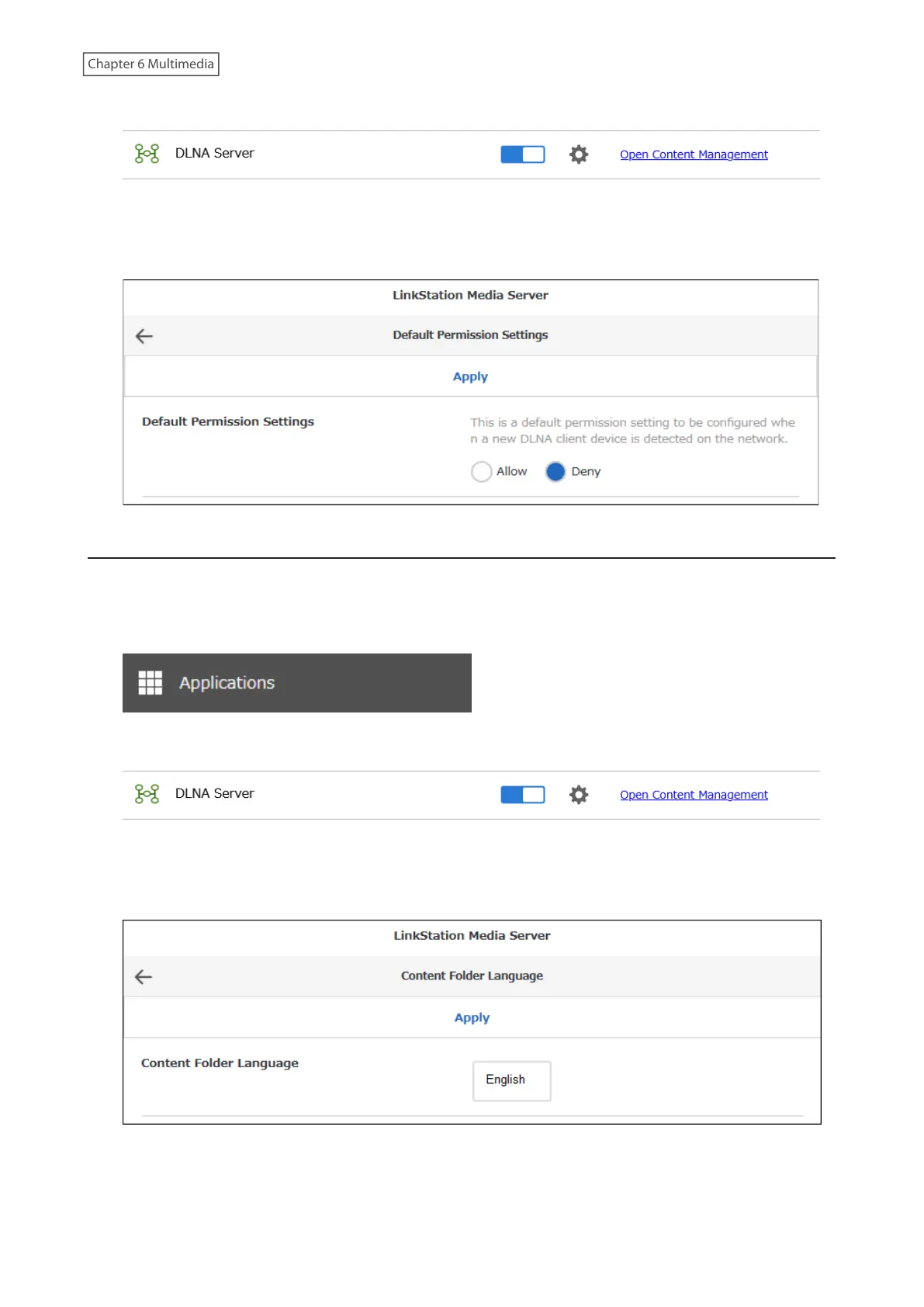
6 Click Open Content Management.
7 Navigate to Basic Settings > Device Permissions > Default Permission Settings.
8 Set to “Deny” for “Default Permission Settings” and click Apply.
Changing the Folder Display Language on DLNA Player
You can change the display language for folders on the LinkStation when accessing them from a DLNA player. It is
set to English by default.
1 From Settings, click Applications.
2 Click Open Content Management.
3 Navigate to Basic Settings > Content Folder Language.
4 Select the desired language from the drop-down list and click Apply.
142











 To Next Page