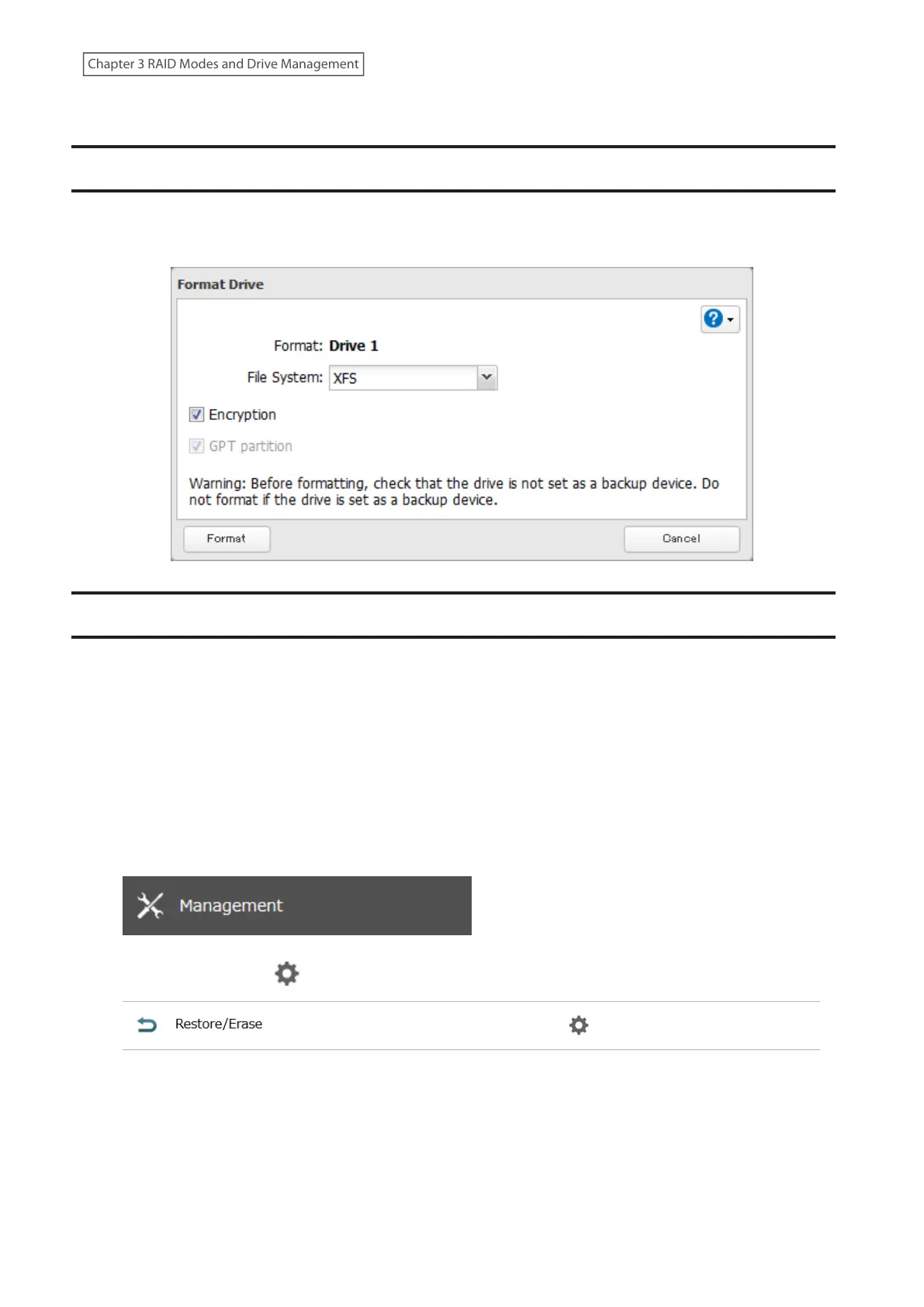
• For drives that are 2.2 TB or larger, make sure that the “GPT partition” checkbox is selected.
Encrypting Drives
Internal drives (and arrays) can be encrypted with 256-bit AES during formatting. Encrypted drives and arrays are
then readable only from that specific LinkStation. To decrypt a drive or array, clear the “Encryption” checkbox and
format it again.
Erasing Data on the LinkStation Completely
Under some circumstances, data from formatted drives can be recovered. The drive erasure process in this section
does a much more thorough job of erasing data. This procedure is recommended for removing all data from a drive
in a way that makes it nearly impossible to recover with current tools. The LinkStation will then be in the following
state:
• Both drives in JBOD
• An empty shared folder on each drive
• All settings returned to their default values
• All logs deleted
Follow the procedure below to completely and permanently erase all data from your LinkStation.
1 From Settings, click Management.
2 Click the settings icon ( ) to the right of “Restore/Erase”.
59
Chapter 3 RAID Modes and Drive Management











 To Next Page