Managing Media Files and Folders
Content management can create a folder or rename a media file title.
Note: If your LinkStation unit is running firmware version 1.00, a folder named “dummy” will be displayed under
content management as well as from DLNA devices. This folder is reserved for system use only. For safety, make sure
your unit’s firmware is updated to the latest version.
Creating Folders
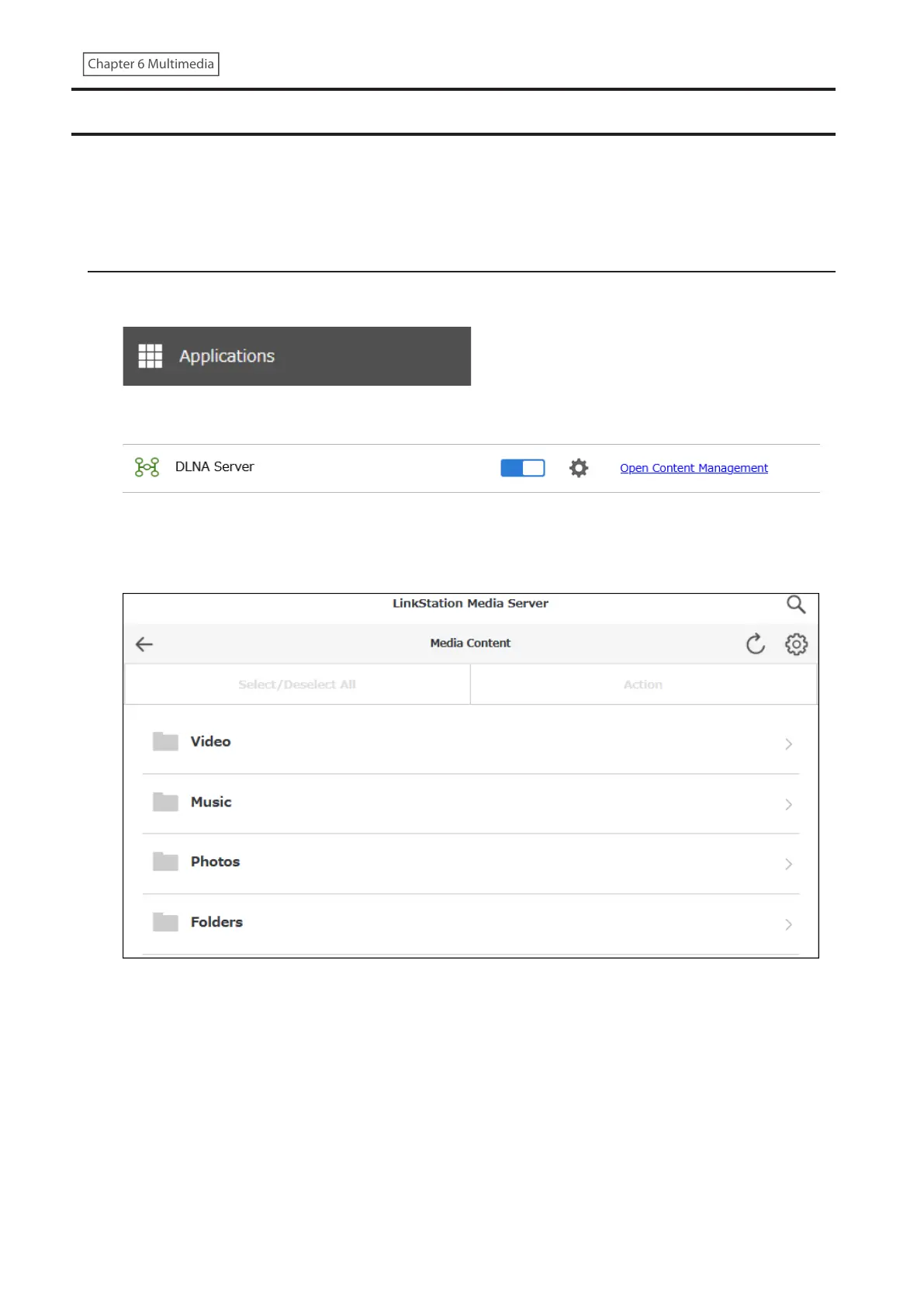
1 From Settings, click Applications.
2 Click Open Content Management.
3 Navigate to Content Management > Media Content.
4 Click Folders.
Note: The Media Content folders will be displayed in the language set under Content Folder Language.
143











 To Next Page