If the confirmation screen is not set to appear, an undetected drive will automatically be dismounted from the
LinkStation. Subsequently, the LinkStation will enter degraded mode if RAID 1 has been configured and the RAID
array will be corrupted if RAID 0 has been configured, resulting in data loss. It is recommended to proceed without
changing settings that would prevent the confirmation screen from appearing.
Selecting the Action on the Confirmation Screen
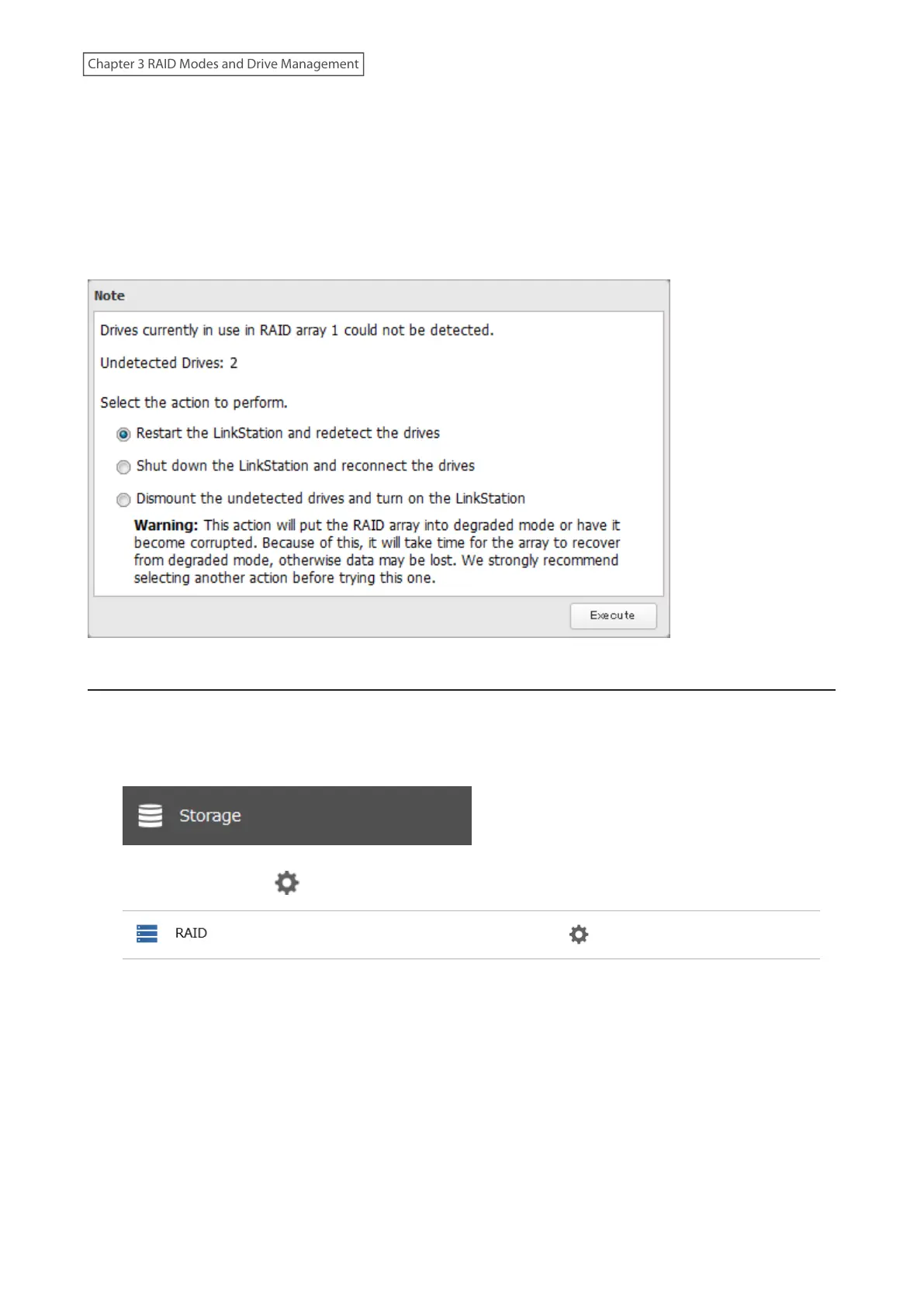
When the confirmation screen is displayed, the following screen will appear after logging in to Settings if the drive
used for the RAID array could not be mounted. Select the action to run when the screen appears.
Changing the RAID Mode using RMM
If the drives are currently in JBOD, you can use RMM (RAID Mode Manager) to create a RAID 1 array without erasing
data on the drives.
1 From Settings, click Storage.
2 Click the settings icon ( ) to the right of “RAID”.
49
Chapter 3 RAID Modes and Drive Management











 To Next Page