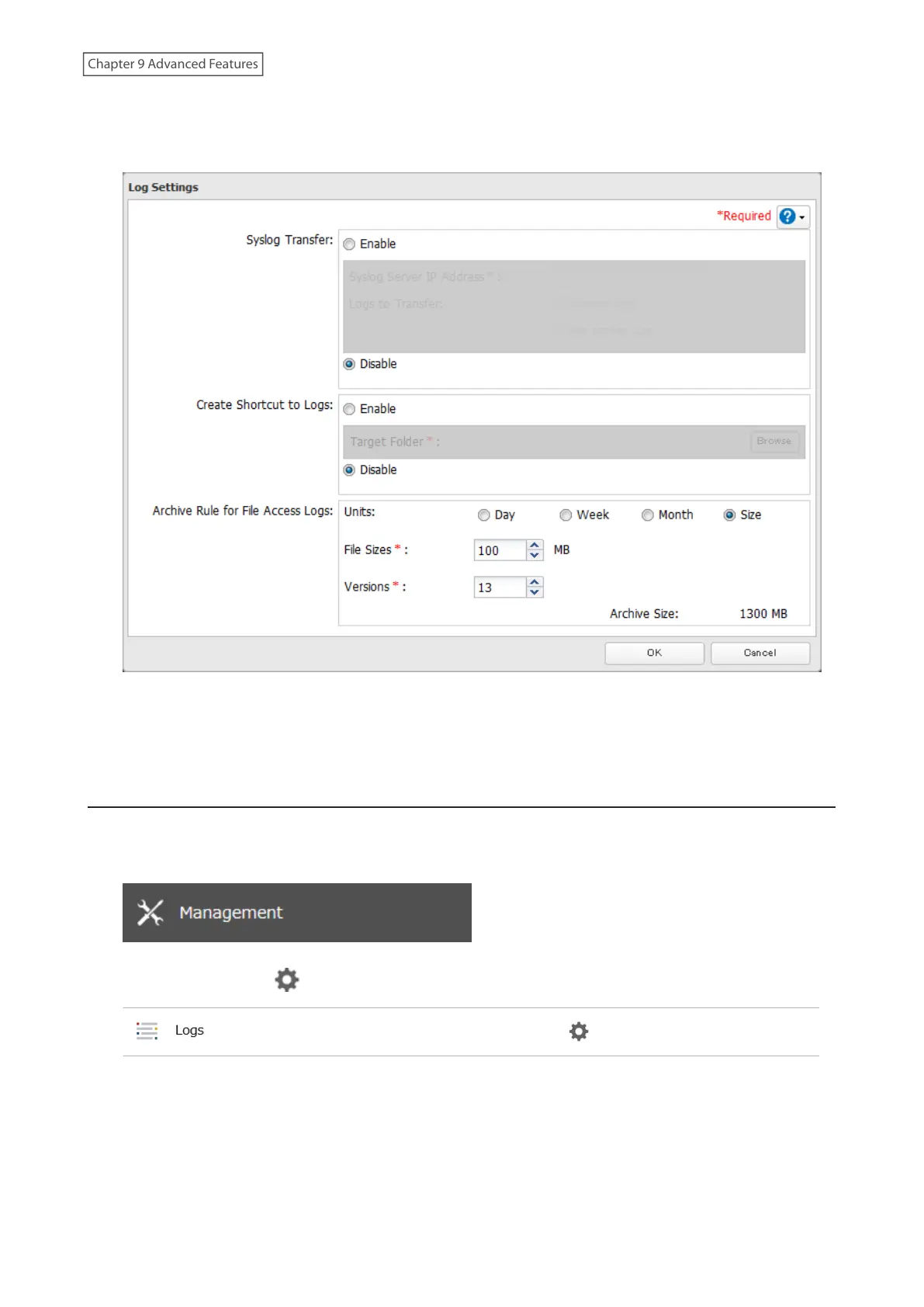
3 Click Edit.
4 Enable “Create Shortcut to Logs”.
5 Click Browse and under “Target Folder”, select the shared folder where the created shortcut will lead. Click OK.
In the selected shared folder, a folder named “system_log” will now contain the shortcuts to logs.
Changing Archive Rules for File Access Logs
You can configure how many logs are kept or how long each log will be kept on the LinkStation.
1 From Settings, click Management.
2 Click the settings icon ( ) to the right of “Logs”.
3 Click Edit.
175
Chapter 9 Advanced Features











 To Next Page