Using Microsoft Azure for Data Preservation
The LinkStation supports synchronizing with Microsoft Azure, the online cloud storage service. Once linked, you can
back up data on the LinkStation to Azure Storage, or restore data from Azure Storage to the LinkStation.
Microsoft Azure offers multiple types of storage and the LinkStation is compatible with blob storage. There are three
types of blobs: block blobs, page blobs, and append blobs. The LinkStation only works with block blobs to store
your data.
This feature is meant for situations such as disaster recovery and not a catch-all backup function. After linking the
LinkStation and Microsoft Azure, data on the LinkStation will not be bidirectionally synchronized between the
LinkStation and an Azure container.
Notes:
• Depending on the services you have purchased, prices for operations and amount of data will vary. To avoid
being charged unexpectedly expensive fees, we recommend staying aware of the price structure for data storage
and operations and regularly checking how much have been charged.
• To access data that have been backed up to the container, use “Microsoft Azure Storage Explorer”.
• If using Azure Storage through a proxy server, click Proxy Settings. From the displayed page, you can select
whether to use the configured settings or configure an identical proxy server. If using the identical proxy server,
select “New settings” and enter the proxy server name, port number, username, and password. Consult your
network administrator for detailed proxy server settings.
To link your LinkStation with a Microsoft Azure Storage account, follow the procedure below.
Creating a New Backup Job
1 From the Azure portal, create your Azure Storage account and a container before proceeding with the
procedure.
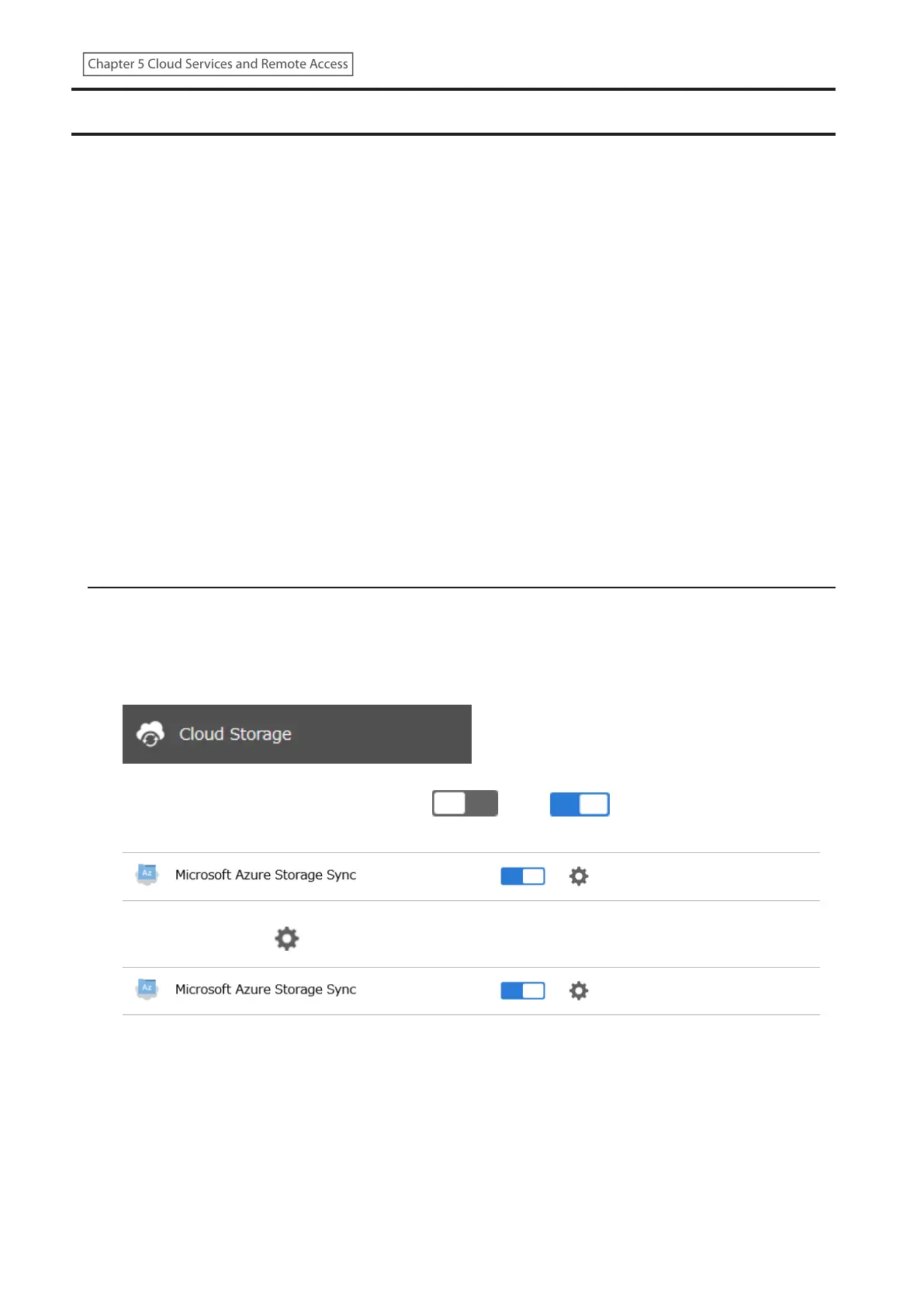
2 From Settings, click Cloud Storage.
3 Move the Microsoft Azure Storage Sync switch ( ) to the position to enable Microsoft Azure
Storage Sync.
4 Click the settings icon ( ) to the right of “Microsoft Azure Storage Sync”.
94
Chapter 5 Cloud Services and Remote Access











 To Next Page