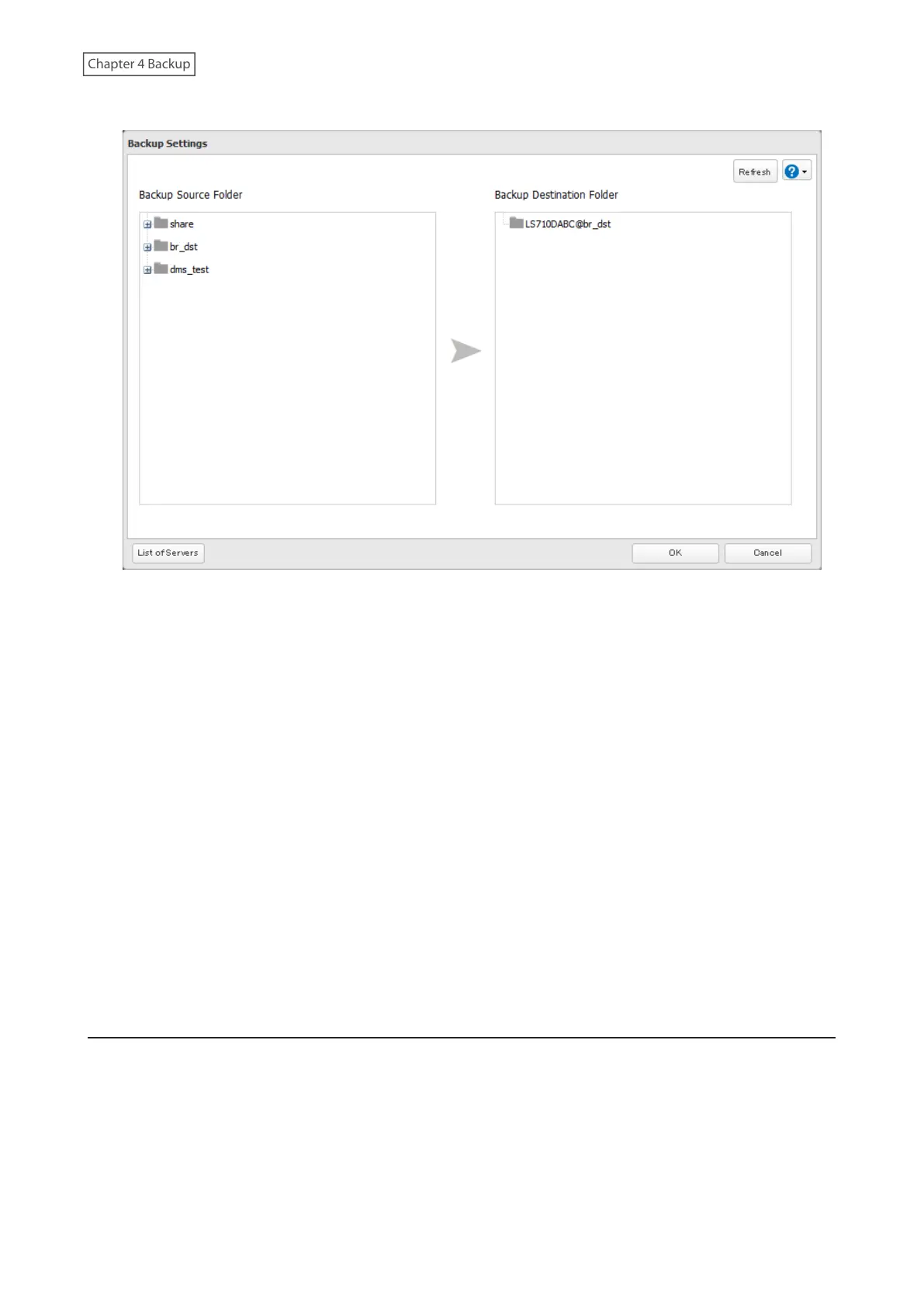
8 Select the shared folders that will be the backup source and destination.
9 Click OK, then click OK again. The backup job will be added to the backup jobs list.
Notes:
• Up to eight backup jobs can be configured at a time, and twenty-five backup source and destination folder pairs
can be used in one backup job.
• During setup, you may choose to encrypt and/or compress backup data. Encrypted data will be transferred
securely on the network. Compressed data will ease network loading and is recommended for slow or heavily-
loaded network connections. Enabling either will increase the CPU load on the source LinkStation so that
the transfer speed will become slower, and backup time will be slower than if they are disabled. Encrypted or
compressed data will be decrypted or decompressed on the destination LinkStation.
• To back up data between Buffalo NAS devices on a network using jumbo frames, make sure that both devices are
configured to use identical (or similar) MTU sizes. If MTU sizes are significantly different, the backup job may not
be properly performed. In such a case, select the default MTU size (1,500 bytes) for both devices.
• You can also specify a hostname by a fully qualified domain name (FQDN).
• Windows-based TeraStations with multibyte characters in the hostname may not be detected as a backup
destination, and folders in these devices cannot be used as backup destination folders.
• Backup data, such as “.DS_Store” files, from macOS may include characters that cannot be read on FAT32-
formatted drives in its filename. For best results, reformat the drive before using it as a backup destination.
Restoring Backup Data
The procedure for restoring backup data varies depending on the backup mode. Refer to the following subsection
corresponding to the backup mode you have used for backup. When restoring backup data, make sure you have
enough available space on the LinkStation to accommodate the backup data, otherwise the restore process will fail.
Full and Management Backups
Copy and paste the backed up files from the backup destination folder to a folder which you want to restore.
74











 To Next Page