Playing Files
To play back a file from a DLNA-compatible device:
1 Connect the DLNA-compatible device to the same network as the LinkStation and turn it on.
2 Select the LinkStation from the software of the DLNA-compatible device.
3 Select the file to be played back.
Note: For more information on playing files, refer to the DLNA-compatible devices’ manuals.
Changing Public File Type
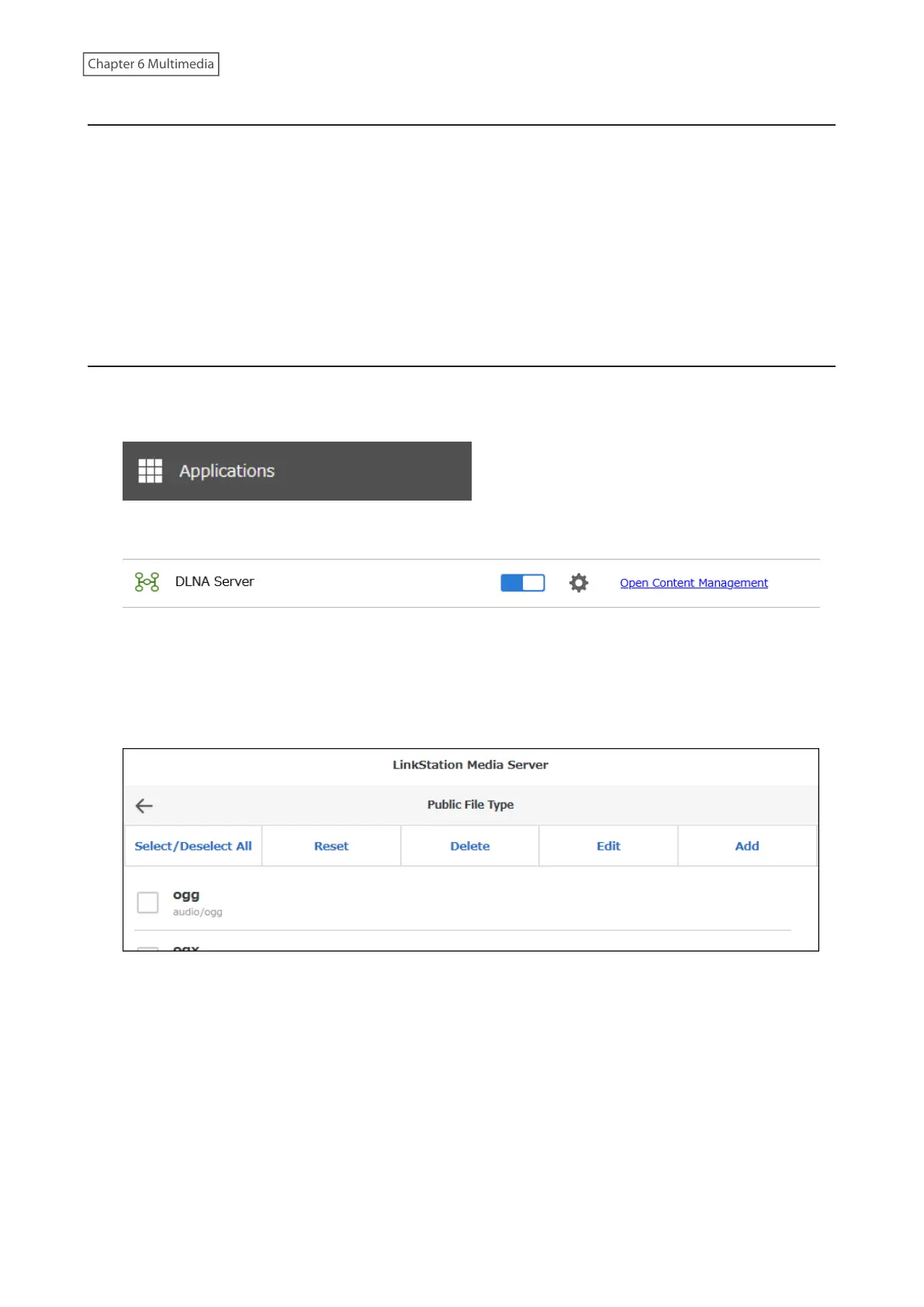
You can set the file types to public for DLNA.
1 From Settings, click Applications.
2 Click Open Content Management.
3 Navigate to Basic Settings > Public File Type.
4 The list of file types that can be stream to the DLNA player. This example shows the procedure for adding a
new file type.
Click Add.
139











 To Next Page