• Use the same username and password for both Windows and the LinkStation or you may be unable to access
shared folders.
• Do not use a name already in use as a group name; do not use any of the following words as a username as these
words are reserved for internal use by the LinkStation: _lldpd, adm, admin, administrator, admins, all, apache,
audio, avahi, avahi-autoipd, backup, bin, cdrom, crontab, daemon, dialout, dip, disk, fax, floppy, ftp, ftpuser, fuse,
games, gnats, guest, guests, halt, hdusers, irc, kmem, libuuid, list, lp, mail, man, messagebus, mysql, netdev, news,
nobody, nogroup, none, ntp, openldap, operator, plugdev, proftpd, proxy, puppet, root, rpc, rpcuser, sambashare,
sasl, shadow, shutdown, snmp, splx, src, ssh, sshd, staff, statd, sudo, sync, sys, syslog, tape, tmhttpd, tty, users,
utmp, uucp, video, voice, winbindd_priv, www, www-data
Importing User Information
You can import users in File Sharing > Users by clicking Import CSV File.
An example format for user data: Username (required), password (required), and user description (optional).
Example 1: Importing usernames, passwords, and comments
username1,password1,comment1
username2,password2,comment2
username3,password3,comment3
Example 2: Importing usernames and passwords
username1,password1,
username2,password2,
username3,password3,
Guidelines:
• Use commas (,) as separators. Do not put spaces before or after commas. If you don’t want user descriptions, use
a comma after the password at the end.
• If a line is in an incorrect format, the username entered on that line will not be registered.
• If an unavailable name is used by a user or if the username already exists, an error will occur and cancel the
import process. User whose usernames were entered during or after the error occurs will not be imported.
• Do not use commas (,) in the username, password, or user description.
Note: Imported users are added to the “hdusers” group automatically.
Adding a Group
Note: You may add up to 300 groups. However, if there is a large number of created groups, folders may take a
longer time (up to 20 minutes) to access.
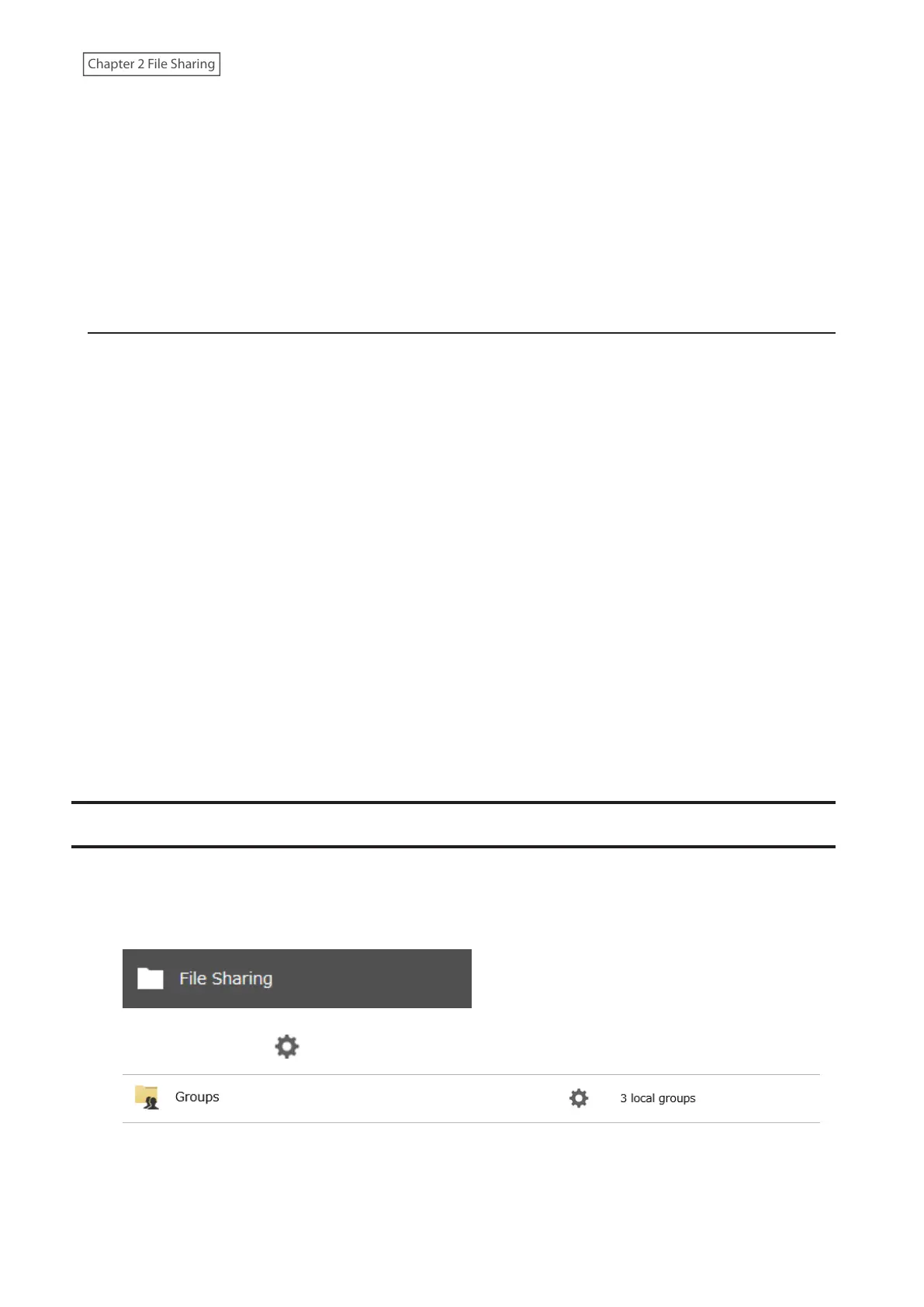
1 From Settings, click File Sharing.
2 Click the settings icon ( ) to the right of “Groups”.
32











 To Next Page