Code Description Corrective Action
activityLimitReached
There are too many requests so
data could not be synchronized.
Check that the same Microsoft account
is used on another Buffalo NAS device
or Microsoft software. This error may be
resolved by reducing the maximum number
of threads per job on the window that
appears by navigating to the job list and then
clicking Common.
network_error
Could not register the
authentication code.
Check that the network or proxy server
settings are correct.
Unexpected error Unknown error.
Please wait for about 10 minutes and try
again.
WebAccess
WebAccess is a software utility for accessing the files in the shared folder of your LinkStation from your computer
or mobile devices through the Internet. Be careful when configuring WebAccess. Certain settings can make the
files in the shared folder available to anyone on the Internet, without any access restrictions.
Note: WebAccess supports downloading up to 10,000 files at a time. Attempting to download 10,000 or more files at
a time may result in unexpected behavior.
Configuring WebAccess
You can configure WebAccess from a computer or a mobile device. Follow the appropriate procedure below to
configure WebAccess.
Using a Computer
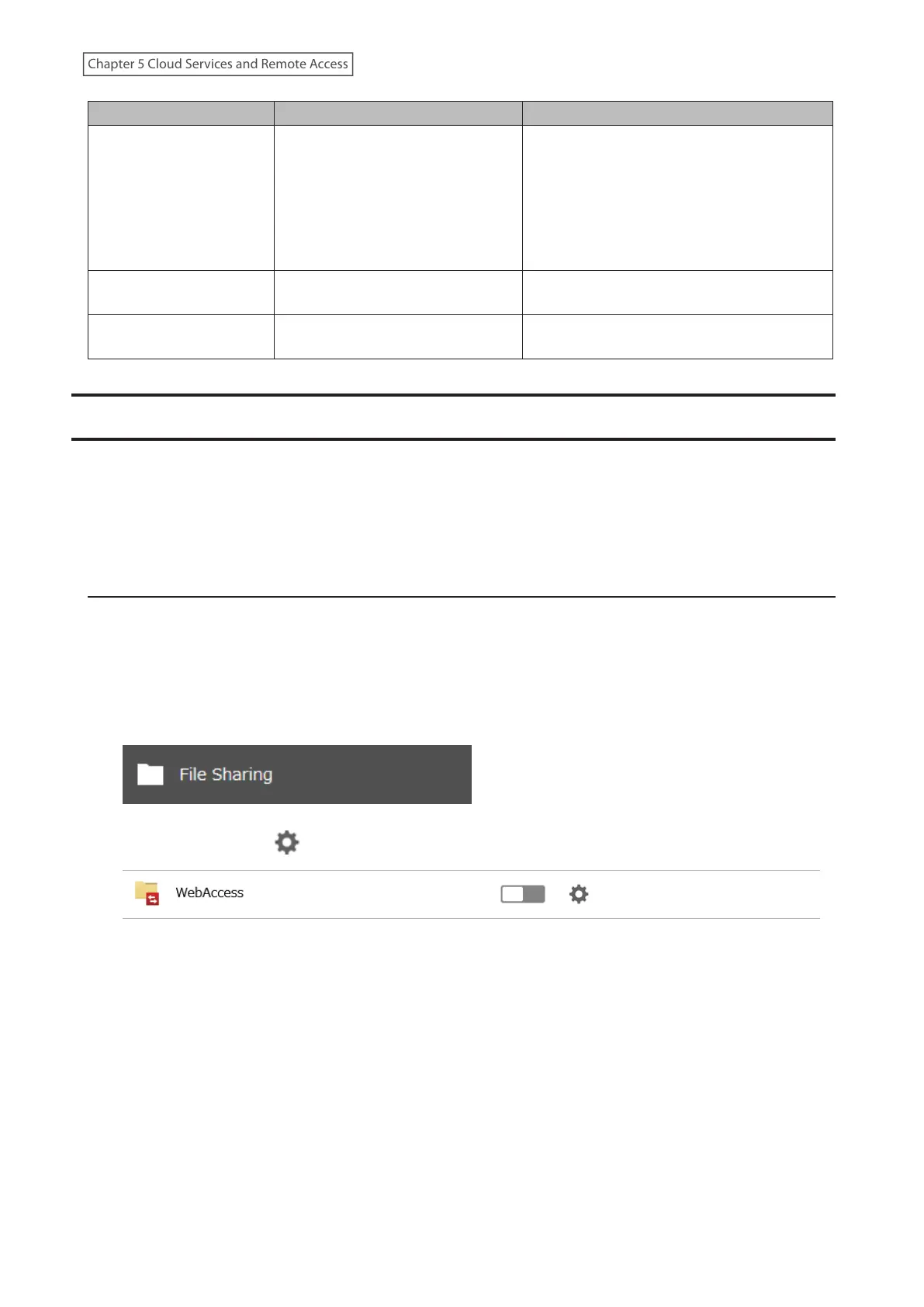
1 From Settings, click File Sharing.
2 Click the settings icon ( ) to the right of “WebAccess”.
3 Click Edit.
123
Chapter 5 Cloud Services and Remote Access











 To Next Page