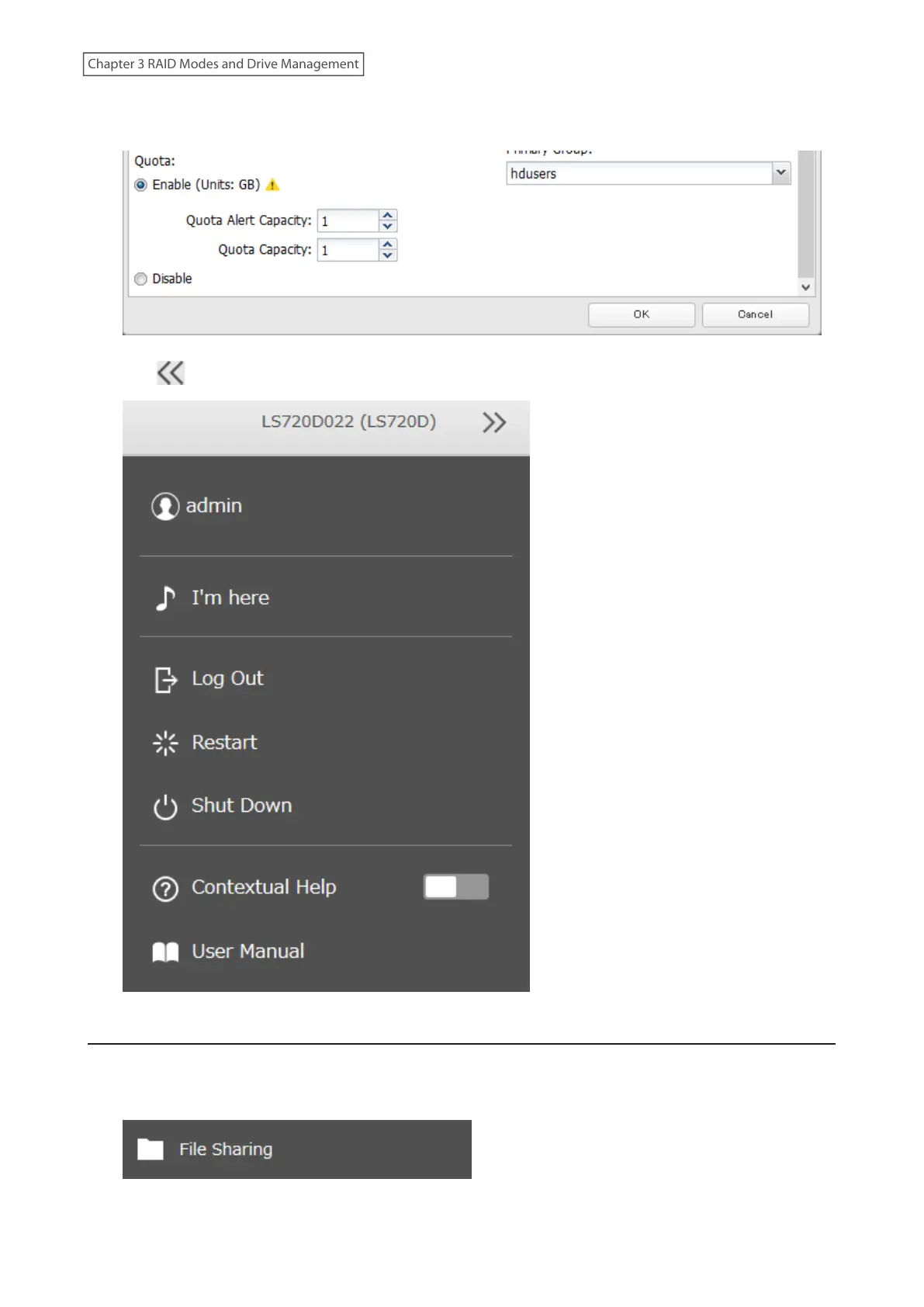
4 Enable quotas, choose the alert and the maximum amount of space the user will be allowed to use, and click
OK.
5 Click at the top-right of Settings and choose Restart.
Quotas for Groups
Follow the procedure below to limit the space for shared folders that each group can use.
1 From Settings, click File Sharing.
61
Chapter 3 RAID Modes and Drive Management











 To Next Page