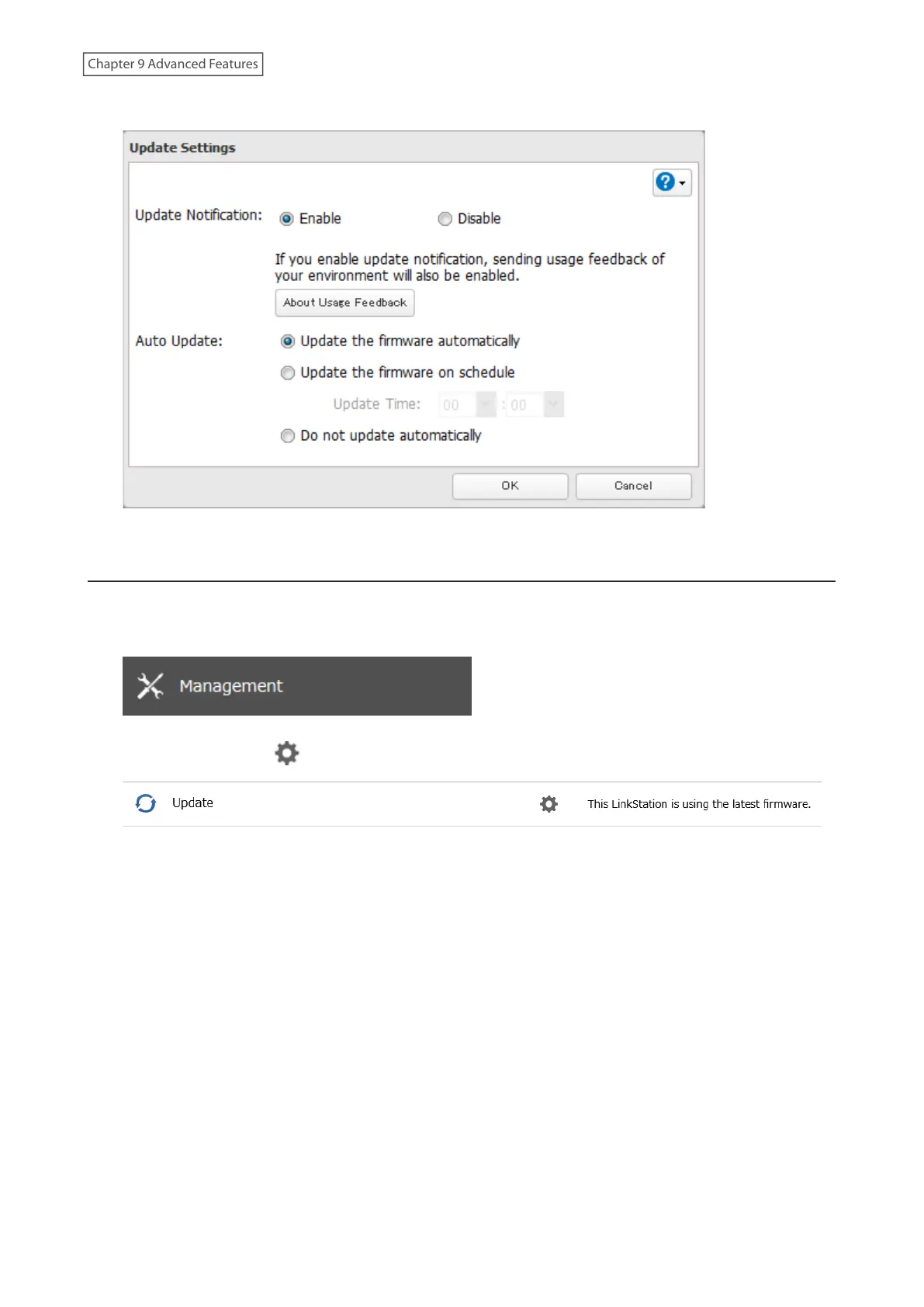
4 Select “Update the firmware automatically” and click OK.
Alternatively, you may choose to schedule updates to occur during a specific time of day.
Configuring Update Notification
Configure whether or not to receive a notification when a new firmware version becomes available.
1 From Settings, click Management.
2 Click the settings icon ( ) to the right of “Update”.
3 Click Edit.
178
Chapter 9 Advanced Features











 To Next Page