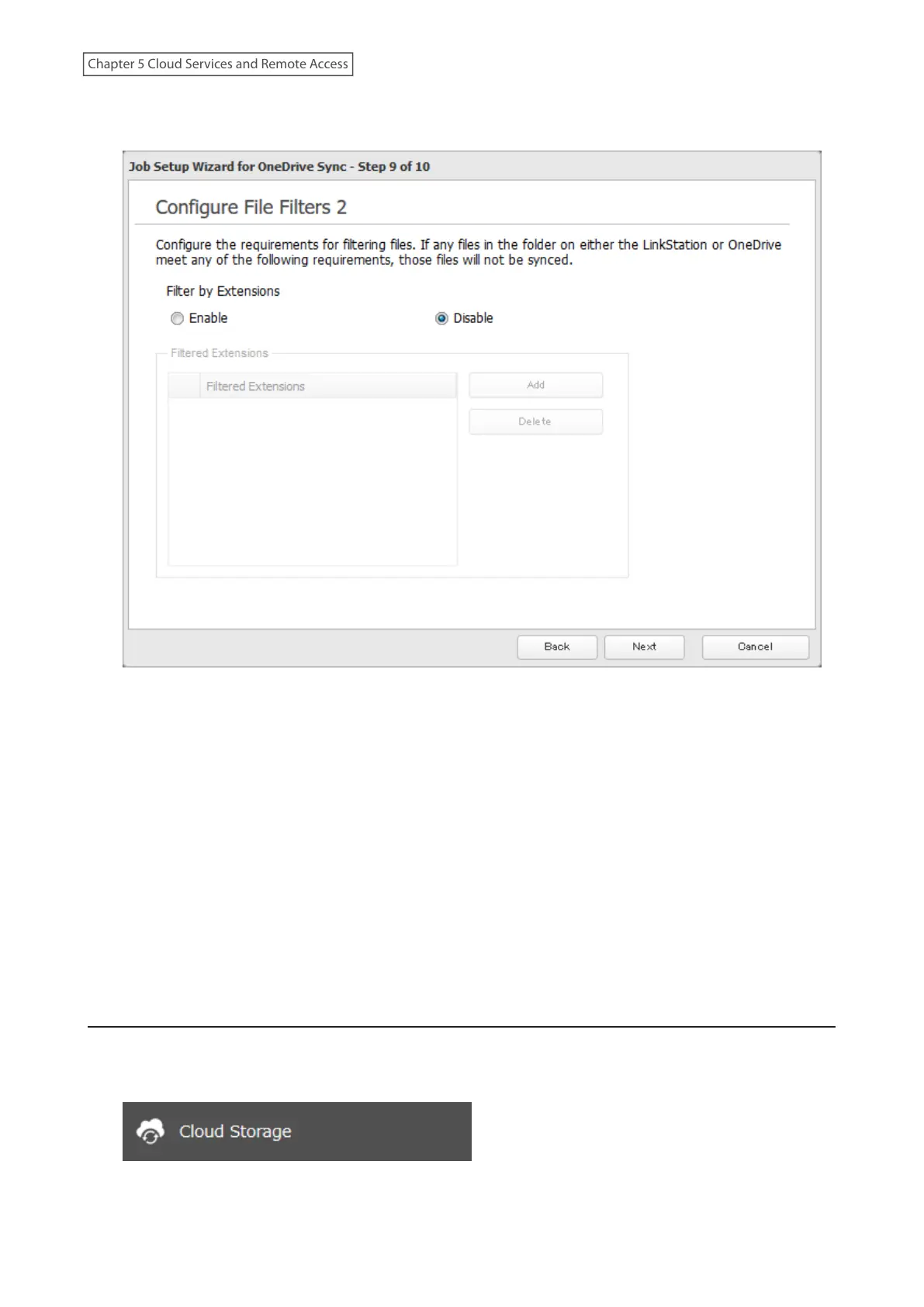
14 The following screen is available to configure file filtering by extensions. Configure the desired filtering
settings and click Next.
15 Confirm that all settings are properly configured and click OK.
16 Click OK when finished.
Notes:
• Files whose filename contains the symbols " # % & * / : > < ? \ } { ~ may fail to be synchronized. This symbol
limitation is based on “Normalization Form Canonical Composition (NFC)”. If you copy files that contain any of
these symbols to a LinkStation folder from macOS, the filenames may be converted to different ones that don’t
contain these symbols.
• Depending on your network environment, you may fail to download larger files. To prevent this issue, divide a
larger file into smaller files or compress the files to a smaller size before uploading them to OneDrive.
• If a file’s size is zero bytes, a sync error occurs and the file will not be synchronized. The I64 message will appear
on the Dashboard in Settings and NAS Navigator2.
Changing Job Settings
Follow the procedure below to change any job settings you have already configured.
1 From Settings, click Cloud Storage.
119
Chapter 5 Cloud Services and Remote Access











 To Next Page