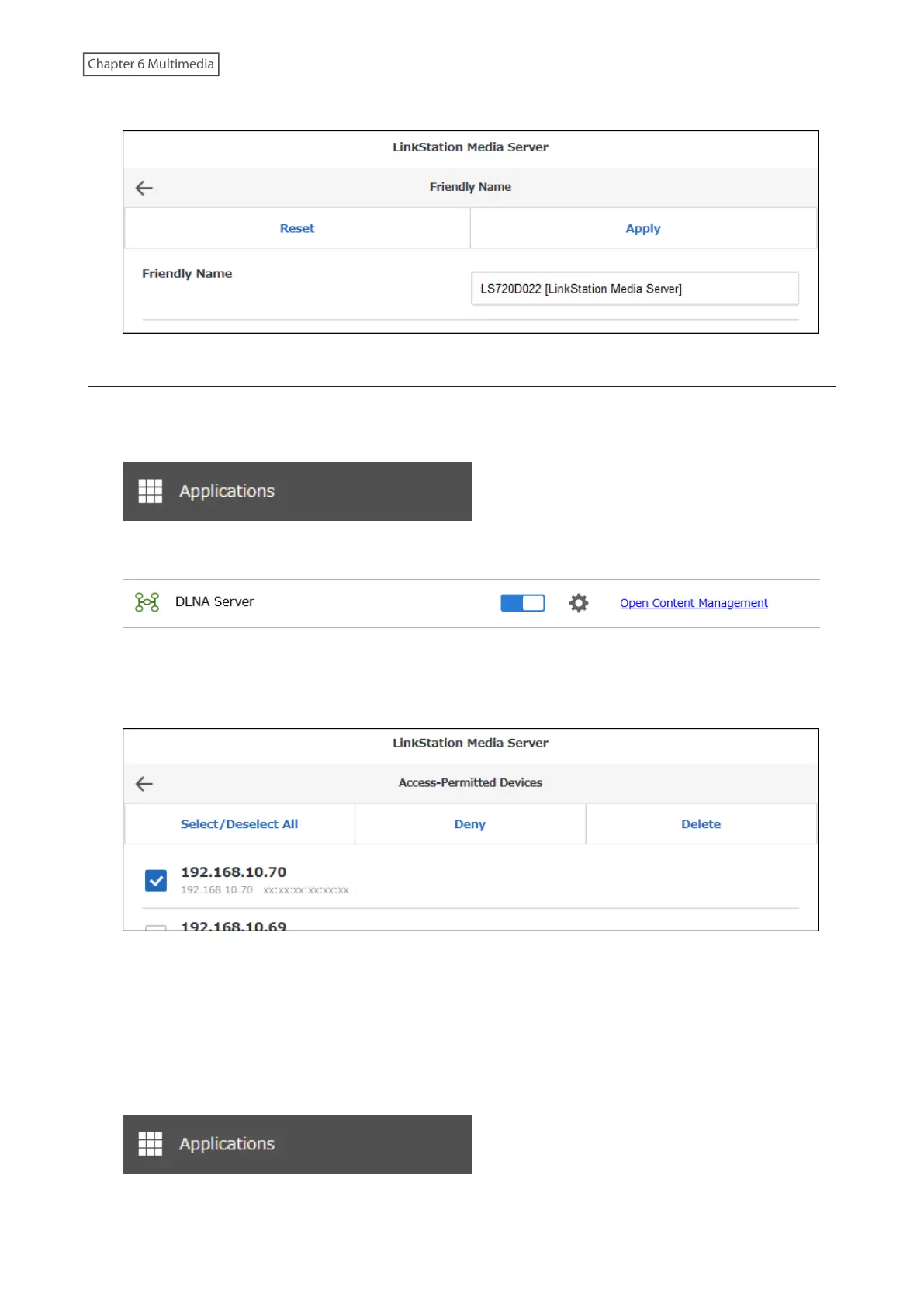
4 Change the friendly name to the desired name and click Apply.
Restricting the Device Access
You can allow or deny the DLNA players on the network access to the LinkStation.
1 From Settings, click Applications.
2 Click Open Content Management.
3 Navigate to Basic Settings > Device Permissions > Access-Permitted Devices.
4 Select the devices to be denied access and click Deny.
Note: If you want to return access-denied devices to access-permitted devices, navigate to Device Permissions >
Access-Denied Devices, select the devices to have access restored, and click Allow.
By default, a newly-detected device will automatically be set as an access-permitted device. This setting can be
changed by following the steps below.
5 From Settings, click Applications.
141











 To Next Page