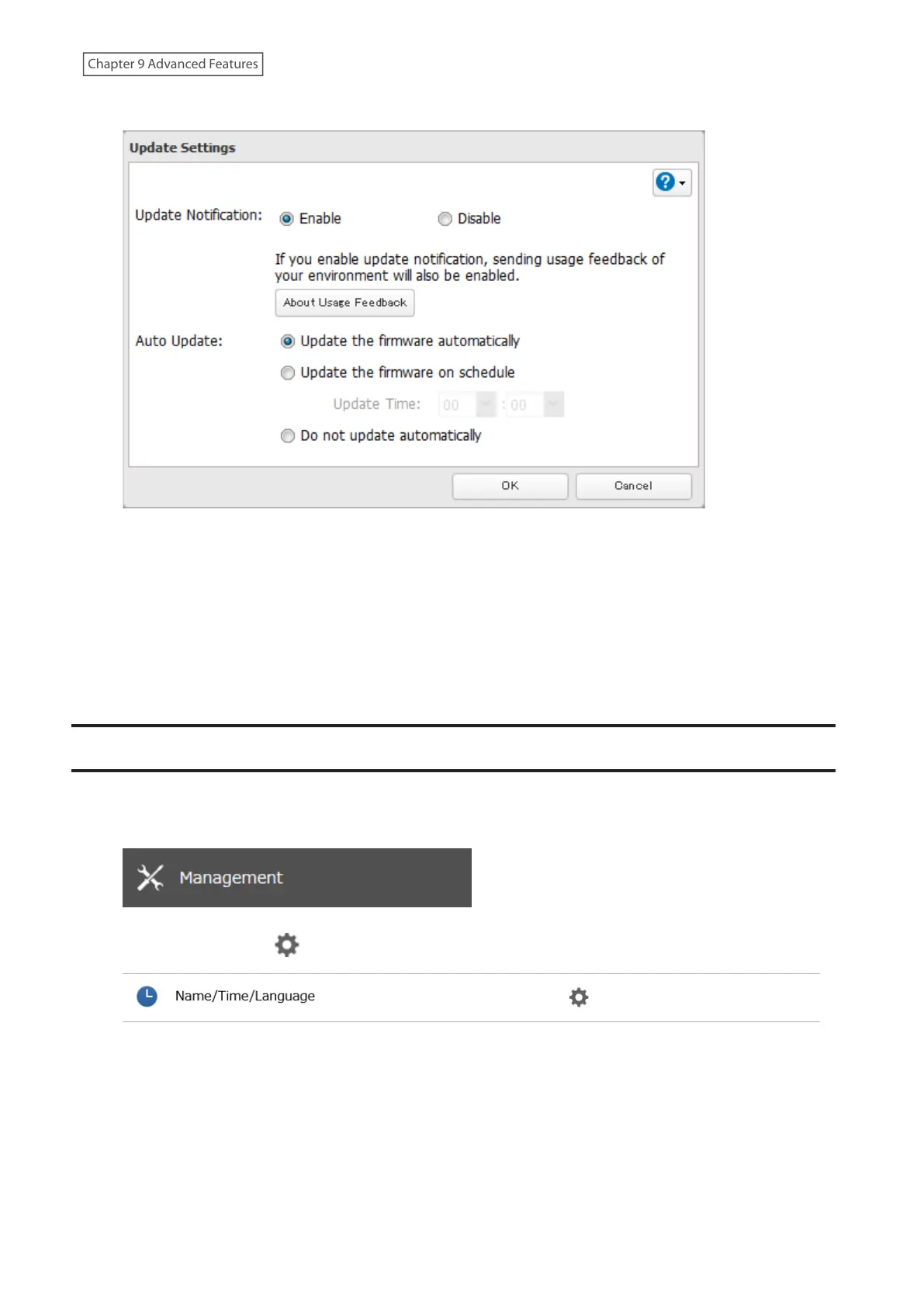
4 Select to enable or disable update notification and click OK.
For further optimized firmware updates and product usability improvements, Buffalo may ask you to send your
usage and environment information, such as the number of shared folders and client computers, and/or S.M.A.R.T.
information. The collected information will only be used for improving future firmware stability and product
development and no other purposes.
If update notification is enabled, it will also automatically enable sending usage feedback to Buffalo. If you don’t
want to send this information to us, disable update notification.
Note: If a backup job is running and the update time arrives, auto update will be skipped. After backup is finished,
auto update will run at the next upcoming update time.
Name, Date, Time, and Language
Configure the LinkStation’s hostname, date, time, and language as shown below.
1 From Settings, click Management.
2 Click the settings icon ( ) to the right of “Name/Time/Language”.
3 Click Edit.
179
Chapter 9 Advanced Features











 To Next Page