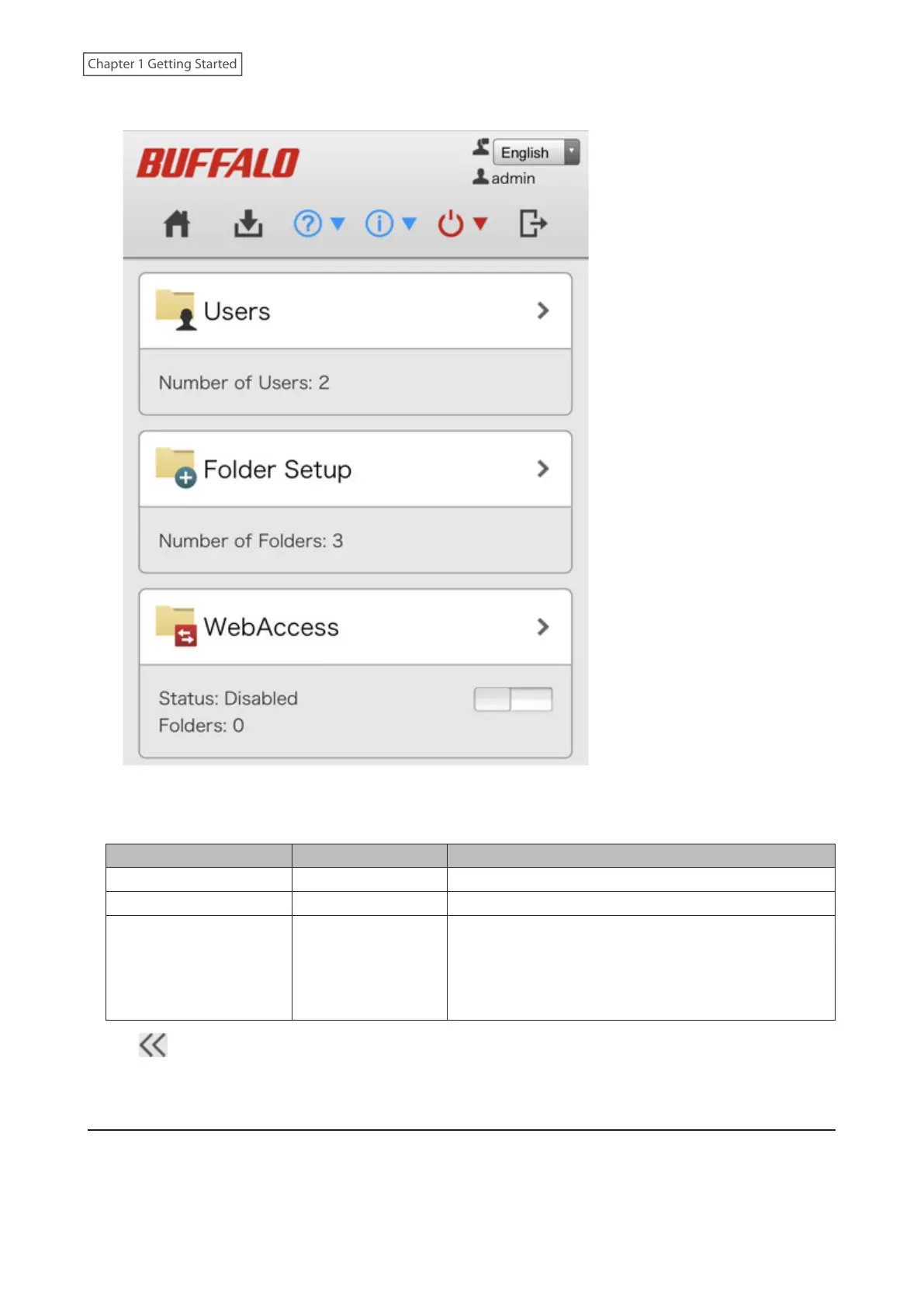
5 Settings will be displayed.
Notes:
• Username/Password Combinations:
Username Password Settings Available
admin (default) password (default) All
guest blank Guest user information
Your username Your password
If a user is assigned as an administrator, all settings are
available. If assigned to a power users group, creating
or editing shared folders, users, and groups is available.
If assigned to a general users group, only changing the
password of logged-in users is available.
• Click at the top-right of Settings from a computer and choose I'm here to have the LinkStation beep so it can
be located easily.
Using the Setup Wizard
When you access Settings for the first time, or after initializing the LinkStation’s settings, the setup wizard will
automatically appear to help you configure several LinkStation settings, such as changing admin password and
proxy server settings.
17
Chapter 1 Getting Started











 To Next Page