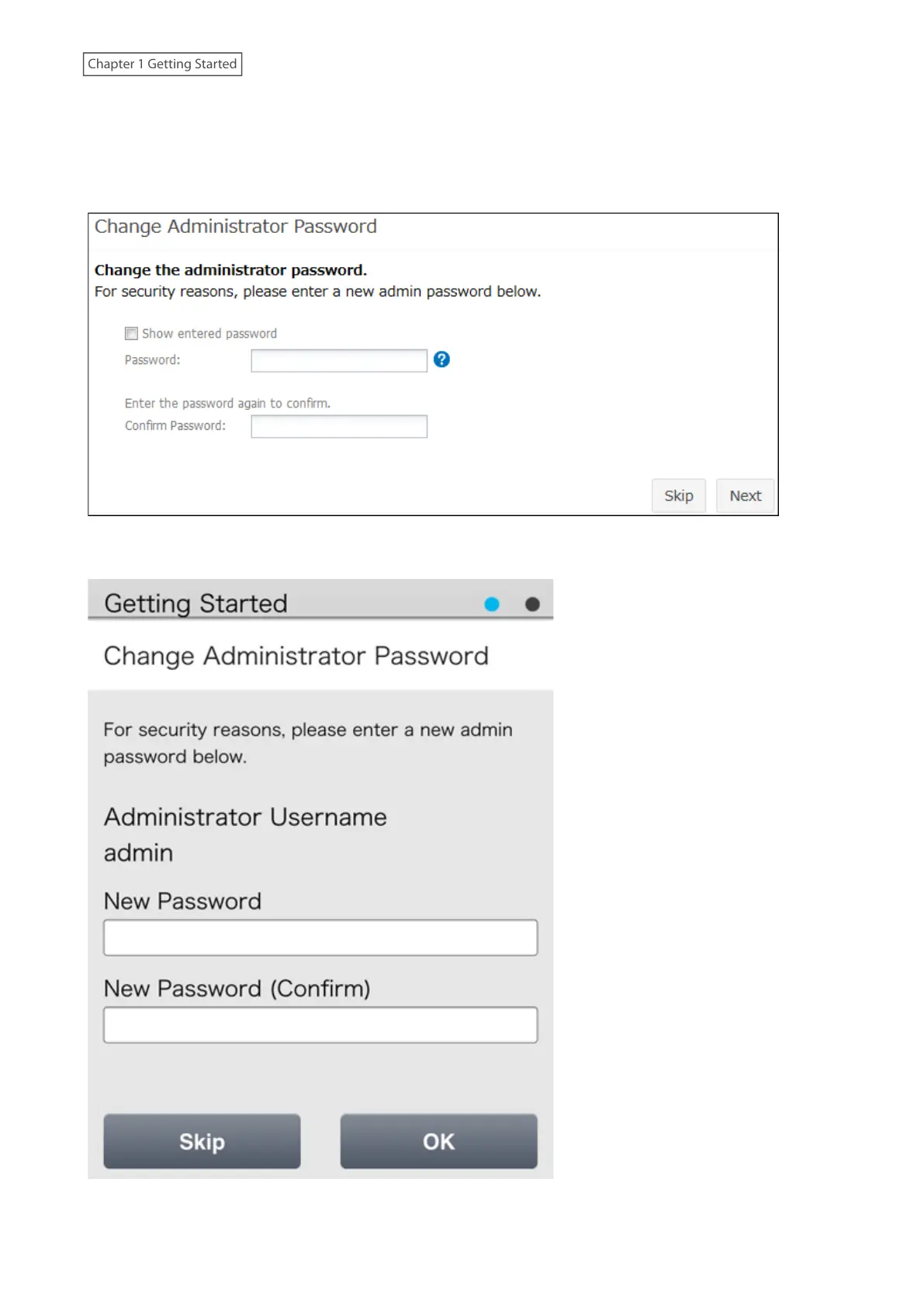
Example screens of the setup wizard are displayed below. Step through the wizard to configure any desired settings.
If there is any setting you would like to configure later, click Skip to move to the next setup wizard screen, or click
Cancel to exit the wizard. You may run the setup wizard at a later time after initial setup, or after system initialization.
Example of Setup Wizard Screen from a Computer
Example of Setup Wizard Screen from a Mobile Device
To launch the setup wizard at a later time, follow the procedure below.
18
Chapter 1 Getting Started











 To Next Page